The TCL Q6C is the best Mini LED TV you can buy in India for around ₹50,000. Its black levels and colour accuracy are class-leading at this price, its 144Hz panel makes it a strong gaming display, and its Onkyo sound system is better than most sets twice the money. Viewing angles, SD upscaling and highlight clipping are its real limits. TCL’s own C7K at ₹75,000 remains the better television if your budget stretches.
Pros
- Class-leading black levels for the money
- Natural, unforced colours and believable skin tones
- Native 144Hz panel with a full gaming feature set
- Loud, coherent Onkyo 2.1 sound
Cons
- Colour drains past roughly 45 degrees off-axis
- Weak 720p and SD upscaling
- Clipping in the brightest HDR highlights
- Plastic build, and only two of the four HDMIs are 2.1
Key facts at a glance
- Price: around ₹50,000 for the 55-inch (also available in 65, 75, 85 and 98 inches)
- Dimming zones, 55-inch: 180. Not the 512 on the marketing material, which belongs to the 98-inch model
- Panel: 4K HVA LCD, Mini LED backlight, Quantum Dot colour, native 144Hz
- HDR: Dolby Vision, HDR10+, HDR10, HLG. IMAX Enhanced certified
- HDMI: four inputs, two of them 48Gbps HDMI 2.1, one of those doubling as eARC
- Sound: Onkyo-designed 2.1 with two rear woofers, Dolby Atmos and DTS Virtual:X
- Software: Google TV, with no home-screen ads and no bloatware
- Best settings: Movie mode, Local Dimming High, Peak Luminance High, Motion Clarity off, Dynamic Colour off, Dynamic Tone Mapping on Balance
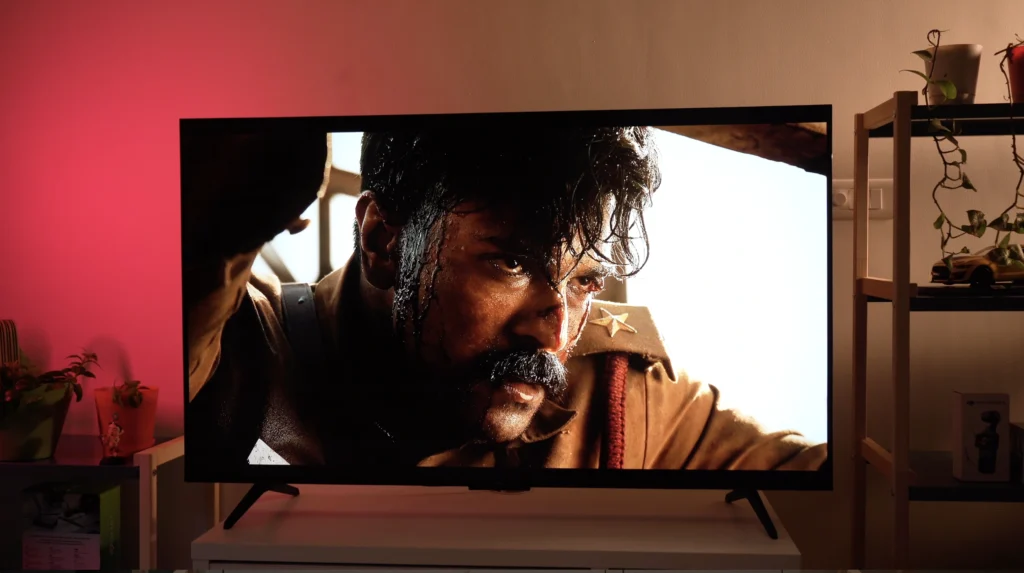
TCL has spent the past three or four years rewriting what a cheap television is allowed to do, and in India the Q6C is the most aggressive move it has made yet. For roughly ₹50,000 the 55-inch model gives you Mini LED backlighting with local dimming, a Quantum Dot colour layer, a native 144Hz panel, Dolby Vision, HDR10+, IMAX Enhanced certification and Google TV – a specification sheet that reads as though a digit has gone missing from the price.
On paper, then, this looks like a mid-range television being sold as an entry-level one.
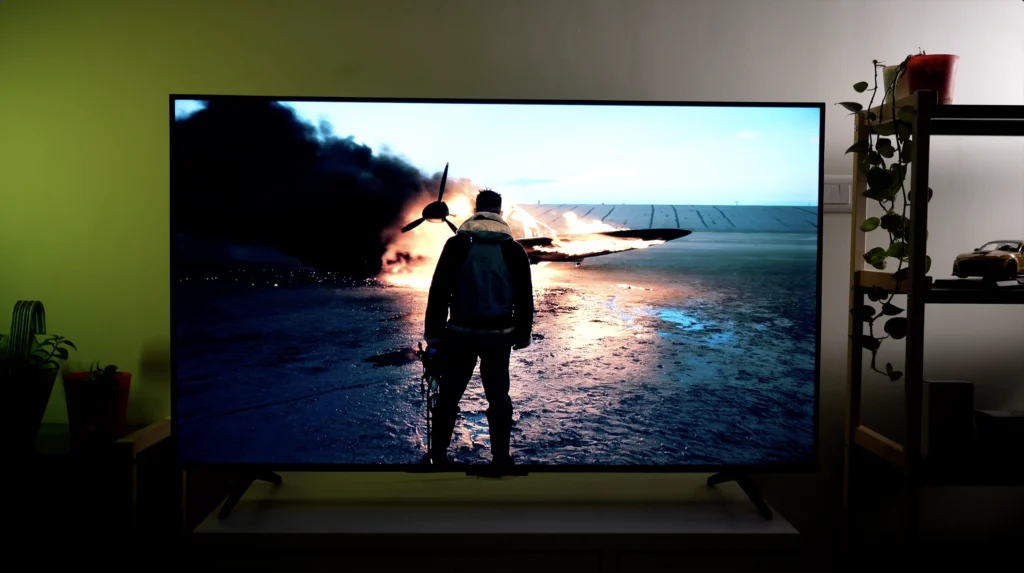
We have been around this block often enough to know that a specification sheet on its own guarantees nothing, because local dimming can pump and stutter, colour can be cranked for showroom lighting, and a 144Hz panel is worth very little bolted to processing that cannot keep up. There is usually a catch with a television this cheap – and it is usually sitting in the picture. So I bought one at full retail price, put it in my own living room, and spent a month watching 4K Blu-rays, cricket and PS5 games on it before writing anything down.
TCL Q6C vs C6K: are they the same TV?
TCL sells this set as the Q6C on Amazon and as the C6K on Flipkart, and it tells us the two are identical. Further up its range, though, TCL’s ‘C’ variants have sometimes carried a different panel coating to their supposedly identical ‘Q’ siblings, and matte against glossy makes a genuine difference to black depth and reflection handling.
Design and build
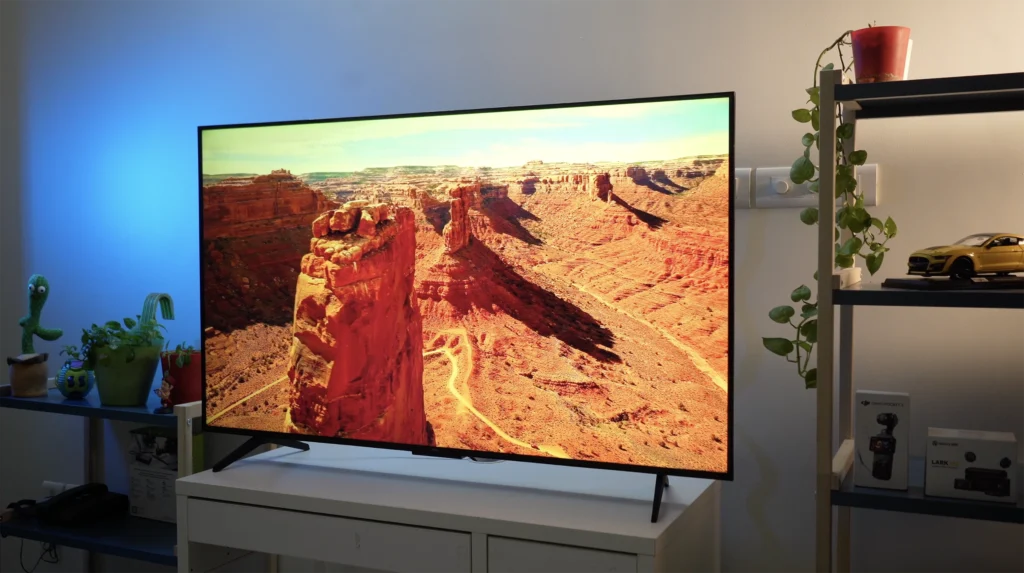
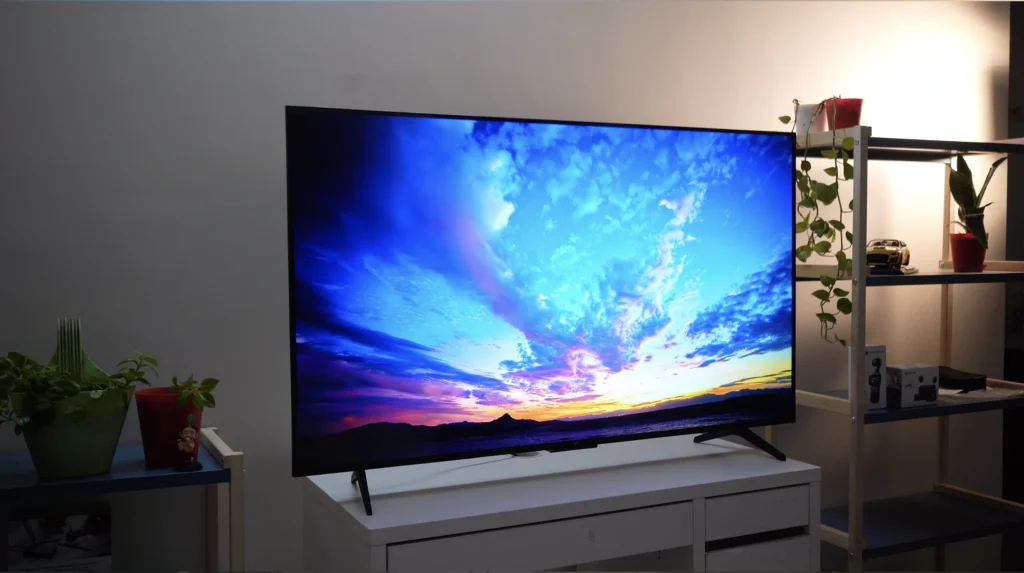
The bezels are thin, the frame is neat, and from three metres away this looks like a more expensive television than it is. Up close the material story is plainer, because it is plastic throughout and the panel is noticeably light when you lift it – entirely expected at this price, but it should still be said out loud.
The feet sit wide apart instead of centrally (so you will want a broad table, or a wall mount), and the set protrudes further at the back than most current televisions. Neither thing matters much once it is in place, since nobody spends their evenings looking at the back of a TV.
The remote pulls the same trick as the television, hiding a light, plasticky build behind a brushed finish, a slim shape and a sensible button layout with direct keys for Netflix, Prime Video and YouTube.
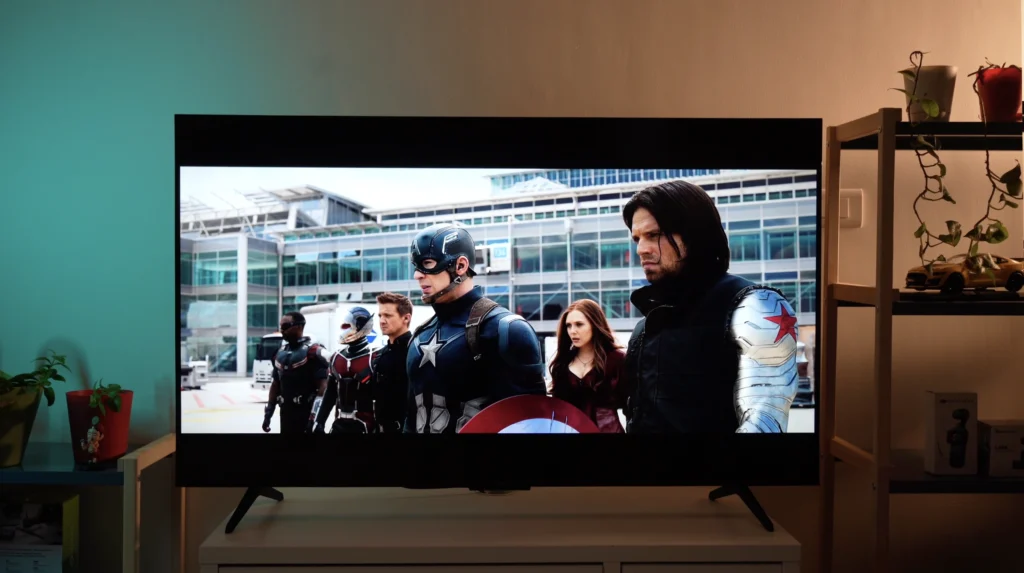
Features and specs
| TCL Q6C | Feature |
|---|---|
| Screen size | 55 inches (also available in 65, 75, 85 and 98 inches) |
| Type | LCD (HVA panel) |
| Backlight | Mini LED, 180 dimming zones on the 55-inch |
| Resolution | 4K |
| Refresh rate | 144Hz native |
| HDR formats | Dolby Vision, HDR10+, HDR10, HLG |
| Colour | Quantum Dot, 93% DCI-P3 claimed by TCL |
| Operating system | Google TV |
| HDMI inputs | 4 (2 x 48Gbps HDMI 2.1, one doubling as eARC) |
| Gaming | 4K/144Hz, 4K/120Hz, 1080p/288Hz, VRR, ALLM, FreeSync Premium Pro, Dolby Vision game mode |
| Input lag | 13.1ms at 60Hz (measured on the 65-inch model) |
| Sound | Onkyo 2.1, Dolby Atmos, DTS Virtual:X |
| Certification | IMAX Enhanced |
How many dimming zones does the TCL Q6C have?
The 55-inch TCL Q6C has 180 dimming zones. TCL markets the series as offering ‘up to 512 dimming zones’, and I suspect a fair few people have bought one on the strength of that number, but the breakdown by screen size is straightforward: the 98-inch model gets 512 zones, the 85-inch gets 420, the 75-inch gets 312, the 65-inch gets 242, and the 55-inch that most people are actually shopping for gets 180.
| Screen size | Dimming zones |
|---|---|
| 98-inch | 512 |
| 85-inch | 420 |
| 75-inch | 312 |
| 65-inch | 242 |
| 55-inch | 180 |
Is 180 too few? No, and the picture section explains why, because TCL’s dimming algorithm extracts a startling amount from them. But 180 is the number you are buying (the box prints the other one), and at this price local dimming of any kind is still a rarity worth having.
Does Dolby Vision actually matter on a budget TV?
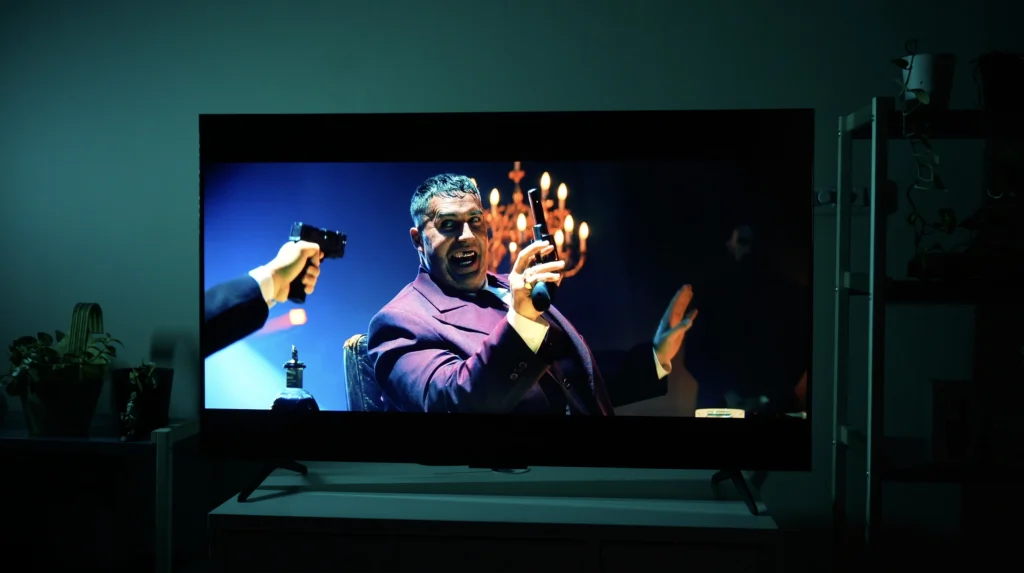
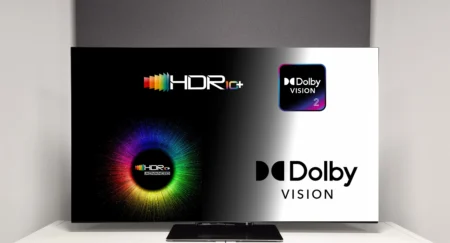
Less than the badge implies, and this is where budget television marketing does its most persuasive work. Dolby Vision, HDR10+, HDR10 and HLG are all metadata: instructions telling the panel how bright and how saturated a given scene ought to be. HDR10 is static, so one set of instructions covers an entire film, while Dolby Vision and HDR10+ are dynamic and adjust scene by scene, which is genuinely the better approach. What none of them do is add brightness or colour that the hardware does not already possess, so if the metadata calls for 1000 nits and the panel manages a fraction of that – as this one does – the licence on the box has bought you nothing.
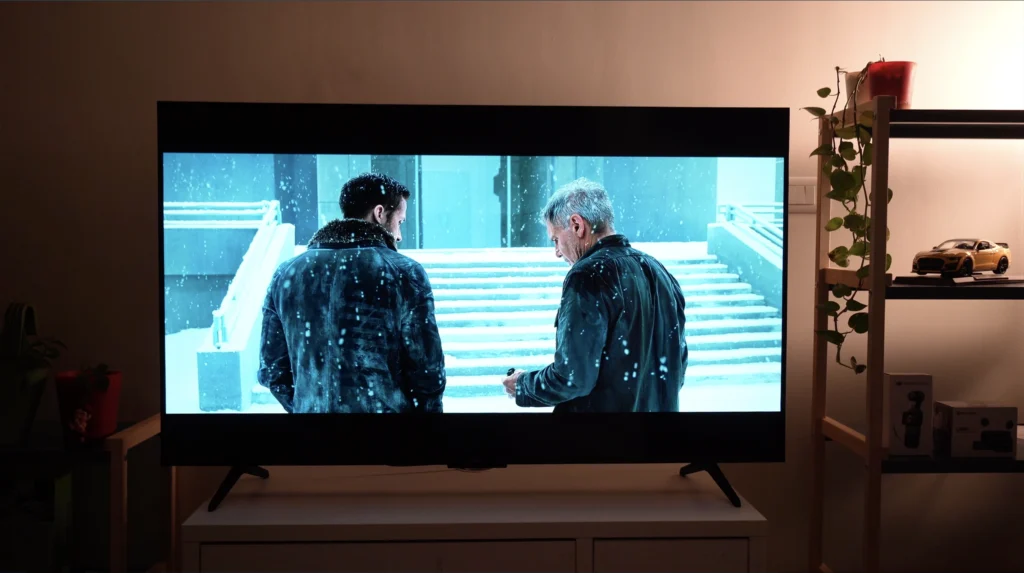
That matters more in India than most reviews admit, because Dolby Vision here is largely confined to streaming originals (The Gray Man, Extraction and Stranger Things among them). Most other 4K streaming content, all of YouTube and every 4K Blu-ray played through a PS5 arrives as HDR10 instead. So the thing that shapes what you will actually watch on this television is its HDR10 tone mapping, not its Dolby Vision licence, which is why I left Dynamic Tone Mapping on ‘Balance’ throughout and why it earns its place on a panel with limited brightness in reserve.
Gaming features and HDMI ports
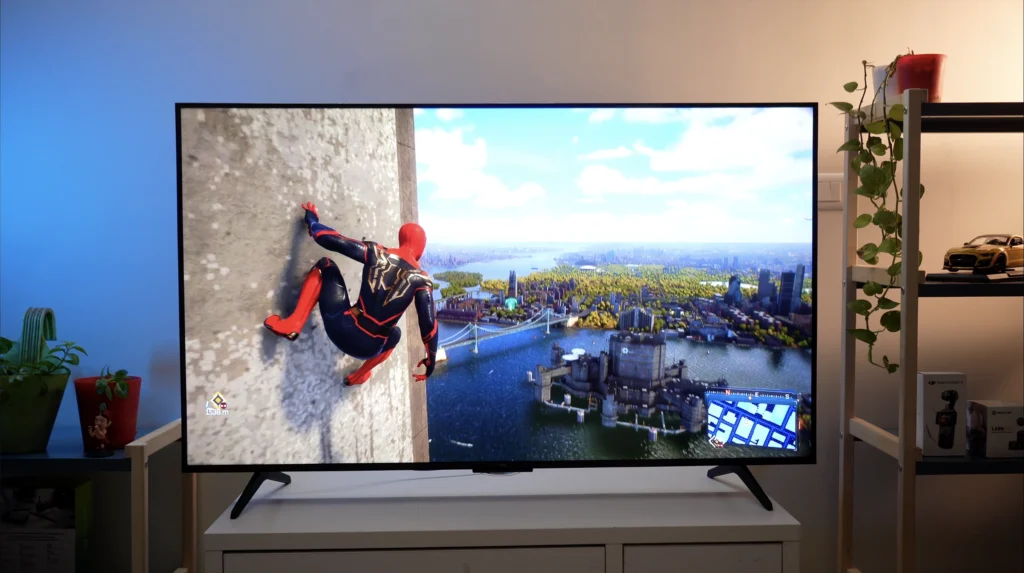
Gamers get a properly strong package here: 4K/144Hz, 4K/120Hz, 1080p at 288Hz if you want it, VRR including AMD FreeSync Premium Pro, ALLM, and an on-screen gaming menu carrying a superimposed crosshair and a shadow-boost mode for spotting enemies in dark corners.
Only two of the four HDMIs are the full 48Gbps 2.1 sockets, and one of those is also your eARC output if you are running a soundbar – so plan the cabling before you mount the thing on a wall. Sony’s flagship Bravia models have made do with two HDMI 2.1 sockets for years while LG fits four across its range, so I can hardly hold two against a ₹50,000 TCL.
IMAX Enhanced certification is present, but content carrying it remains thin on the ground in India, so treat it as a bonus and not a reason to buy.
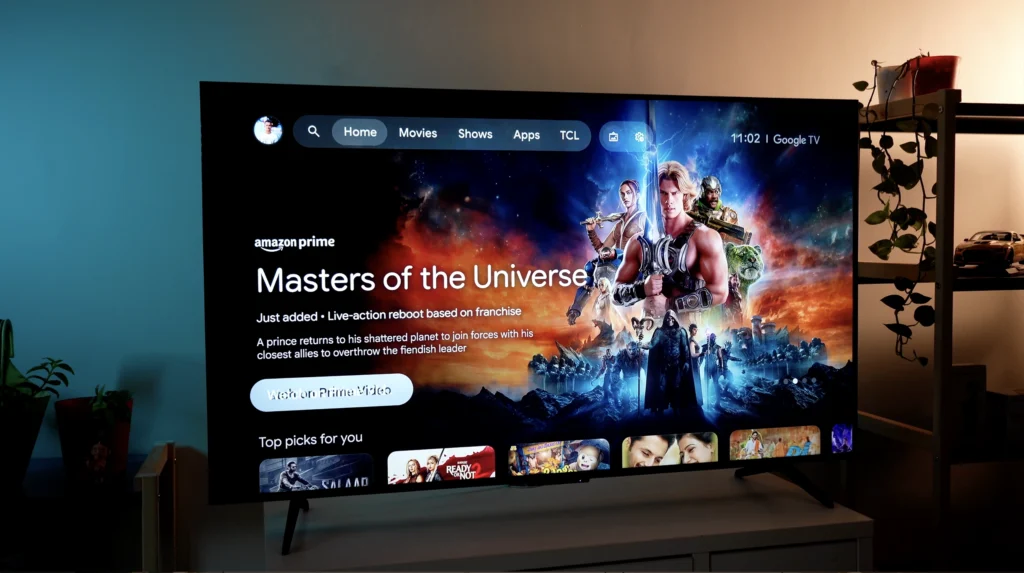
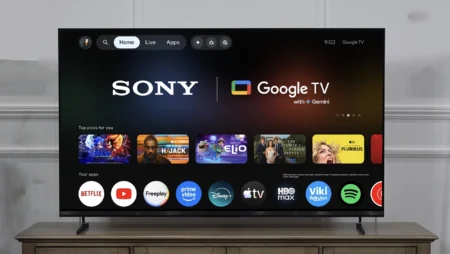
Google TV runs the show, and this is the best implementation of it I have used on a budget set: no advertising on the home screen, no bloatware, and apps that still open quickly a month into ownership – no crawl, no stutter. Voice search understood regional titles reliably, which is more than I can say for most televisions at any price.
Picture quality
Before anything else, change the settings, because out of the box this television is configured for a showroom floor rather than a living room. The short version is Movie mode with Local Dimming on High, Peak Luminance on High, Motion Clarity off and Dynamic Colour off (the full recipe is further down).
Black levels
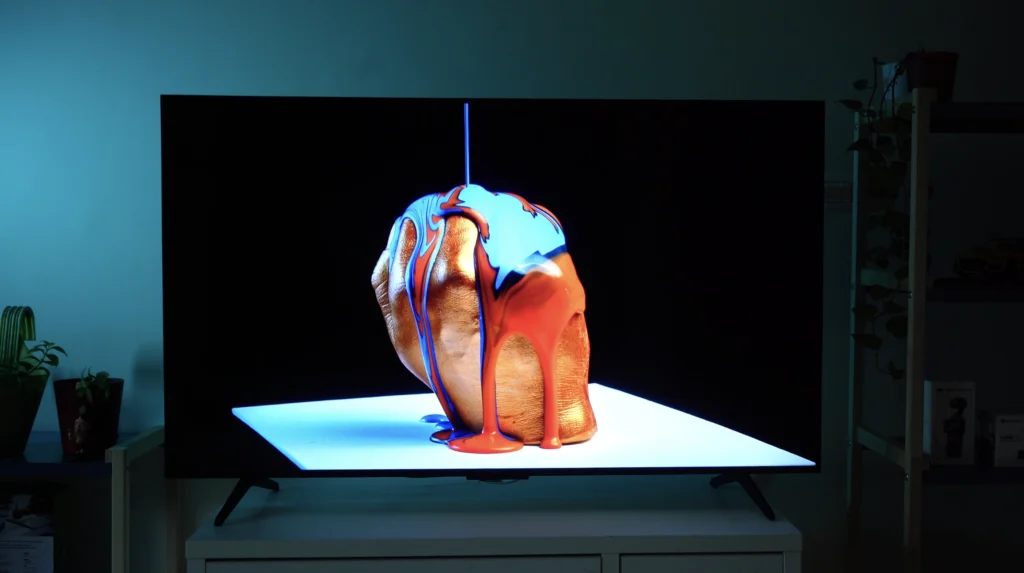
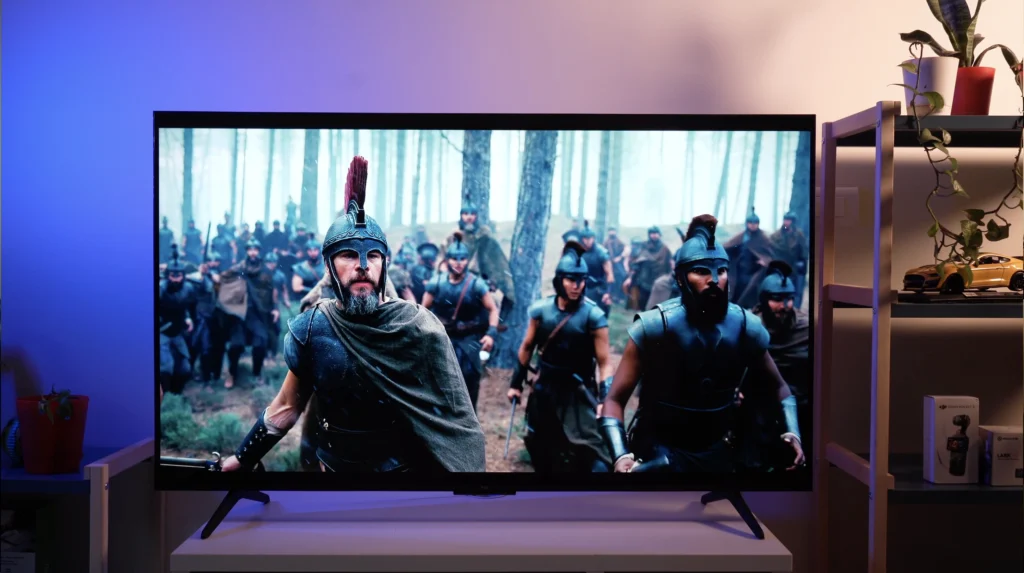
Black levels are the headline here, and they are excellent by any standard – not merely a budget one. The neon-lit Berlin club sequence in John Wick: Chapter 4 (the Killa sequence, specifically) is a punishing test, dropping hard bright colour into near-total darkness, and the blacks surrounding it stay black instead of sliding towards grey. The same holds through the long stretches of empty space around the Endurance in Interstellar, where cheaper sets betray a general greying across the whole panel. There is a solidity and a density to dark images here that I have not seen from a backlit television at this price in India – and the widescreen black bars stay properly black instead of glowing at the edges.
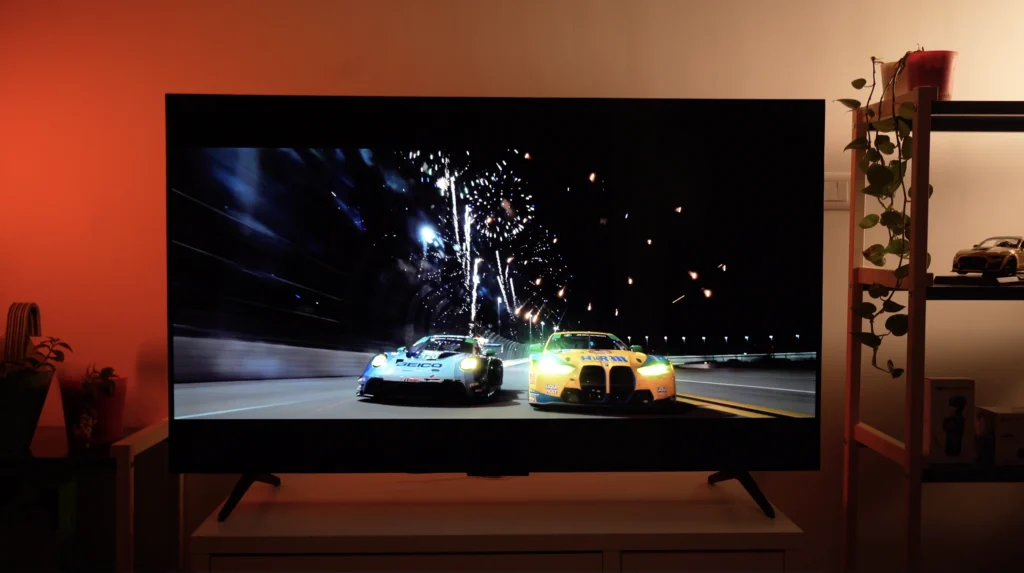
For all of that composure in the dark, though, there is a cost. TCL’s processing leans towards darkening dark scenes in pursuit of deeper blacks and tighter halo control, and shadow detail pays some of that bill. Our review of the 242-zone 65-inch model found its blacks achieved without crushing shadow detail at all, and on the 180-zone 55-inch it is a fine margin and not a fault, but set it beside a Sony Mini LED such as the Bravia 7, which prioritises accuracy and accepts more visible blooming as its trade-off, and the Q6C surrenders a little information in the darkest corners of the frame. Which approach you prefer is a matter of taste: Sony’s is the more accurate, TCL’s is the more immediately impressive with the lights off.
Blooming and halos
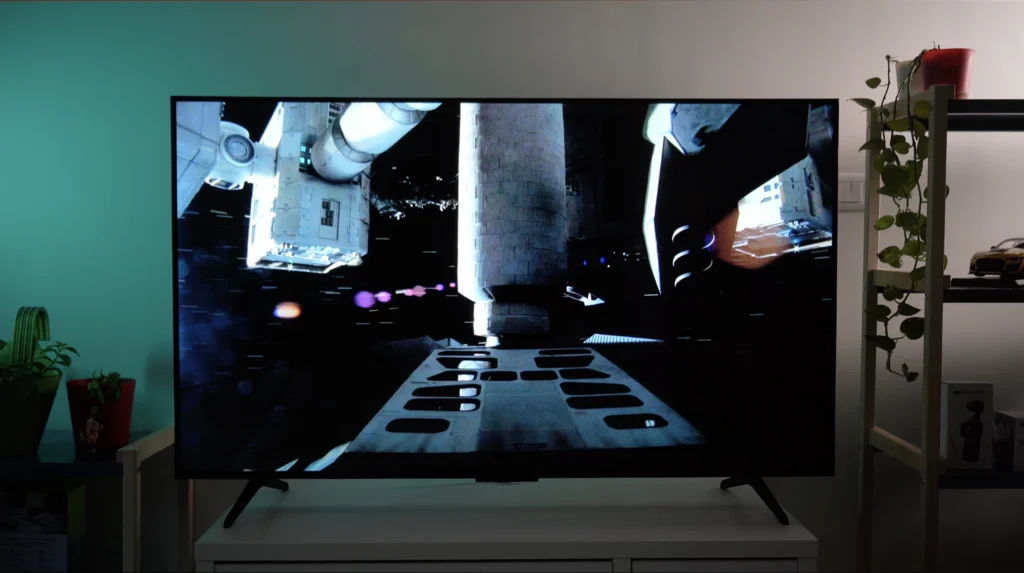
Blooming, the standing weakness of every backlit television ever made, is handled well. Across a month of John Wick, Interstellar and Blade Runner 2049 I never once noticed a halo during normal viewing, and – crucially – subtitles in dark scenes do not sit inside a glow, which is a failing on plenty of Mini LED sets costing considerably more. Play a dedicated blooming test pattern from YouTube, a bright white object on a pure black field, and a faint halo does appear, spreading a little further from its source than it would on the C7K. But test patterns are not films, and in a month of actual watching this never once distracted me.
Brightness and HDR
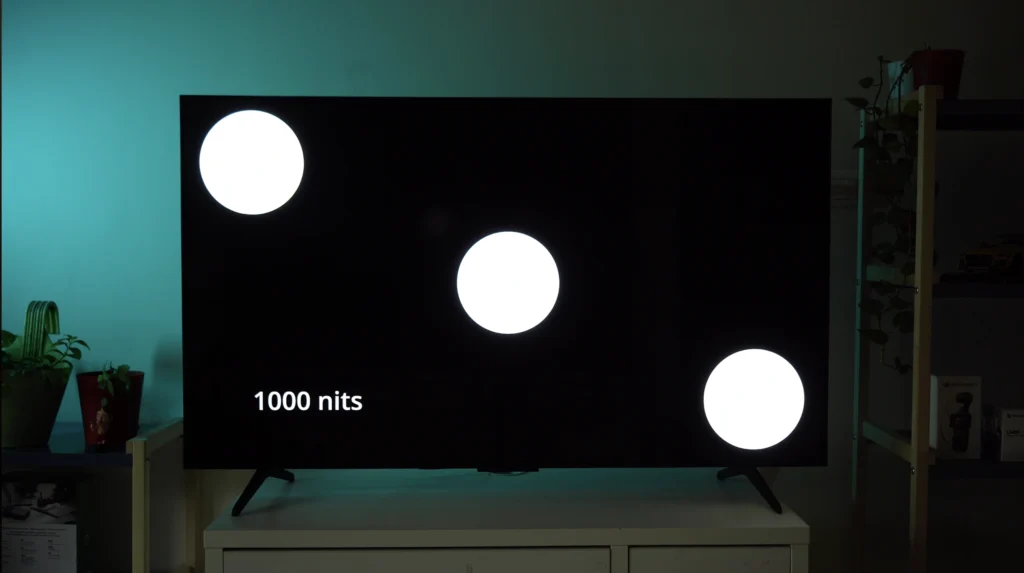
Brightness is more than adequate for an Indian living room in daylight. With the curtains open and the lights on, Mad Max: Fury Road keeps its punch and the sunlight glinting off canopies during the low-level canyon run in Top Gun: Maverick still pops off the screen.
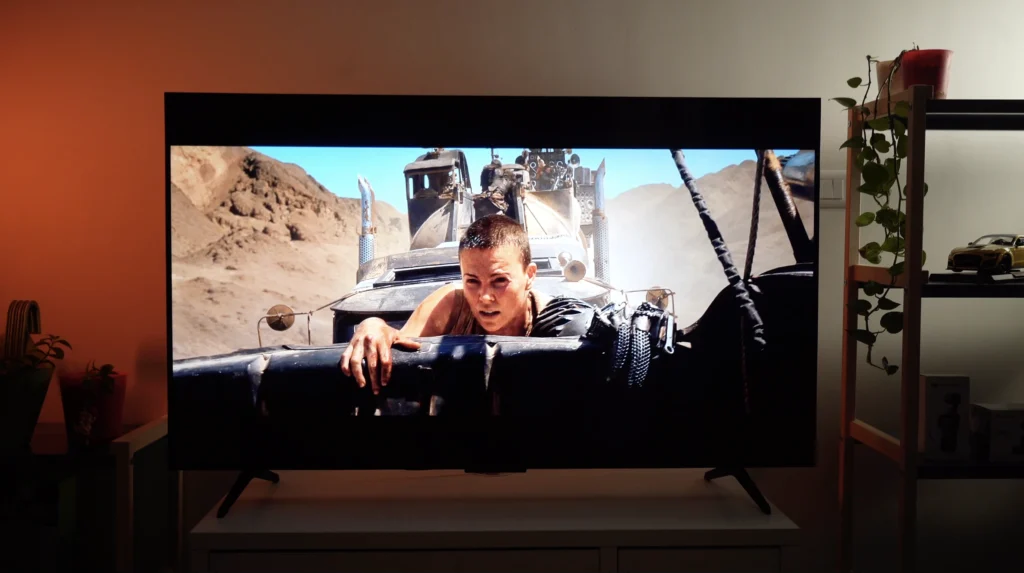
Push the panel to its ceiling, though, and you find it: the very brightest highlights of aggressive HDR masters clip, losing subtle shading into a small white-out, and skin tones caught in direct sunlight can edge towards coarseness without quite tipping into distraction. So what does the extra ₹25,000 buy? The C7K runs brighter and holds those extremes together better, and that is most of the answer.
Colours and skin tones
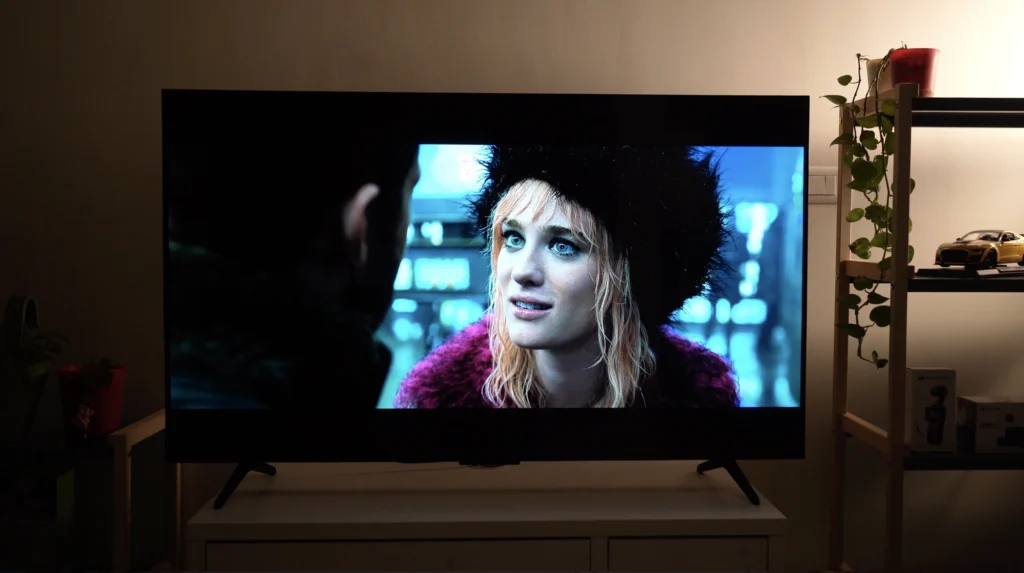
Colours are where this television surprised me most. The firelit forest of the tiger sequence in RRR, the marigold bridge crossing in Coco, the purple twilight of the Griffith Park dance in La La Land: all rich and vibrant, and none of it forced. Put it beside a Budget Samsung Mini LED and the Samsung runs hotter on saturation, whereas here the vibrancy arrives when the content asks for it and stays out of the way when it does not.
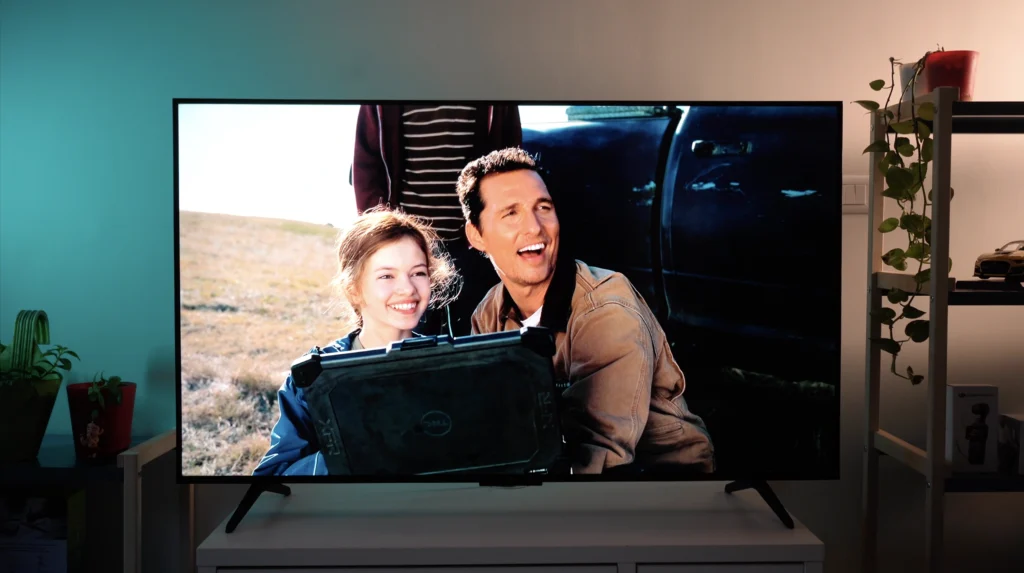
Skin tones look believable instead of orange, and gradation is fine enough that even the most colourful shots hold a three-dimensional quality instead of flattening into cartoon.
Motion, cricket and sport
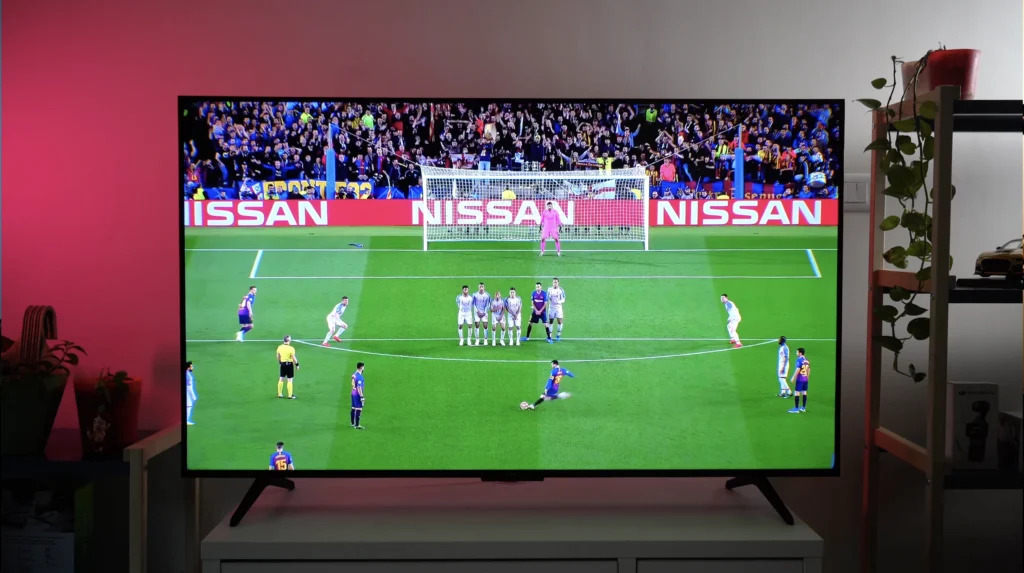
Motion needs exactly one setting changed and is then genuinely good. Leave Motion Clarity switched on and a cricket ball picks up a visible trail, sometimes reading as two or three balls at once, because the television is inserting frames it has invented. Switch it off and the ball is clean. For cricket, football and fast action games, turn it off: that single toggle makes more difference than anything else in the menus. With 24p films the Q6C is marginally more prone to judder than the C7K – and marginally is the right word for it.
Upscaling
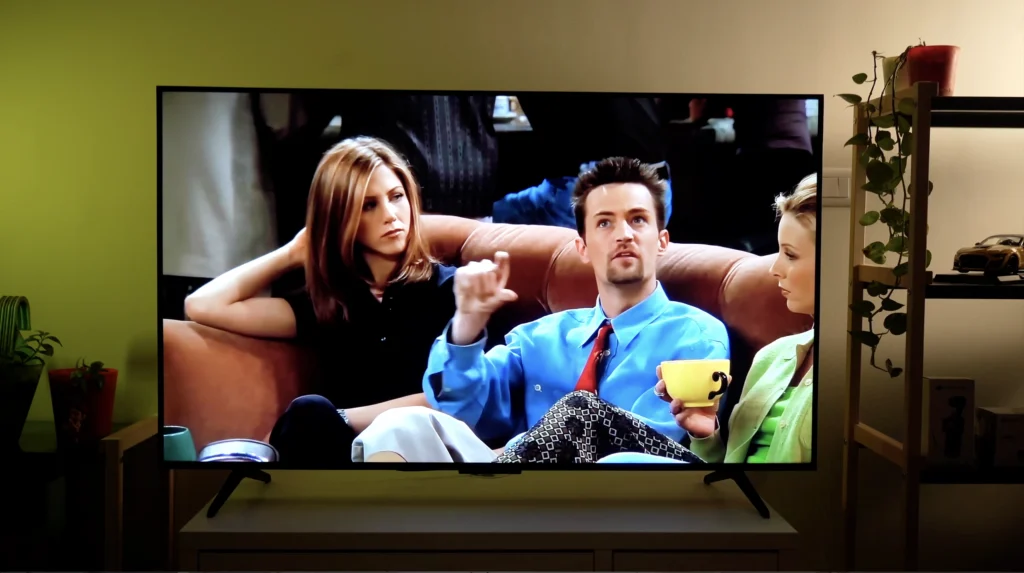
Upscaling of 720p and standard-definition content is the weakest thing about this television. Old TV shows and cable feeds look soft and noisy, and Sony’s processing remains in a different league here – so if most of your viewing is cable television, weigh that carefully before buying. Full HD is a different story, and 1080p from Netflix or YouTube is clean, detailed and entirely watchable.
Viewing angles
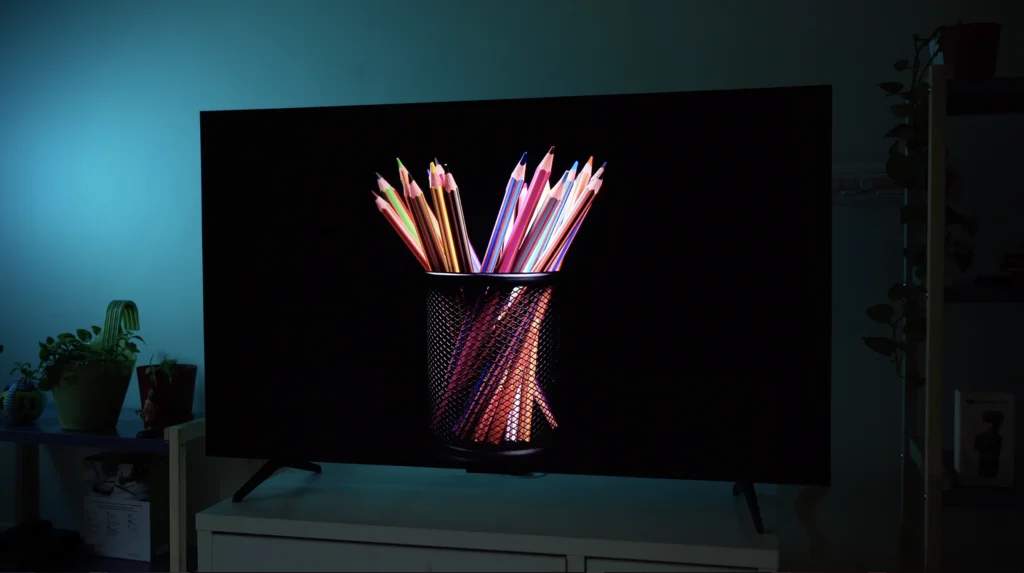
Viewing angles are limited, as they always are with an HVA panel. Sitting dead-on, everything holds together: colour, contrast and brightness are all excellent. Slightly off-axis is fine too. Is it a problem in practice? Only at around 45 degrees or more, where colour visibly drains and blooming becomes easier to see, so if your living room seats people down the sides you should factor that in before buying.
Gaming
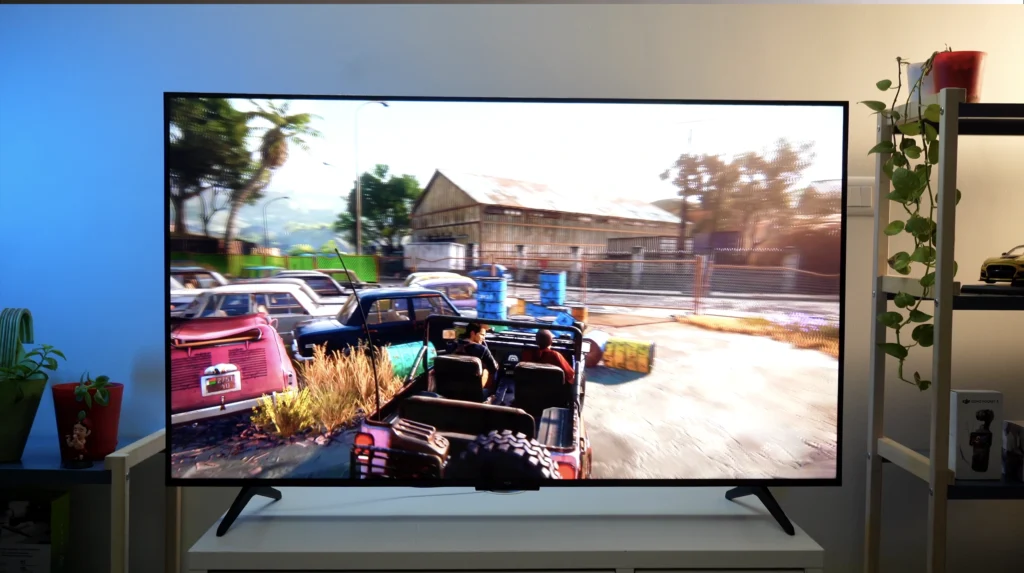
Gaming is a highlight. I ran Uncharted 4, Spider-Man and F1 from a PS5 and this is a properly good big-screen gaming display for the money: crisp, bright and fluid, with Game Mode engaging automatically and 13.1ms of measured input lag at 60Hz (measured by us on the 65-inch model). Use one of the two HDMI 2.1 sockets, and stay realistic about 4K/120, because most demanding console titles reach those frame rates by lowering internal resolution or detail instead of running native 4K.
How it compares with OLED
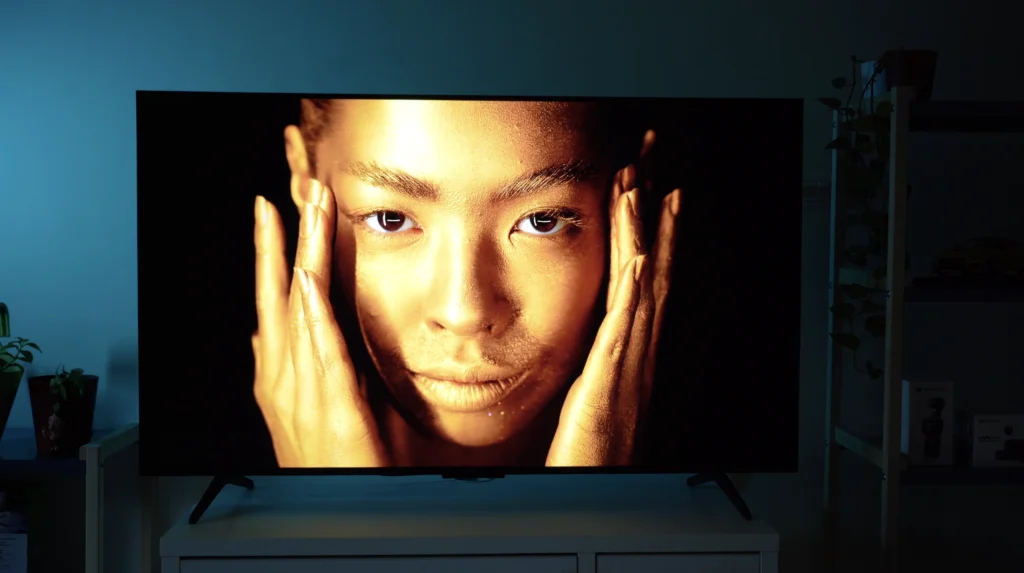
Of course, none of this makes the Q6C an OLED. Watch in a fully darkened room and the difference is not subtle, because OLED does not manage light at all but produces it at a pixel level, which gives you 8.3 million independent dimming zones, no backlight algorithm working away behind the scenes, and a shadow subtlety no 180-zone backlight is going to replicate. But OLED in India starts north of ₹1,00,000, so the honest comparison at ₹50,000 is not against OLED at all. It is against every other backlit television at ₹50,000, and against those the Q6C wins comfortably.
Best picture settings for the TCL Q6C
These are the settings I arrived at after a month – they take five minutes to apply:
- Picture mode: Movie or Filmmaker
- Local Dimming: High
- Peak Luminance: High
- Motion Clarity: Off (leave it off for cricket, football and gaming above all)
- Dynamic Colour: Off
- Dynamic Tone Mapping: Balance
- Noise Reduction: Off with native 4K sources (leave it on for cable)
- Precision Detail: On, since it does no visible harm
That five-minute job is the difference between a good picture and an average one, and most of the complaints I read about budget Mini LED sets come from people watching them in Standard or Vivid mode.
Sound quality
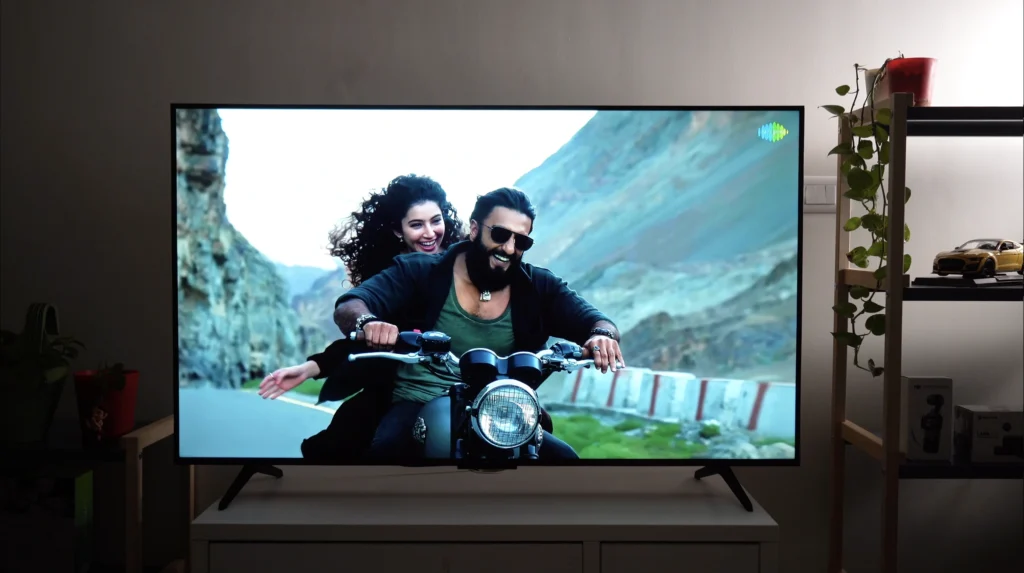
This was the pleasant surprise of the month. The Onkyo-designed 2.1 system, with a pair of dedicated woofers on the rear panel, is not the Bang & Olufsen setup that TCL fits higher up its range, and it is still considerably better than it has any business being at this price.
There is a lot of volume available – more than an average living room will ever need – and Atmos and DTS mixes produce a soundstage that genuinely extends past the edges of the screen instead of collapsing into a thin line in front of you. Dialogue appears to come from the screen itself rather than from somewhere underneath or behind it, and that alone does a great deal for clarity.
The limits are audible if you go looking for them: dialogue clarity is decent rather than best in class, busy scenes with heavy score can bury lines a little, and bass has weight without the depth those two woofers imply. The opening of Blade Runner 2049 does not distort, though the treble develops a faint buzz at maximum pressure, and density levels off during escalating action instead of continuing to build.
I recommend a dedicated sound system with every television I review and I am not going to stop now, because a ₹15,000 soundbar would still improve this. But the Q6C is the rare budget set where I would not call one urgent, so live with it for a few months first.
Alternatives under ₹50,000 in India
| Model | Zones | Refresh | Notes |
|---|---|---|---|
| TCL Q6C / C6K (55in) | 180 | 144Hz | Best all-round balance at this price |
| TCL C7K (55in) | 1000+ | 144Hz | Brighter, better highlights. The better TV if you can stretch |
| Lumio Vision 9 (55in) | 128 | 144Hz | Matches the panel spec, fewer zones. Genuine competition |
| Xiaomi S Mini LED (55in) | 308 | 60Hz | More zones and more brightness, but 60Hz and hotter colour |
| Samsung Vision AI Mini LED (55in) | — | 60Hz | Excellent colour, more saturation, no 144Hz |
Verdict: who should buy the TCL Q6C?
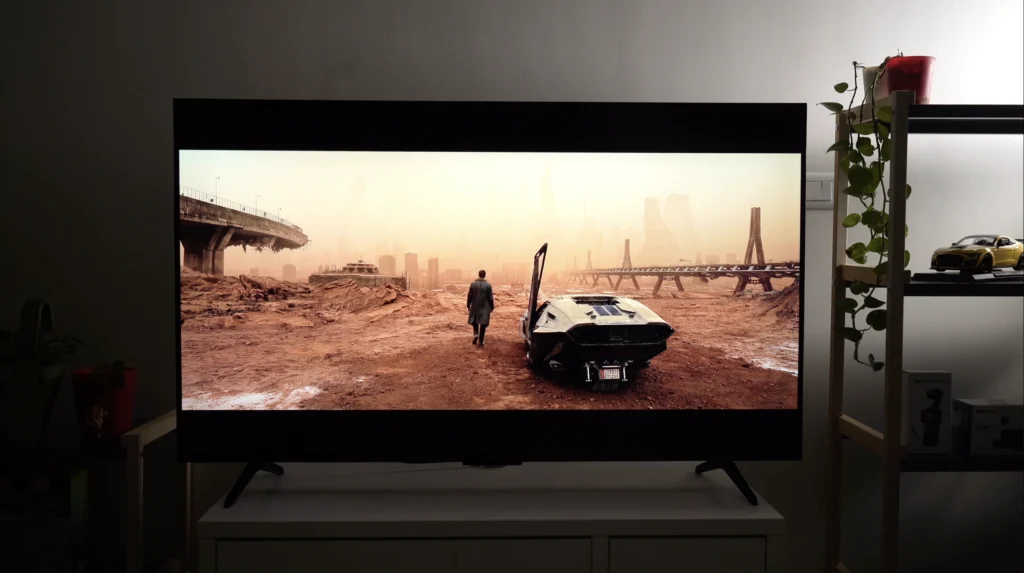
Judged on what it does rather than what it costs, the Q6C’s picture is built on the right foundation: black levels that stay black, colour that is vibrant without being dishonest, and a backlight controlled well enough that you mostly forget you are watching a backlit television at all. Those qualities matter more to me than another few hundred nits of peak brightness ever will.
The limitations are real and specific. Colour drains past roughly 45 degrees off-axis, SD and 720p upscaling is poor, the brightest HDR highlights clip, the build is plastic, and the 512 zones printed on the marketing material are not the 180 zones inside the 55-inch set.
Does it merit a recommendation? Comfortably, at this price, and the ₹50,000 alternatives do not trouble it. Buy it if you watch films and series, if you game, if you sit reasonably square to the screen, and if you want good sound without immediately adding a soundbar. Don’t buy it if your seating is spread wide across the room, if most of what you watch is cable and standard definition, or if you have ₹1,00,000 and a dark room, in which case buy an OLED.
TCL Q6C FAQ
Yes. It supports 4K/144Hz and 4K/120Hz, VRR including FreeSync Premium Pro, and ALLM, with 13.1ms of input lag measured at 60Hz. The one thing to watch is that only two of its four HDMI ports are 48Gbps HDMI 2.1, so a PS5 or Xbox Series X must go into one of those.
No. The 512-zone figure applies to the 98-inch model. The 55-inch has 180 zones and the 65-inch has 242.
TCL says they are identical. Its ‘C’ and ‘Q’ variants have carried different panel coatings elsewhere in the range.
No. In a dark room an OLED is clearly better, because it controls light at a pixel level, not through a 180-zone backlight. OLED in India starts above ₹1,00,000, so the two are not really competing.
Not immediately. Its Onkyo 2.1 system with rear woofers is loud, spacious and clear enough that most buyers can live without one for a while, though a ₹15,000 soundbar would still improve dialogue clarity.
Yes, with one change: turn Motion Clarity off. Left on, it inserts invented frames and gives the ball a visible trail. Switched off, motion is clean and the 144Hz panel does its job.
Value For Money
- Picture
- Sound
- Connectivity
- Gaming
- OS
- Value For Money