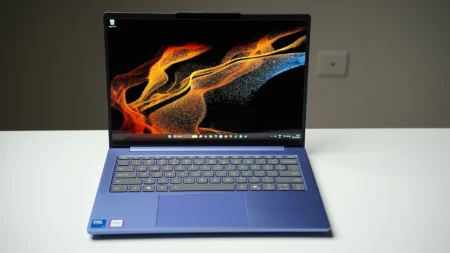

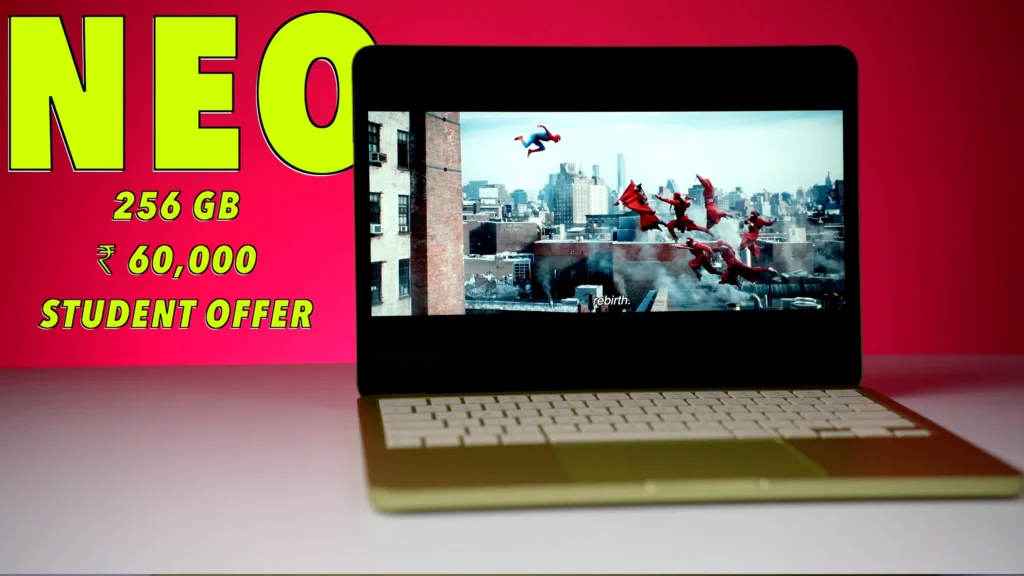
Apple seemingly had one objective with the MacBook Neo: bring a real MacBook down to a price that makes it impossible to justify buying a flimsy Windows laptop instead. At ₹69,000 for the 256GB model (and as low as ₹59,900 with a student discount stacked on an Axis, ICICI, or SBI card offer), Apple has done exactly that.
I’d say Apple succeeded: the MacBook Neo is one of the best laptops you can buy under ₹60,000 in India right now. But Apple made real compromises to hit that price, and the most frustrating one is something you’ll bump into every time you open the lid. The base 256GB model has no Touch ID. You type your password.
On a MacBook. In 2026. (I would conservatively estimate I use Touch ID on my MacBook about 20 times a day, which means Neo buyers on the base model are typing a password roughly 600 times a month.)
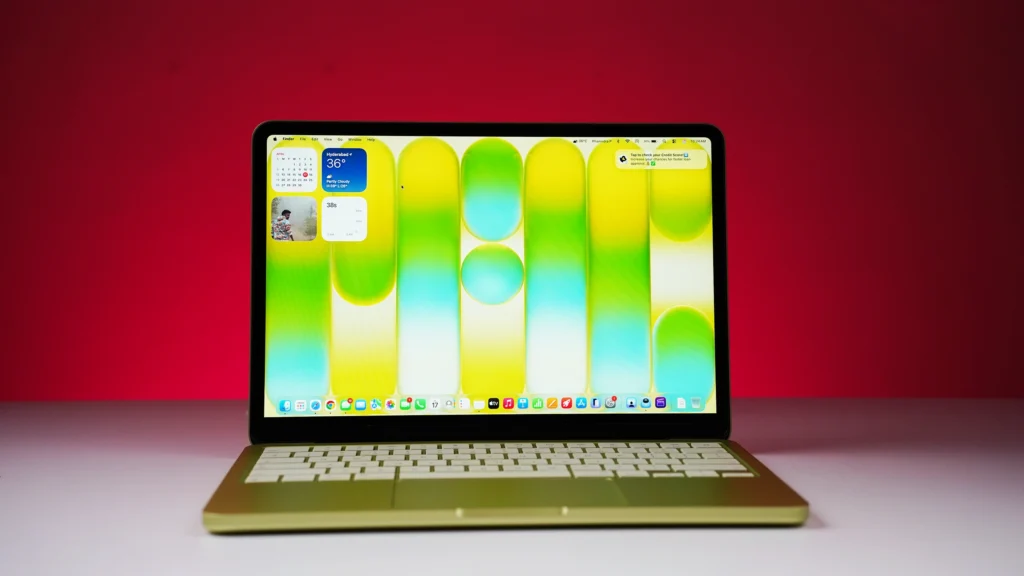
The Neo skips MagSafe, Thunderbolt, a fourth speaker, keyboard backlighting, and P3 color. I was willing to live without all of those because the price is ₹30,000 less than the cheapest MacBook Air M4. The Touch ID omission on the base model is harder to forgive. That said, it does not change the recommendation at ₹59,900. It just means you need to know before you buy.
Specs
| MacBook Neo | Specification |
|---|---|
| Chip | Apple A18 Pro |
| CPU | 6-core (2 performance + 4 efficiency cores) |
| GPU | 5-core |
| Neural Engine | 16-core |
| Memory | 8GB Unified Memory (soldered) |
| Storage | 256GB or 512GB SSD (soldered) |
| Display | 13-inch Liquid Retina IPS, 2408×1506, 219ppi, 500 nits, sRGB |
| Battery | 36.5Wh |
| Ports | 1x USB 3 USB-C (10Gbps), 1x USB 2 USB-C (480Mbps), 3.5mm jack |
| Webcam | 1080p FaceTime HD |
| Connectivity | Wi-Fi 6E, Bluetooth 6 |
| Weight | 1.24kg (2.7 lbs) |
| Price (India) | ₹69,000 (256GB) / ₹79,000 (512GB) |
MacBook Neo Performance
The A18 Pro inside the MacBook Neo is the same chip Apple put in the iPhone 16 Pro. That chip was built to run inside a phone’s power budget, which tells you something about both its efficiency and where its multi-core ceiling sits.
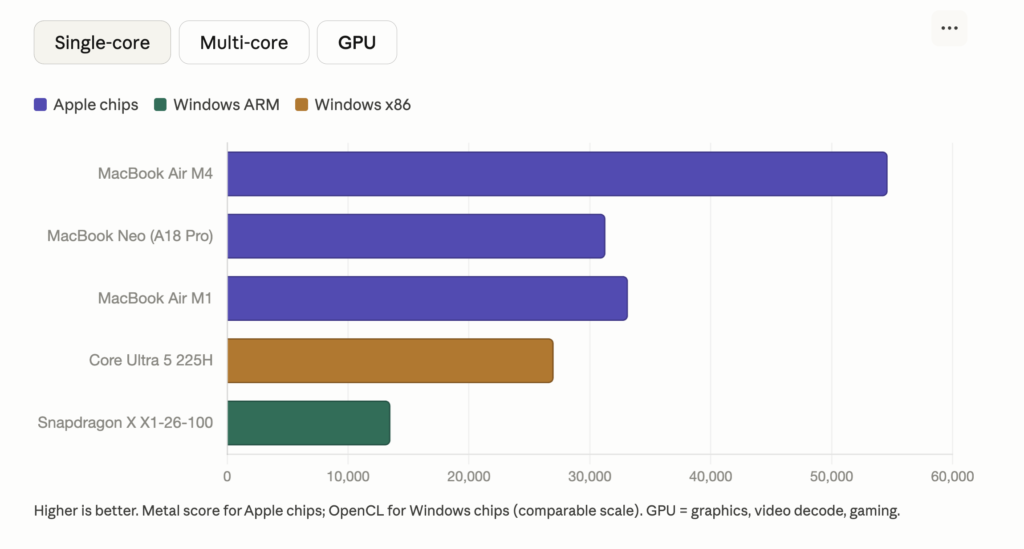
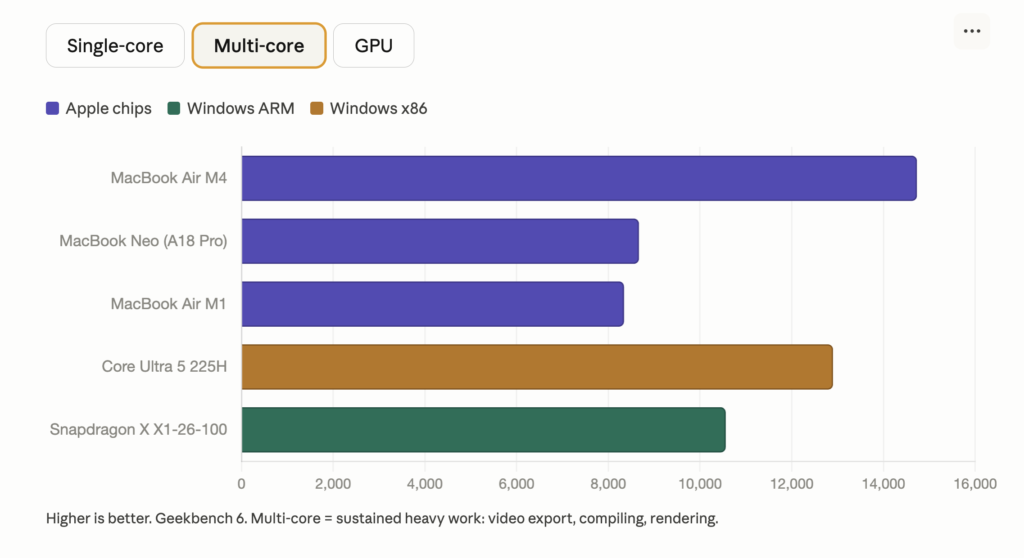
In our Geekbench 6 tests, the Neo posted a single-core score of 3,461 and a multi-core score of 8,342. The single-core result is impressive for a ₹60,000 laptop, close to the MacBook Air M4’s 3,696.
Our Cinebench 2024 single-core test told the same story: a score of 147, which beats every x86 processor currently available, including desktop chips from AMD and Intel.
Spoiler: the Neo dusted every Chromebook we put it against, and it wasn’t close.
Multi-core is where the honest picture changes. The MacBook Air M4 scored 14,730 on our Geekbench 6 multi-core test and 933 on Cinebench 2024 multi-core. The Neo scored 8,342 and 654. For sustained, heavy computation (large MATLAB simulations, batch video rendering, compiling complex projects), that gap is real and you will feel it.
For what most Indian students need a laptop to do, though, the Neo handles everything well. VS Code, Python, React, Node.js: all fine. I ran Chrome with a dozen tabs, Slack, Google Docs and Sheets running simultaneously for several days of testing and found no slowdowns, no overheating, and no complaints. And the machine runs in complete silence throughout, because there is no fan.
Apple lists the M2 as the minimum for serious MATLAB work and recommends the M4 for heavy engineering simulations. The Neo’s A18 Pro is not in that conversation.
If you are in a STEM program that depends heavily on MATLAB or AutoCAD, the MacBook Air M4 at ₹90,000 is the right pick for four years of coursework. Android Studio does not work well on the Neo, and neither does Docker with multiple containers. And Windows-only engineering software (Revit, Simulink, lab tools that simply do not exist on macOS) rules out every MacBook, not just the Neo.
One thing worth understanding before you compare the Neo’s numbers to Windows laptops: traditional Windows laptops carry separate CPU and GPU memory pools and move data between them through a slower bus. Apple’s unified memory gives the CPU, GPU, and Neural Engine a shared high-bandwidth pool with no transfer penalty. This is why an 8GB MacBook Neo can outperform a Windows laptop with 16GB RAM in tasks like video editing in iMovie. The A18 Pro’s memory bandwidth runs at around 68 GB/s. Snapdragon X Elite Windows laptops use a similar architecture but run at around 51 GB/s.
Benchmarks
| Device | Geekbench 6 Single | Geekbench 6 Multi | Cinebench 2024 Single | Cinebench 2024 Multi |
|---|---|---|---|---|
| MacBook Neo (A18 Pro) | 3,461 | 8,342 | 147 | 654 |
| MacBook Air M4 | 3,696 | 14,730 | 166 | 933 |
| Intel Core Ultra 5 225H | Lower | ~12,900 | ~135 | ~700 |
| Snapdragon X X1-26-100 | Lower | Lower | Lower | Lower |
Design and Build
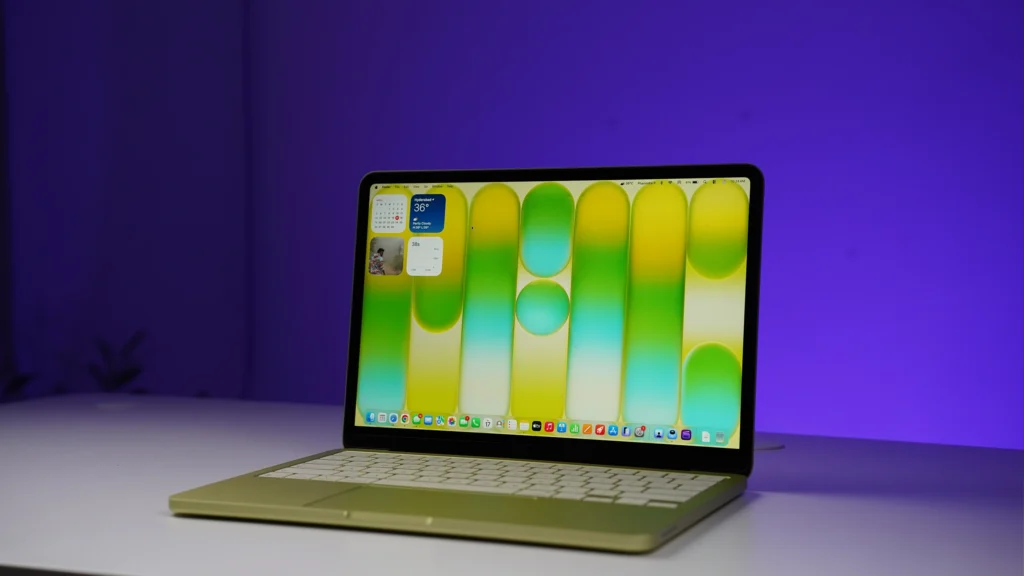
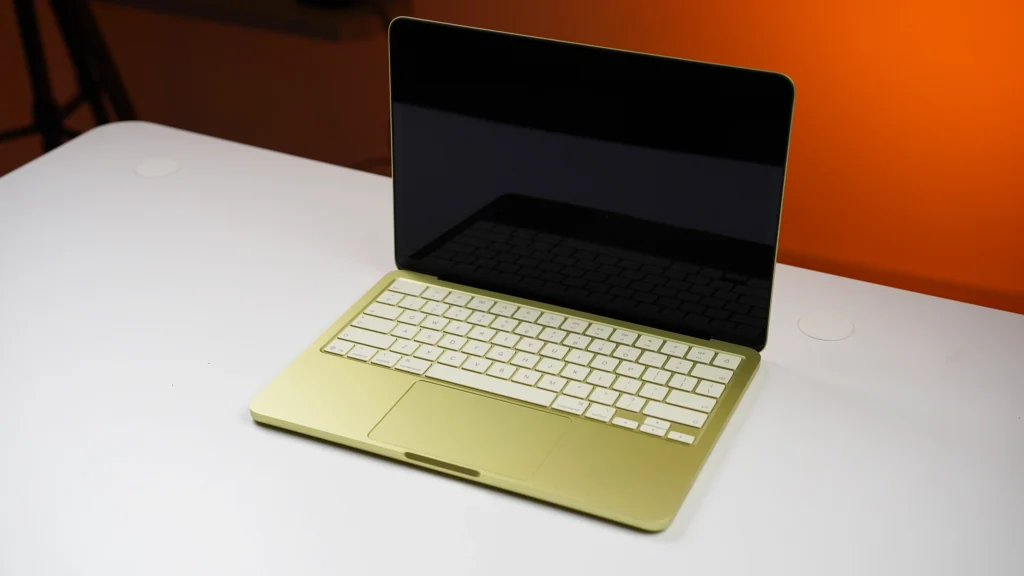
The MacBook Neo weighs 1.24kg (2.7 lbs), making it lighter than most 13-inch Windows laptops at this price and light enough to disappear in a bag. The chassis is all-aluminum, solid and rigid, with the same build quality you get from any MacBook at any price.
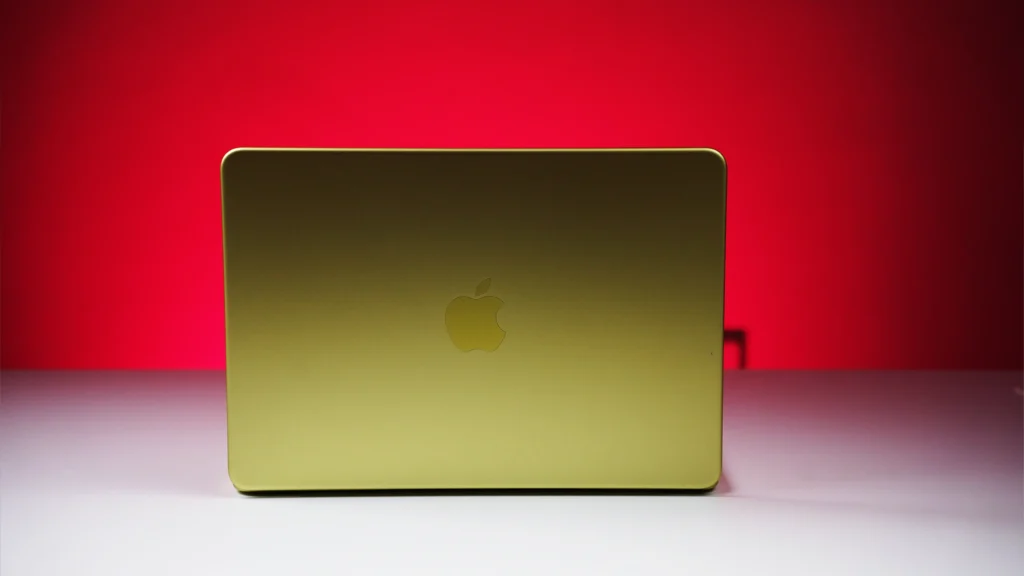
The four color options (Citrus, Silver, Blush, and Indigo) are color-matched on the keyboard and feet, giving the whole machine a sleek, cohesive look. (I think I like Citrus best.)
The keyboard delivers firm, springy feedback, and I found it comfortable across long typing sessions. The large haptic trackpad is precise and smooth throughout.
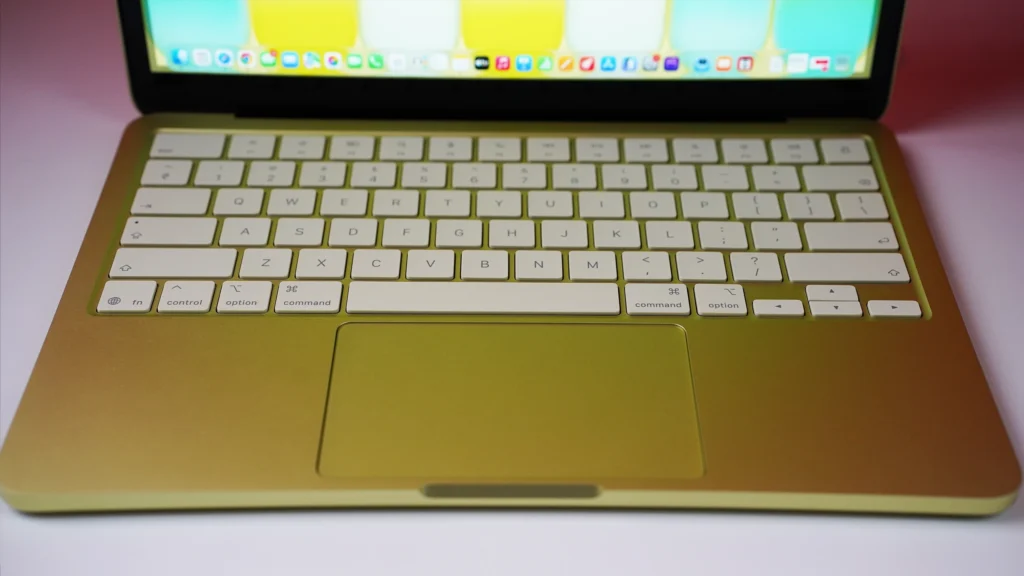
Also notably absent: keyboard backlighting. The color-matched keys stay reasonably visible in low light, but I was expecting backlighting at this price. Many Windows laptops at ₹50,000 have it.
And the Neo is completely fanless. It runs in total silence, always.
Something worth flagging that most reviews underplay: iFixit rated the MacBook Neo as Apple’s most repairable laptop in 14 years, giving it a 6 out of 10 repairability score. The battery, ports, headphone jack, display, speakers, trackpad, and keyboard are all replaceable. For a laptop you are buying to survive four years of daily student use, that matters.
MacBook Neo Display

The 13-inch Liquid Retina IPS panel runs at 2408×1506 (219 pixels per inch) and peaks at 500 nits of brightness. On our tests with a Spyder X Elite colorimeter, it covered 100% of the sRGB color space and hit a peak brightness of 500 nits. Text is crisp, the panel gets plenty bright for classroom and indoor use, and video looks good on it.
But the Neo covers sRGB color only, not the wider P3 gamut you get on every other current Mac. In everyday use (browsing, coding, streaming video) most people will not notice.
But if your coursework involves color-sensitive design work or photo editing, the Neo is not the right tool. The MacBook Air M4 is. Also notably absent: True Tone.
It is a quality-of-life feature most students will not miss, but its absence is one more step down from the MacBook Air M4 experience.
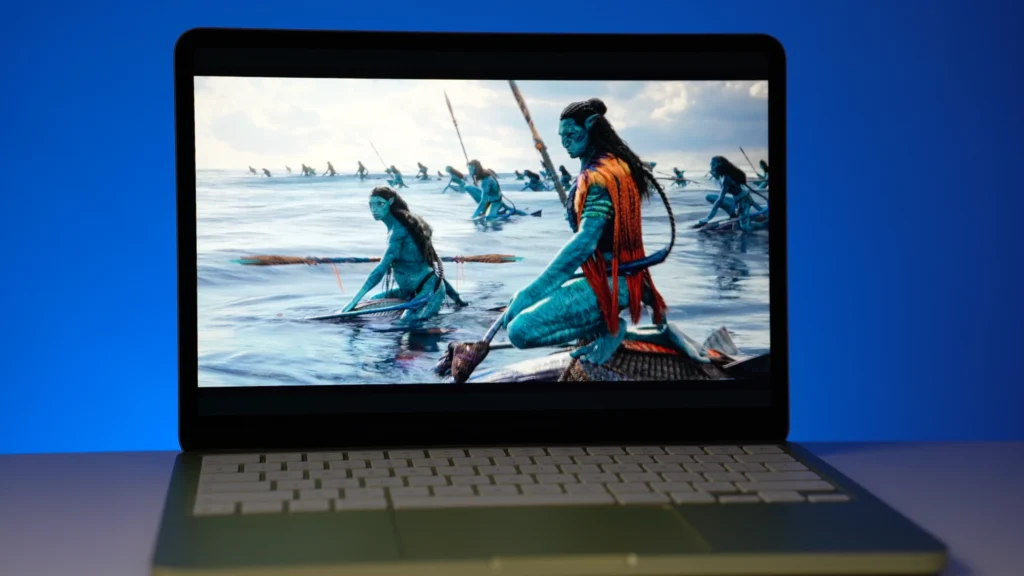
Audio
The Neo ships with dual side-firing speakers, not the four-speaker array on the MacBook Air M4. For personal use, video calls, and casual listening, the sound is decent and perfectly usable. But it does not deliver the richer, more spacious audio the MacBook Air M4 produces. It’s too bad Apple couldn’t find room for a quad-speaker setup here. That said, you are not buying the MacBook Neo for its audio.
Ports and Expandability
The Neo gives you 2 ports: one USB 3 (USB-C) that handles charging, DisplayPort, and data at up to 10 Gbps, and one USB 2 (USB-C) that handles charging and data at up to 480 Mbps. There is a 3.5mm headphone jack. The Neo supports one external display at up to 4K at 60Hz.
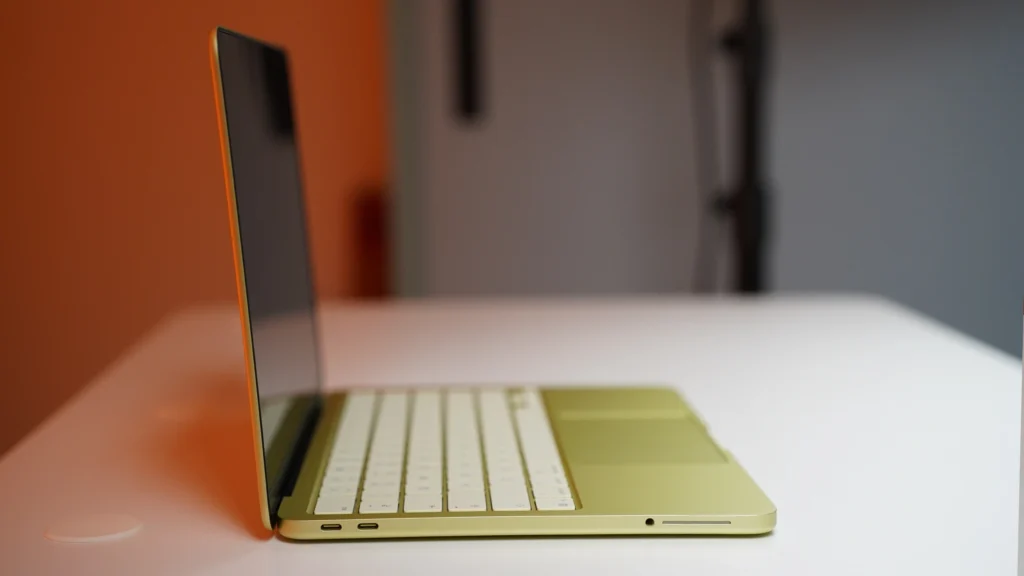
Also notably absent: MagSafe, Thunderbolt, an SD card slot, HDMI, and USB-A.
The RAM and SSD are both soldered to the board, so you cannot replace or upgrade either. And the included 20W USB-C charger is slow for a ₹60,000 laptop.
MacBook Neo Battery Life
In our YouTube streaming battery-drain test, the Neo lasted 13 hours and 30 minutes, which should get most students through a full day of classes and an evening of studying without needing a plug. That is about 2 hours shorter than the MacBook Air M5 in the same test (which lasted 15 hours and 37 minutes), reflecting the difference between the Neo’s 36.5Wh battery and the Air’s 53.8Wh cell. But 13-plus hours from a ₹59,900 laptop is solid performance for the price.
Should I Buy the MacBook Neo?
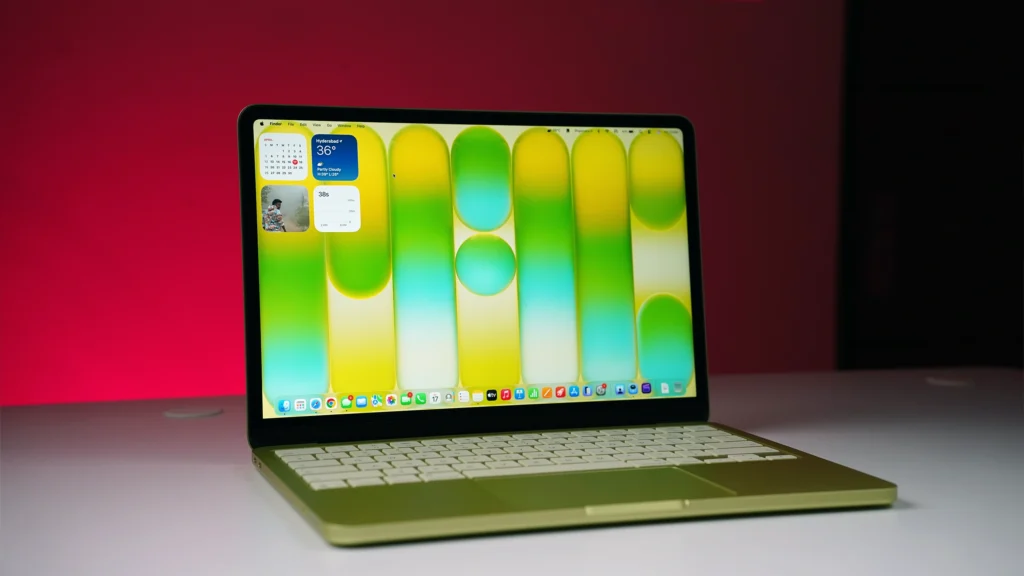
The MacBook Neo delivers the best value at this price Apple has ever offered Indian students. The all-aluminum build quality, solid everyday performance, completely silent operation, all-day battery life, and macOS experience together form a package.
But the tradeoffs are real and specific. The missing Touch ID on the base 256GB model is the sharpest daily irritation. The 512GB model at ₹70,000 includes it (and doubles your storage in the process), and I’d feel better about recommending the Neo at ₹59,900 with student and bank offers than at its full shelf price of ₹69,000.
For STEM students whose programs depend on MATLAB, AutoCAD, Android Studio, or Docker, the Neo’s A18 Pro hits its ceiling faster than an M4 chip would. The MacBook Air M4 at ₹90,000 is the pick for those students. And if your program requires Windows-only software that does not run on macOS, a Windows laptop like the Motobook Pro Core Ultra 5 225H at ₹60,000 is the more practical choice.
Best for
Students and general users who can get the Neo at or under ₹60,000 with student and bank offers, especially if your workload stays in general coding, browsing, documents, and productivity. If you already own an iPhone, the ecosystem integration adds real everyday value.
Not the pick if
You are in a STEM or design program that depends on MATLAB, AutoCAD, Android Studio, or Docker, you will need the MacBook Air M4 or Air M5 or a Windows laptop with full software compatibility.
- Display
- Performance
- Build Quality
- Battery Life
- Connectivity
- Value For Money