

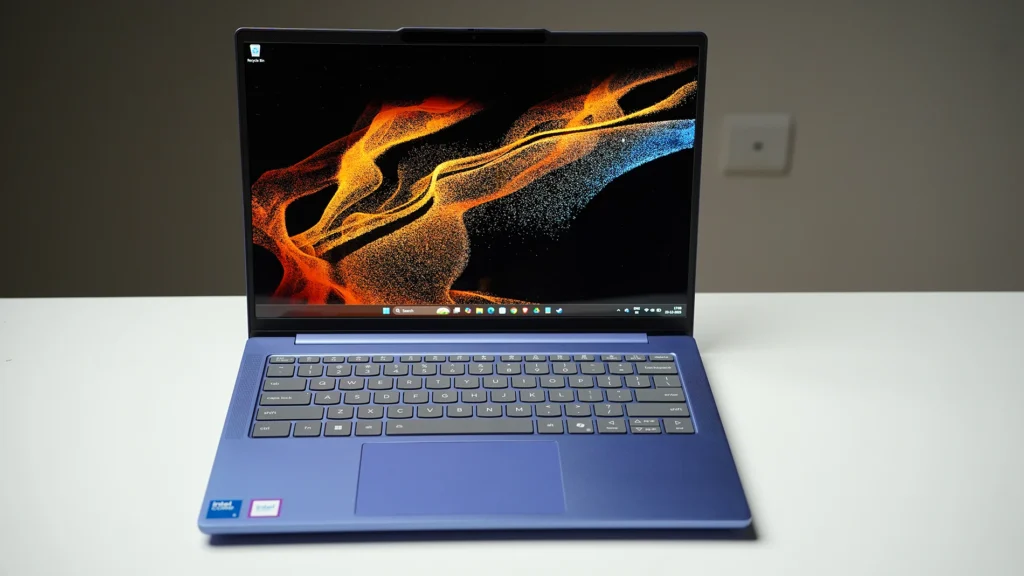
This Moto Book 60 is one the best pick around ₹50,000 if you want a premium 14-inch OLED laptop for office work, students, browsing, Photoshop basics, and OTT — and you’re okay with average battery and “not-a-gaming-laptop” thermals when you push it.
I bought this in a sale for ₹45,000. The same model often sits around ₹54,000–₹56,000 depending on offers. I’ve been using it daily for a month for Photoshop, WordPress work, browsing, office tasks, and I also played GTA V and COD just to see how far integrated graphics can go on this machine.
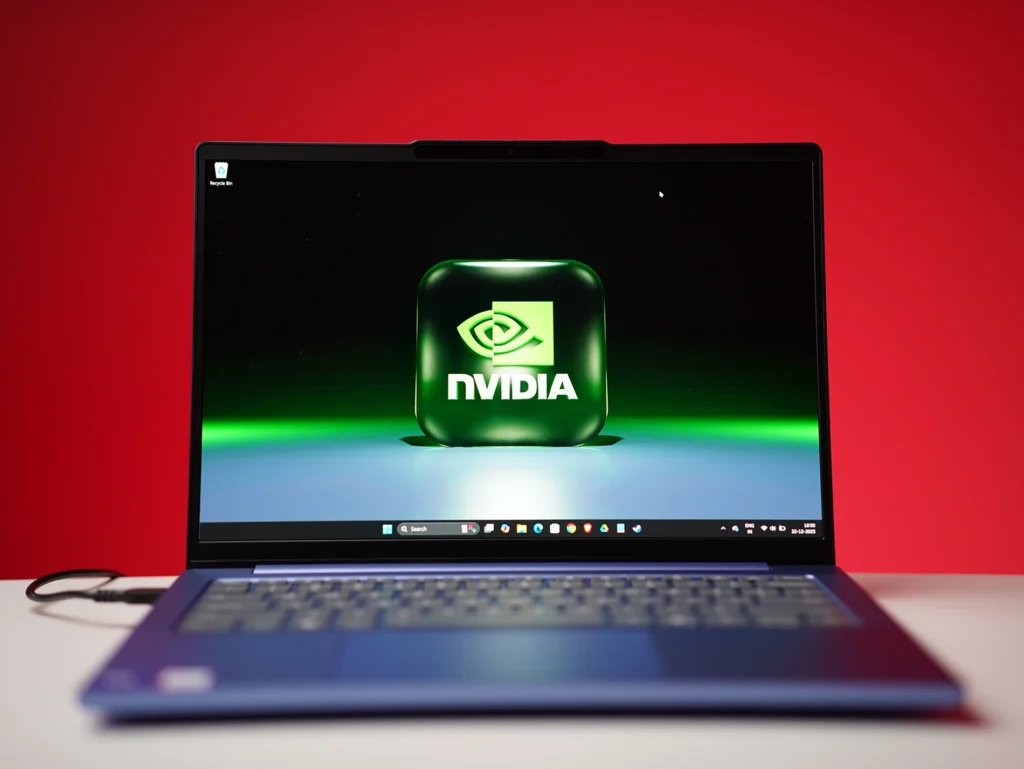
Motorola Moto Book 60 Key Specs
| Spec | Details |
|---|---|
| Model | Moto Book 60 (14IRH10R) |
| CPU | Intel Core 5 (Series 2) 210H (up to 4.8 GHz, 12 MB cache, 8 cores) |
| RAM | 16 GB DDR5-5600 (8 GB + 8 GB dual-channel, up to 32 GB) |
| Storage | 512 GB PCIe 4.0 SSD (M.2 2242) |
| Display | 14-inch 2.8K OLED (2880×1880), 120 Hz, 500 nits, 100% DCI-P3 |
| Graphics | Intel Integrated Graphics |
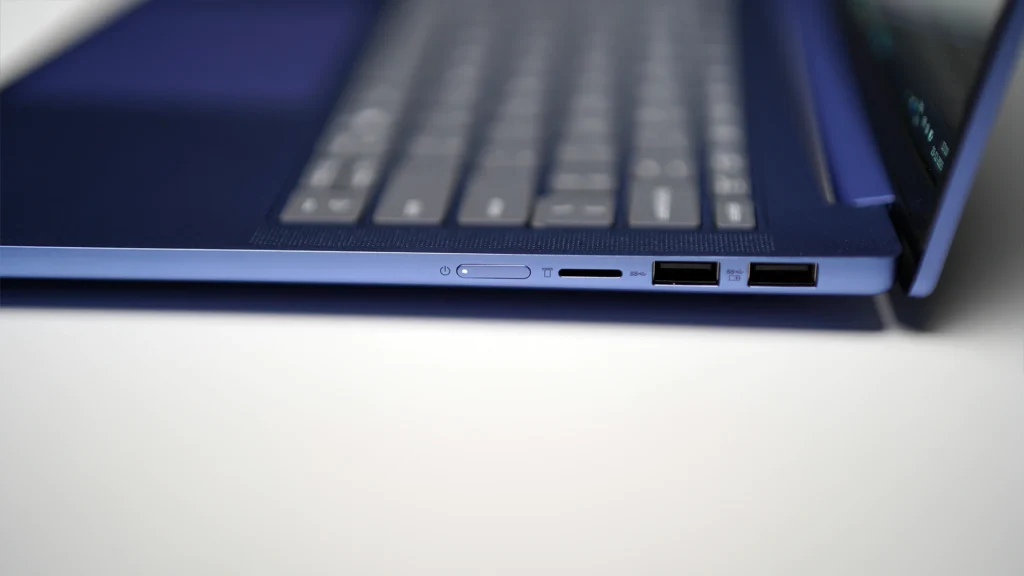
| Ports | 2× USB-A, 2× USB-C (PD + DP), HDMI 1.4b, 3.5 mm, microSD |
| Wireless | Wi-Fi 7, Bluetooth 5.4 |
| Weight | 1.4 kg |
| OS + Office | Windows 11 Home + Office Home & Student 2024 |
Pros
- The 2.8K OLED + 120 Hz screen looks premium for this price
- 100% DCI-P3 makes a real difference for photos and vibrant video
- Full metal body feels more expensive than the segment
- 1.4 kg weight is perfect for students and daily carry
- Core 5 210H performance is strong for office + coding + multitasking
- Wi-Fi 7 + Bluetooth 5.4 is a nice future-ready touch
Cons
- Battery is decent only if you control brightness and workload
- Long gaming sessions = fan noise + warmth (expected for a thin 14-inch)
- Integrated graphics means no heavy 3D, no serious AAA gaming, no CUDA work
- microSD only (no full SD card slot)
- Service experience depends on your city
Design and Build (This is not a “budget-feeling” laptop)
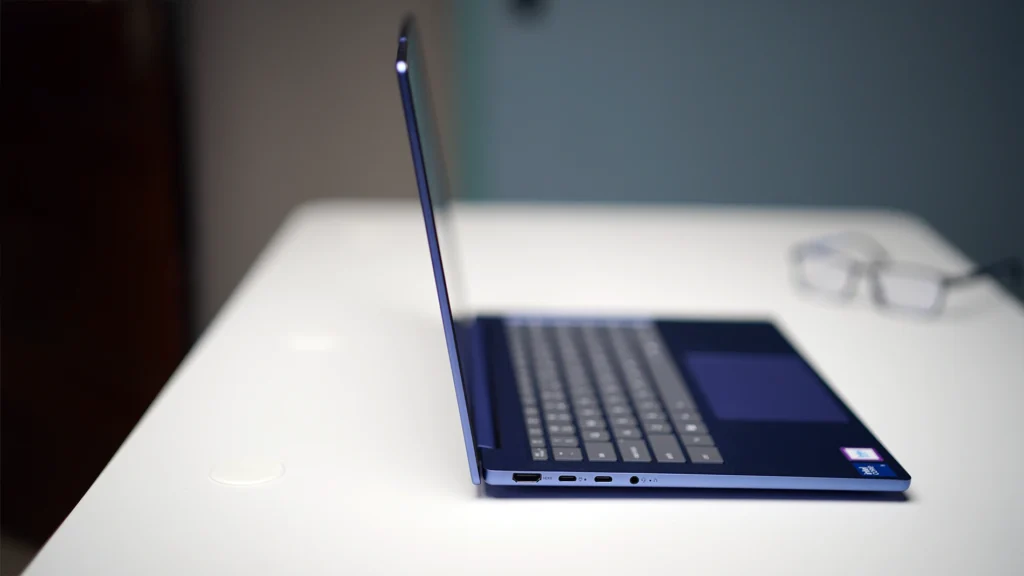
If you hand this laptop to someone without telling the price, most people won’t guess it’s a ₹45K–₹55K machine. The aluminium body does the heavy lifting here. It feels solid, the finish looks clean, and the laptop doesn’t flex like typical thin plastic laptops in this range.
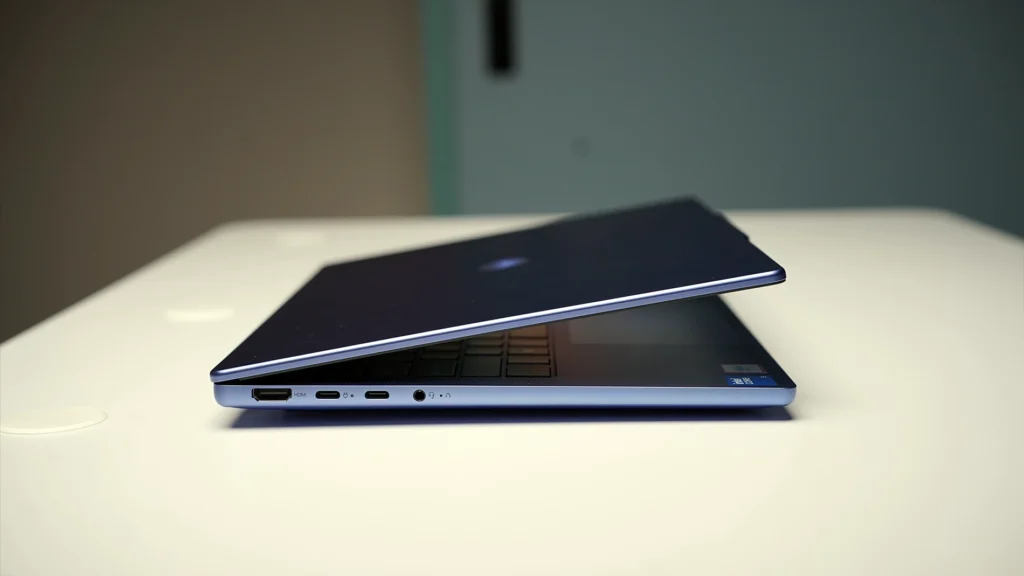
The hinge is one of my favourite parts. You can lift the lid with a single finger, and it doesn’t wobble when you type. That small detail matters because you feel it every single day. At 1.4 kg, it’s also the kind of weight you can carry to college or office without thinking twice.
Display (The main reason to buy the Moto Book 60)
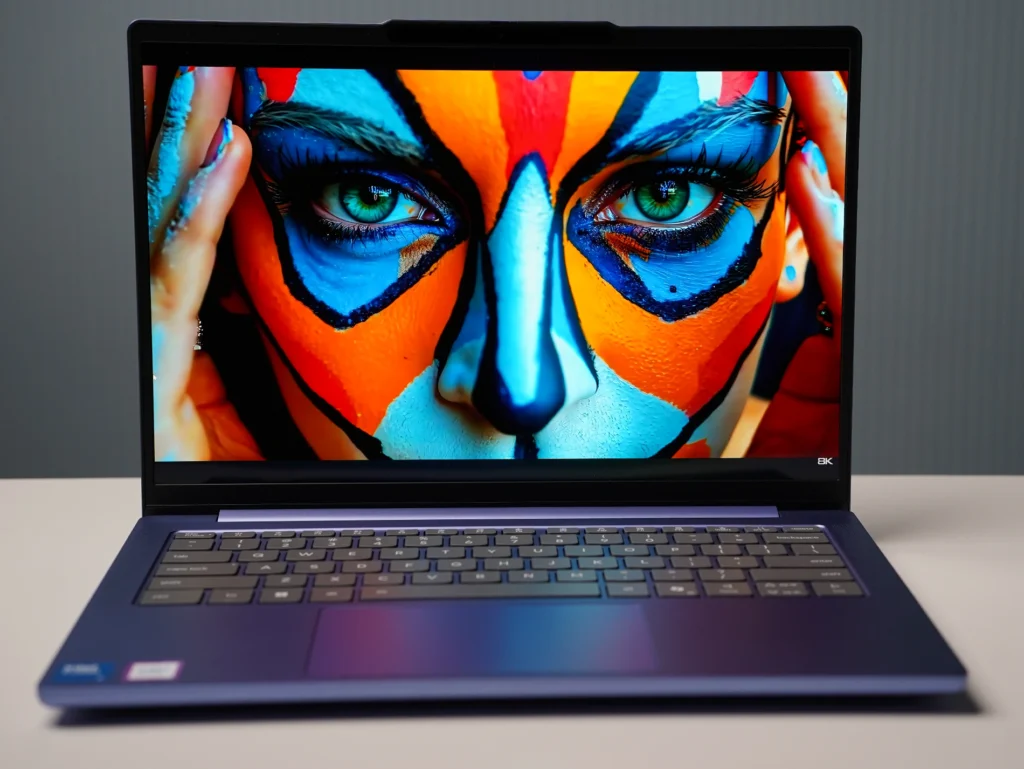
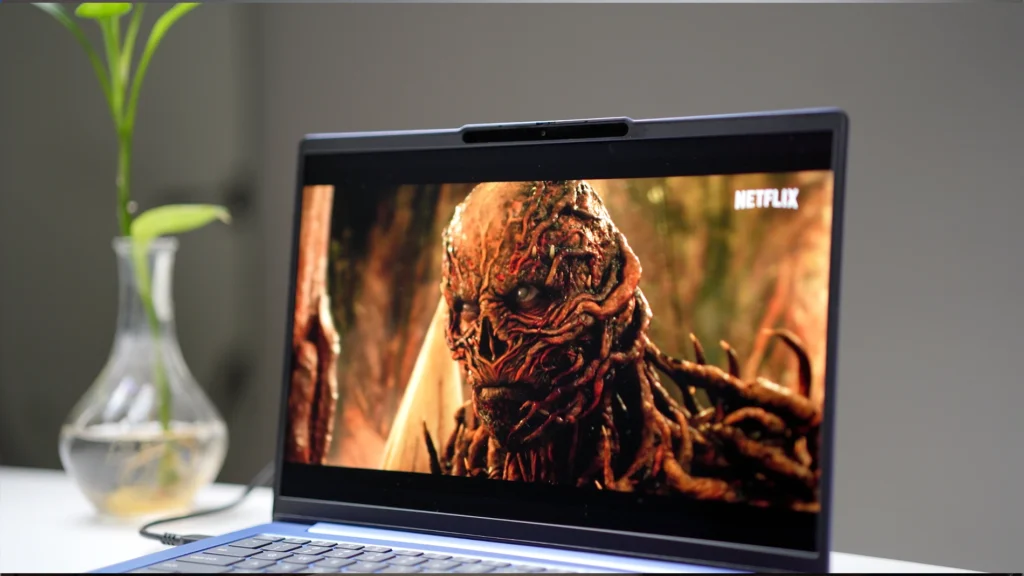
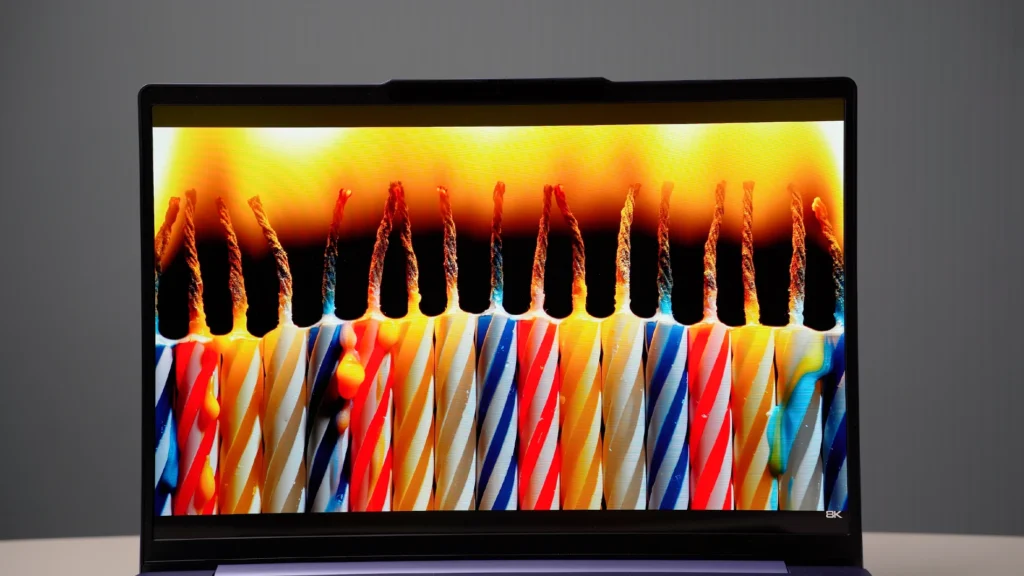
Let’s be straight — the display is the headline feature. You’re getting a 14-inch 2.8K OLED with a 120 Hz refresh rate, 500 nits brightness, and 100% DCI-P3. On Netflix and YouTube, the colours look rich and punchy. In Photoshop, the wider colour range makes edits look more “alive” compared to a regular sRGB laptop panel.
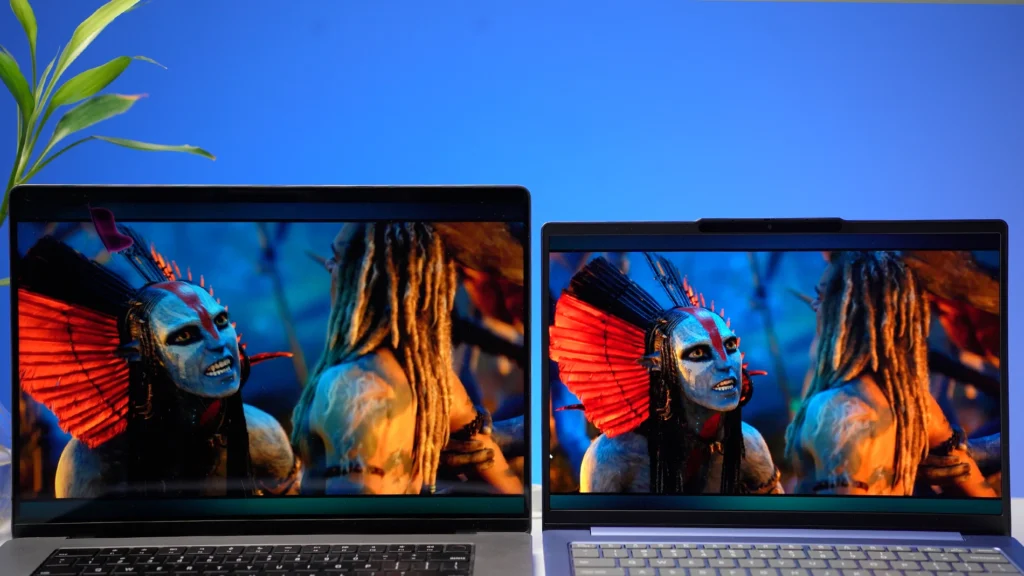
One practical point: on a 14-inch screen, 2.8K is too sharp at 100% scaling for most people. I used it at 200% scaling, and that’s the comfortable setting for daily work. For coding and normal office work, switching down to Full HD (1920×1080) can feel more relaxed, and you’re still getting a clean, sharp experience.
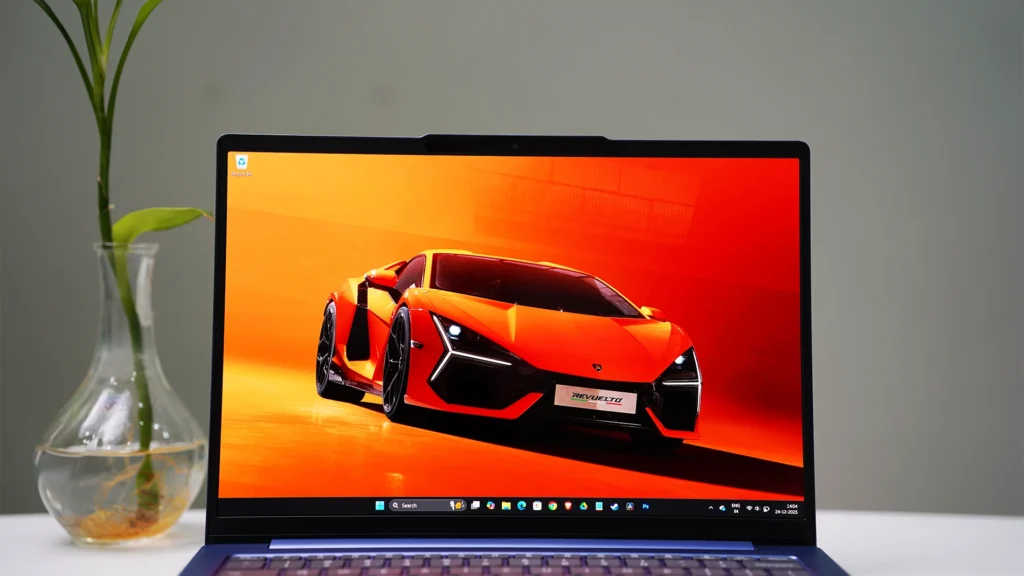
Brightness is good too. Indoors, I rarely needed more than 50%, and that’s also where battery becomes usable. Outdoors, it’s still visible enough for regular work, though like any OLED laptop, you’ll still prefer shade when possible.
Performance (Core 5 210H is a strong “work CPU”)
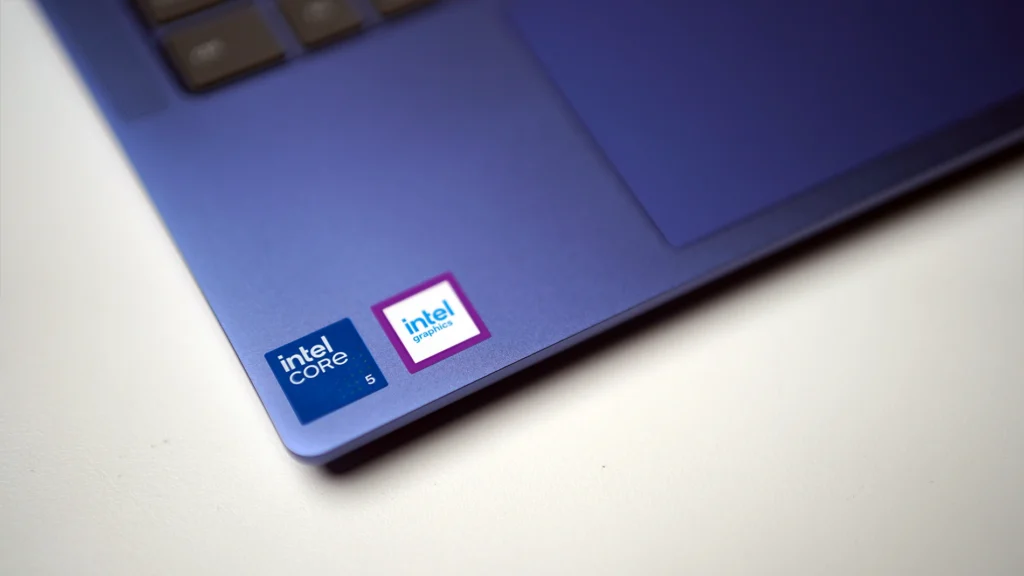
For my work — Chrome tabs, WordPress, Docs/Sheets, Photoshop basics, and general multitasking — this laptop feels fast. The Core 5 (Series 2) 210H has enough power for day-to-day speed, and 16 GB DDR5 dual-channel helps it stay smooth when you’re jumping between apps.
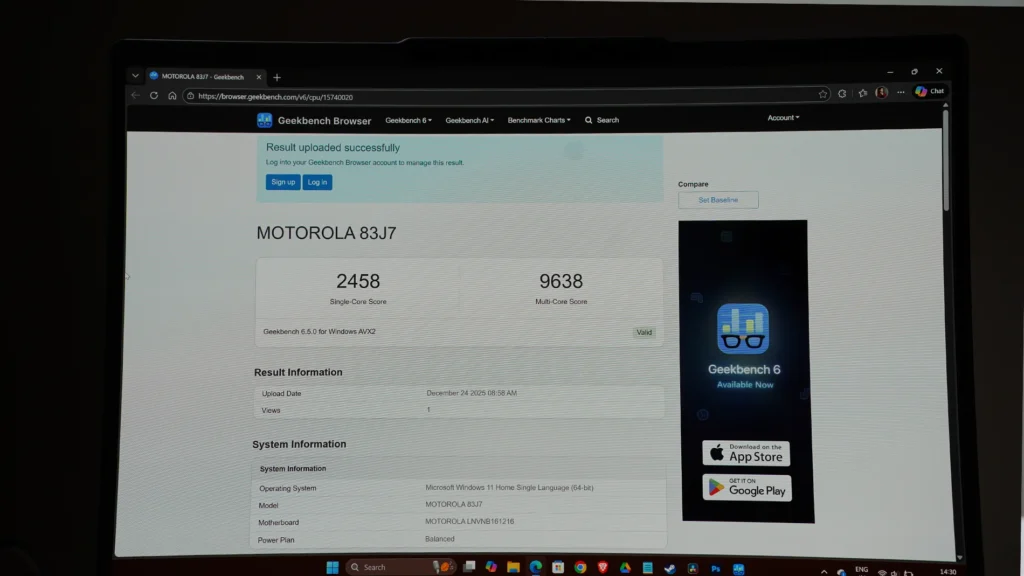
My Geekbench numbers were roughly ~2400 single-core and ~9600 multi-core, which matches what I felt in real usage: quick app launches, smooth browsing, and no constant “loading” feeling while working.
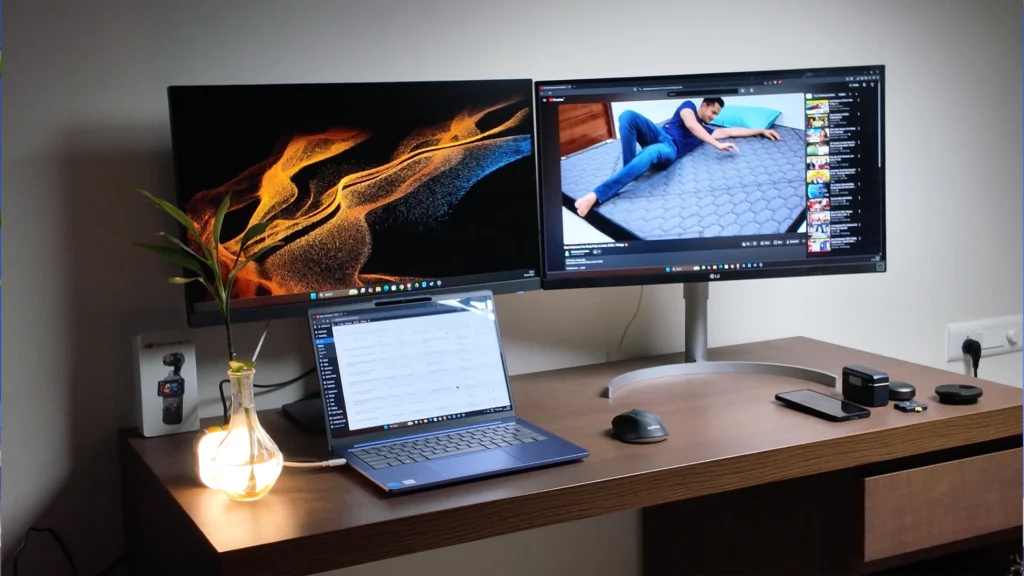
This is also a good laptop for students doing real development work — VS Code, Python, Java, Node.js, web development, even Android Studio for moderate projects. It can also handle AutoCAD 2D and light 3D work, and basic MATLAB simulations. If your workload is heavy 3D, Blender, or you want fast GPU acceleration, you already know the answer: you need a dedicated GPU laptop.
Gaming (Surprisingly playable, but don’t buy it for gaming)
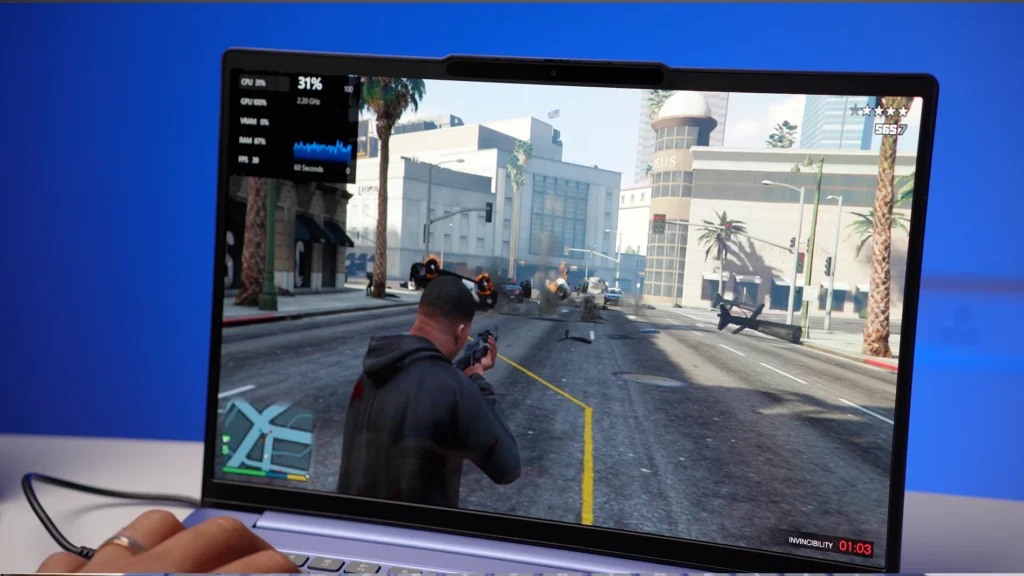
This is not a gaming laptop, and Motorola isn’t selling it as one. Still, I tested games because many buyers in India do casual gaming even on “work laptops.”
GTA V ran well without a dedicated GPU. On low settings, I got around 45–55 FPS, and it felt smooth. Medium settings also felt playable, but if you play for long sessions, you’ll hear the fan and the laptop gets slightly warm. Dropping resolution to Full HD makes gameplay smoother.
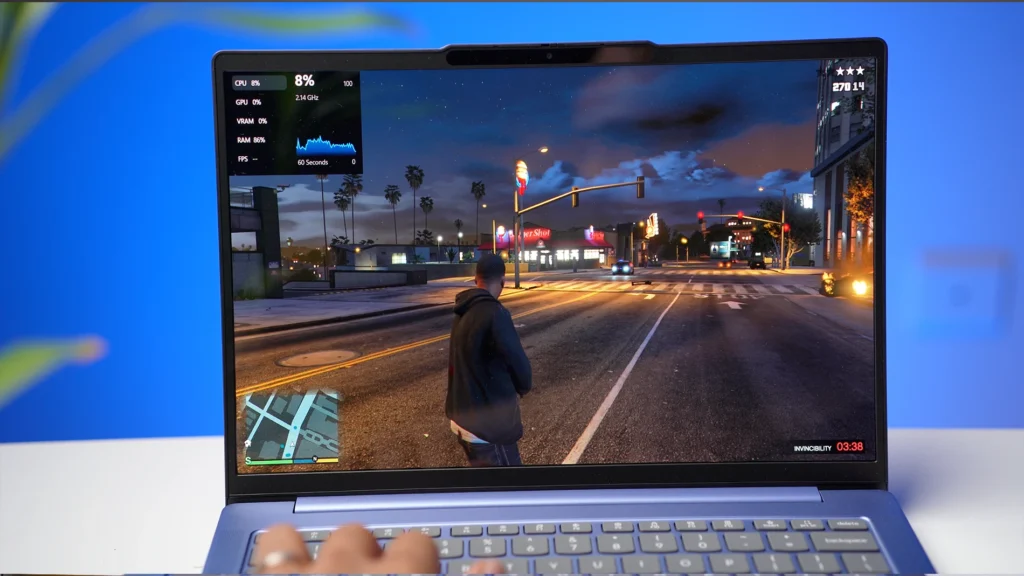
Valorant runs easily, which is expected because it’s not a heavy game. COD also works, but again, keep expectations realistic — integrated graphics is the ceiling here. You can have fun, but you’re not buying this for high settings gaming.
Thermals and Fan Noise (What happens when you push it)
For regular office work, the laptop stays calm. The moment you push it with gaming or heavier loads, fan noise comes in and the chassis gets warm. That’s normal for a thin 14-inch with integrated graphics doing more than it’s designed for.
So the honest way to look at it: if your use is productivity + OTT + light editing, thermals won’t bother you. If you try to treat it like a gaming laptop, you’ll start noticing heat and fan behaviour.
Keyboard, Trackpad, Webcam, Speakers
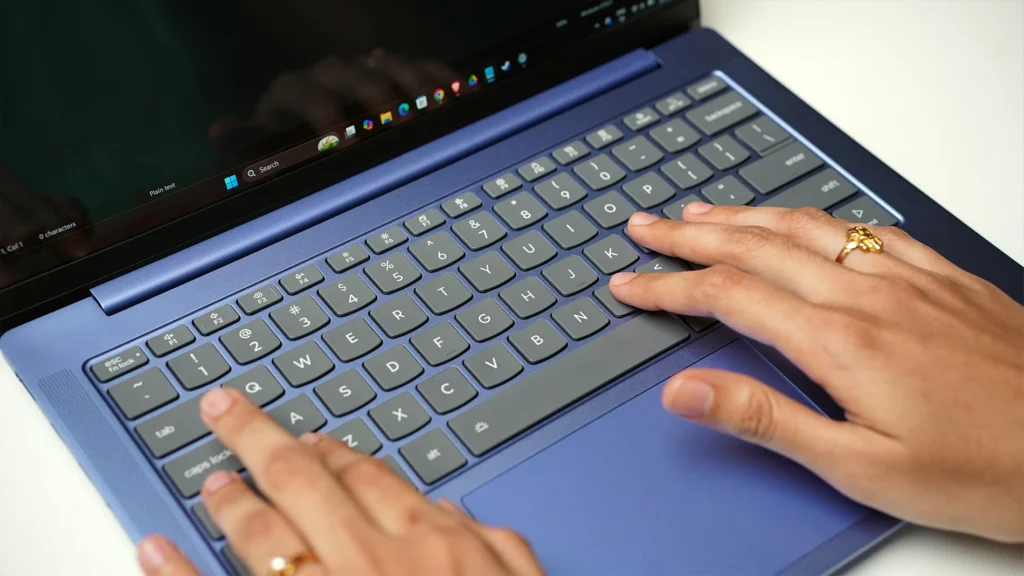
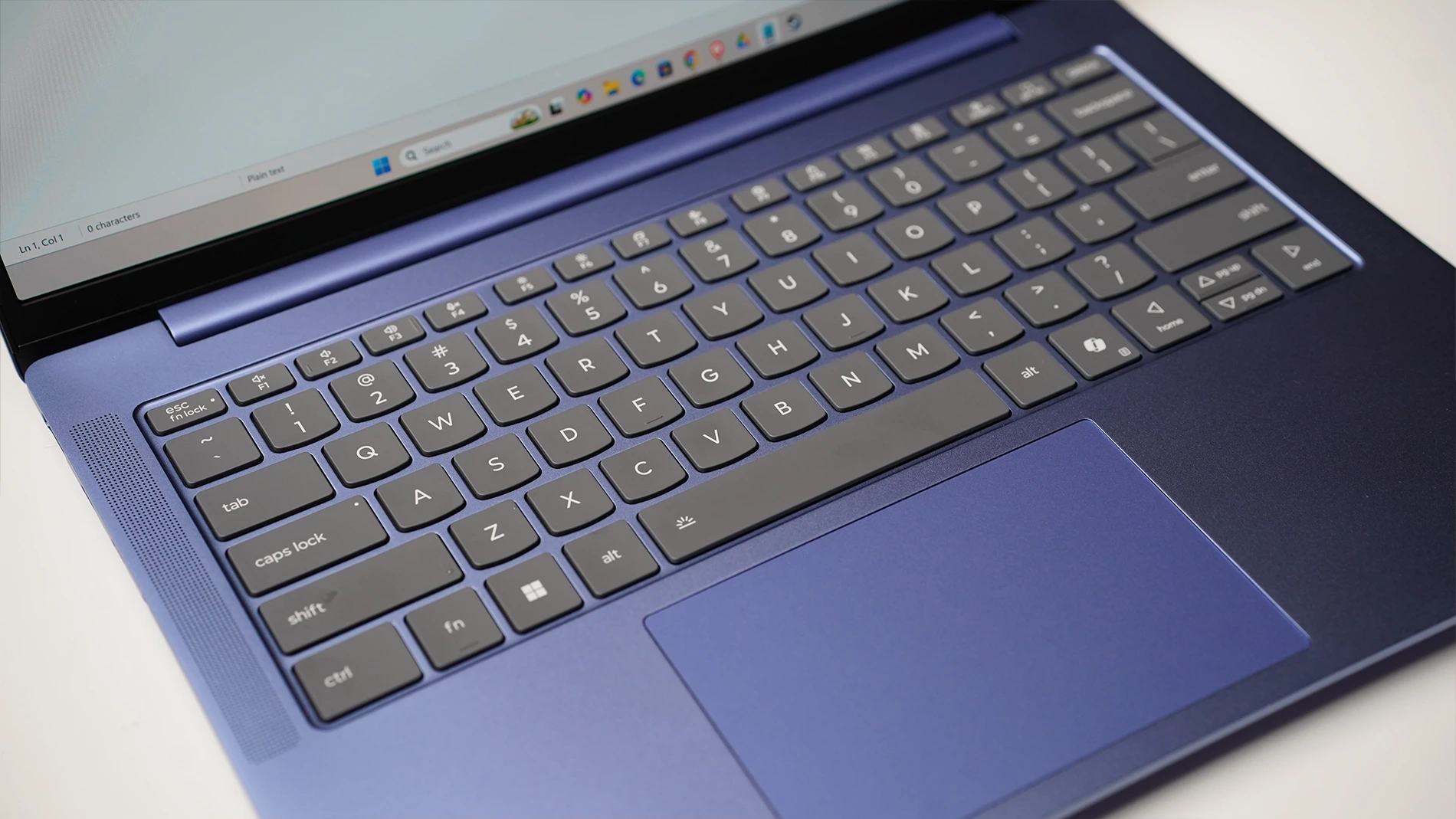
Keyboard is good for daily typing and work. It has backlight, so night use is comfortable. The trackpad is also fine, gestures work properly, but I’m the type who clicks more than taps — and yes, the click sound feels like older laptops. Not a disadvantage, just something you notice if you’re coming from a MacBook-style silent trackpad.
The Full HD webcam is decent for meetings and calls. Nothing magical, but usable. Speakers are also decent for the price. It’s a 2W × 2 stereo setup and Dolby Atmos is more of a branded tag here, but the sound is not bad for a ₹50K-ish laptop, especially for YouTube and casual Netflix.
Ports and Connectivity
Port selection is solid for this segment: USB-A, USB-C with charging and display output, 3.2 Gen-1, headphone jack, and microSD. Wi-Fi 7 and Bluetooth 5.4 are a nice bonus because many laptops at this price still ship with older wireless.
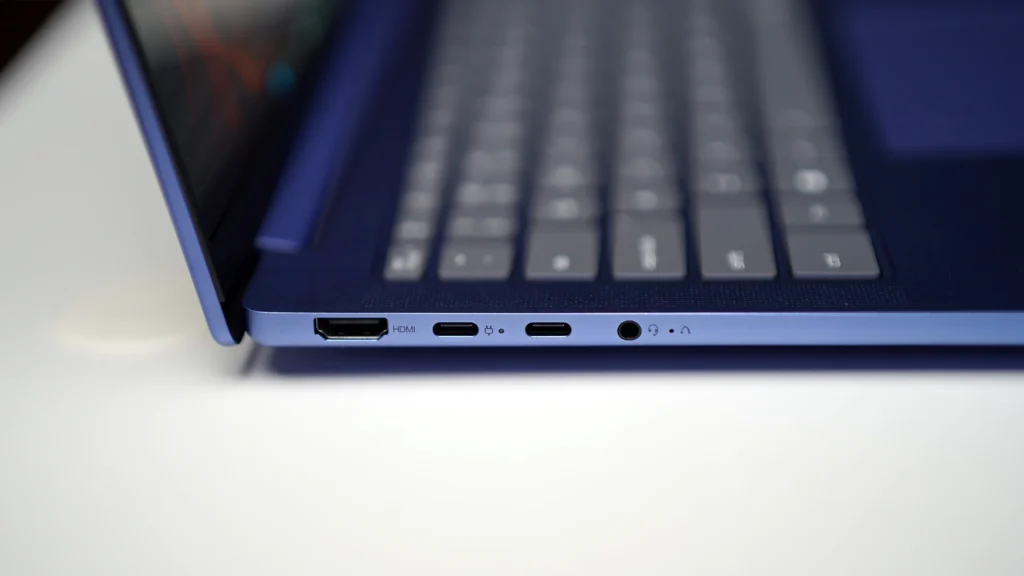
One thing I’ll say for monitor users: if you’re planning a serious external display setup, USB-C display output is your best bet. HDMI on budget/thin laptops often comes with limitations, so USB-C to DisplayPort is usually the cleaner route for high refresh monitors.
Battery Life (Good with discipline, average if you push it)
Battery is where you need the right expectations. With YouTube/Netflix at 50% brightness, I got around 5–6 hours. For work with multitasking, it’s around 3–4 hours. The biggest battery killer is screen brightness. On this OLED, you don’t need 75% indoors at all. If you keep brightness sensible, battery becomes acceptable.
Who Should Buy the Moto Book 60?
Buy it if your priorities are:
- Premium OLED display for work + OTT
- A light 14-inch laptop (1.4 kg) for college/office
- Strong daily performance for browsing, Office, coding, and light editing
- A laptop that feels more premium than the price suggests
Skip it if you need:
- Heavy 3D (Blender), serious AutoCAD 3D, heavy After Effects style work
- 4K video editing timelines with heavy effects
- GPU-dependent AI/ML training (CUDA workflows)
- High settings AAA gaming
Should You Buy It? (Final Take)
At around ₹50,000, the Moto Book 60 is a straight recommendation if your use is student/office + OTT + basic creative work. The OLED panel is the biggest reason — it changes the whole “cheap laptop” experience. Even at ₹54K–₹56K, it still makes sense because OLED + 120 Hz + metal build is still rare in this segment.
- Display
- Performance
- Build Quality
- Battery Life
- Connectivity
- Value For Money
