

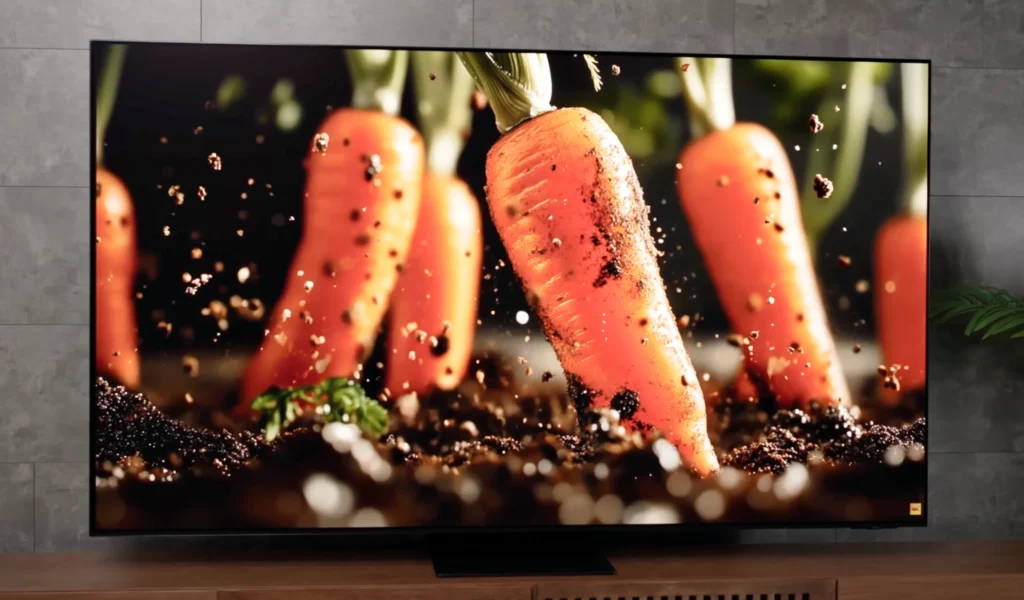
We’re focusing only on popular models that are widely available in India, covering everything from entry-level QLED options around ₹30,000 right through to premium OLED and high-performance Mini-LED sets closer to ₹2,00,000. That allows us to highlight the TVs that genuinely stand out for the money, rather than the ones that merely look good on paper.
You’ll find picks for home cinema, everyday viewing and gaming, with the selection built around display quality first, then sound, ports, operating system performance and service reliability.
We don’t include TVs just because they’re new or popular. Models earn their place by performing consistently well across the basics that matter.
We buy and test what we recommend. If you purchase through our links, we may earn a small commission at no extra cost to you. See our Affiliate Disclosure.
Best OLED TVs
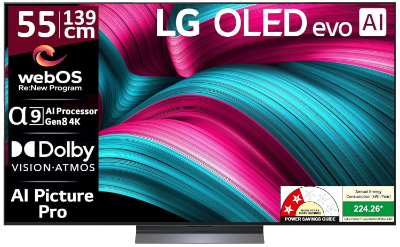
1. LG C5 OLED
Best OLED TV for most people (and the easiest premium pick to recommend)
The C-series has always been the sensible OLED buy — and the C5 continues that tradition with a rich, punchy picture and a feature set that doesn’t feel compromised.
| LG C5 OLED evo | Details |
|---|---|
| Screen size | 55 inches (also available in 65 inches) |
| Type | OLED evo |
| Backlight | N/A |
| Resolution | 4K Ultra HD (3840 x 2160) |
| Refresh rate | 120Hz native (VRR up to 144Hz) |
| HDR formats | Dolby Vision, HDR10, HLG (no HDR10+) |
| Operating system | webOS 25 |
| Connectivity | 4 HDMI (4K/120Hz, eARC, VRR, ALLM) + 3 USB (v2.0) + Ethernet (LAN) + Wi-Fi 6 + Bluetooth 5.3 + Optical (SPDIF) |
| Gaming features | 4K/120Hz, VRR (up to 144Hz), ALLM, G-Sync compatible, FreeSync compatible |
| ARC/eARC | eARC (HDMI 2) |
| Audio | 60W, 2.2 channel, Dolby Atmos |
| Optical output | Yes (SPDIF) |
Reasons to buy
- Perfect blacks and OLED contrast that make films look instantly more cinematic
- Four full HDMI 2.1 ports — one of the most practical gaming-friendly setups in this entire list
- Strong all-round picture performance that’s easy to enjoy without spending hours in settings
Reasons to avoid
- Built-in sound is only fine, so a soundbar budget makes a big difference
- In very bright rooms, the best Mini-LEDs can still look more effortlessly punchy in full-screen brightness
In India, this is the OLED that sits right in the “best TV under ₹1 lakh” conversation when you’re looking at the 55-inch size, and it becomes a clear premium step when you move to 65 inches, which usually lands closer to the ₹1.8–₹1.9 lakh bracket depending on offers.
Picture quality is exactly why people buy an OLED in the first place. The C5 delivers those inky blacks, clean shadow detail and the sort of contrast that makes night scenes look like night scenes, not grey scenes. That’s the core upgrade you feel immediately, even if you’re coming from a “Dolby Vision” budget QLED that looked impressive in a store.
Read More
That said, the C5 isn’t only about dark-room cinema. It’s bright enough for most normal living rooms, and it holds colour well without turning the picture into a neon demo mode. Where Mini-LED tends to win is when you have a genuinely bright room and you watch a lot of daytime content — that’s when sheer brightness and local dimming zone control can look more comfortable.
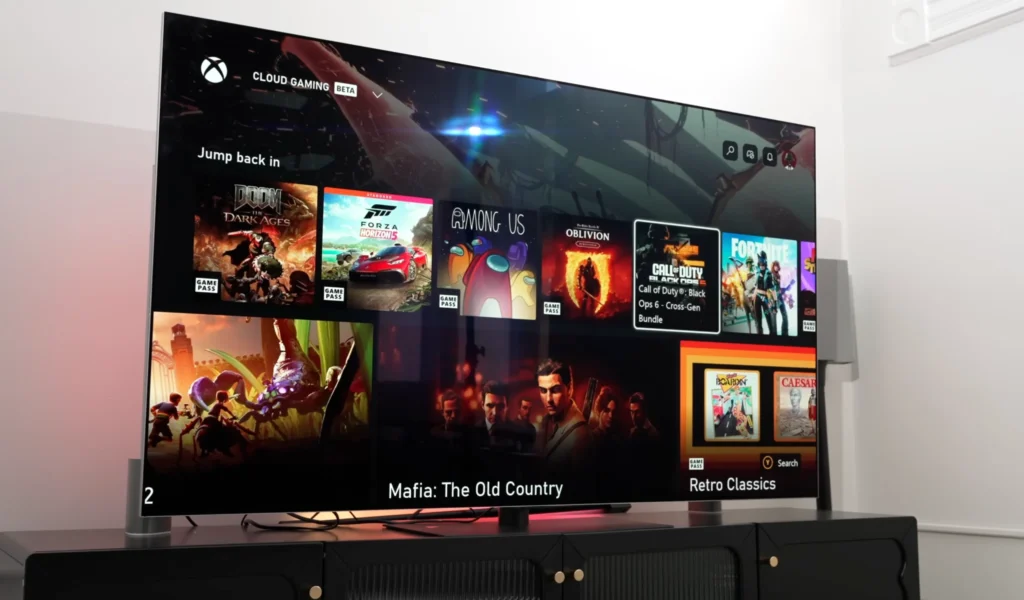
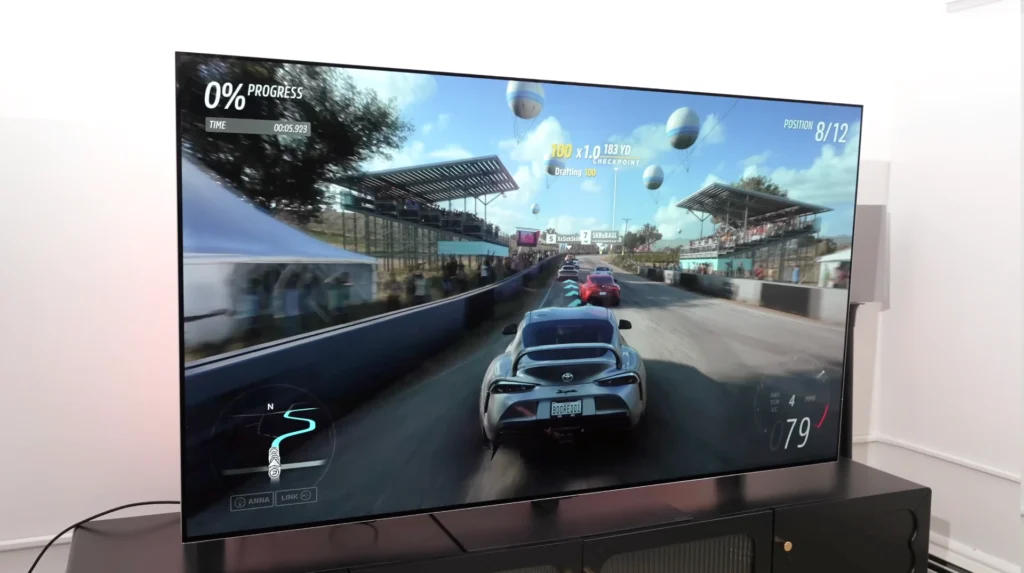
For gaming, the C5 stays one of the easiest TVs to live with. Four HDMI 2.1 ports means you don’t get boxed into awkward choices between a console, another console or PC, and eARC for your soundbar. It’s a simple thing, but it makes ownership smoother.
Sound is the compromise. Like most slim OLEDs, it’s clear enough for casual TV, but it doesn’t have the weight or scale for proper movie moments. No mean feat for built-in speakers, but a decent soundbar takes this TV from “excellent picture” to a genuinely complete home cinema setup.
All told, if you want the cleanest route into OLED — without paying flagship money — the LG C5 earns its place on performance and practicality.
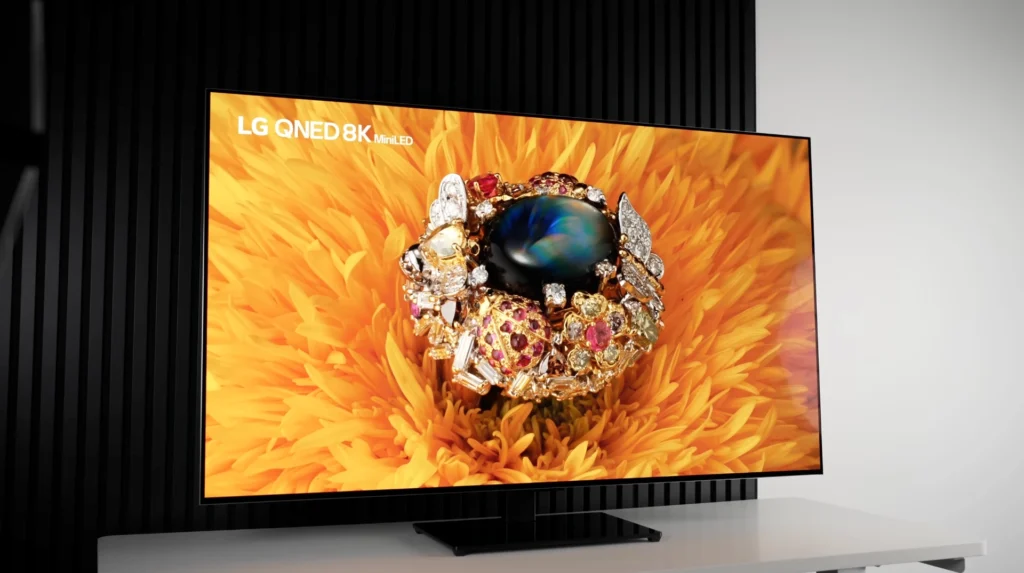
If you like the idea of the C5 but you watch in a bright room and you want OLED to feel more “effortless” in daytime viewing, the G5 is the step-up. It pushes higher overall brightness, handles reflections more confidently, and delivers a more impactful HDR look with stronger colour volume, so the picture has more punch without losing that OLED black-level advantage. The trade-off is value. In India, it usually sits well above the C-series pricing, and for most buyers the C5 remains the smarter buy because it delivers the core OLED experience for a lot less money.
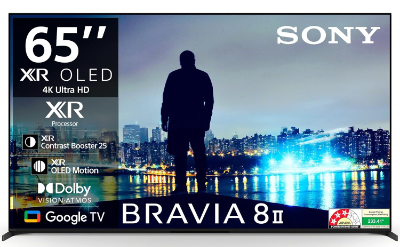
2. Sony BRAVIA 8 II
Best OLED TV for pure picture lovers (but very costly in India)
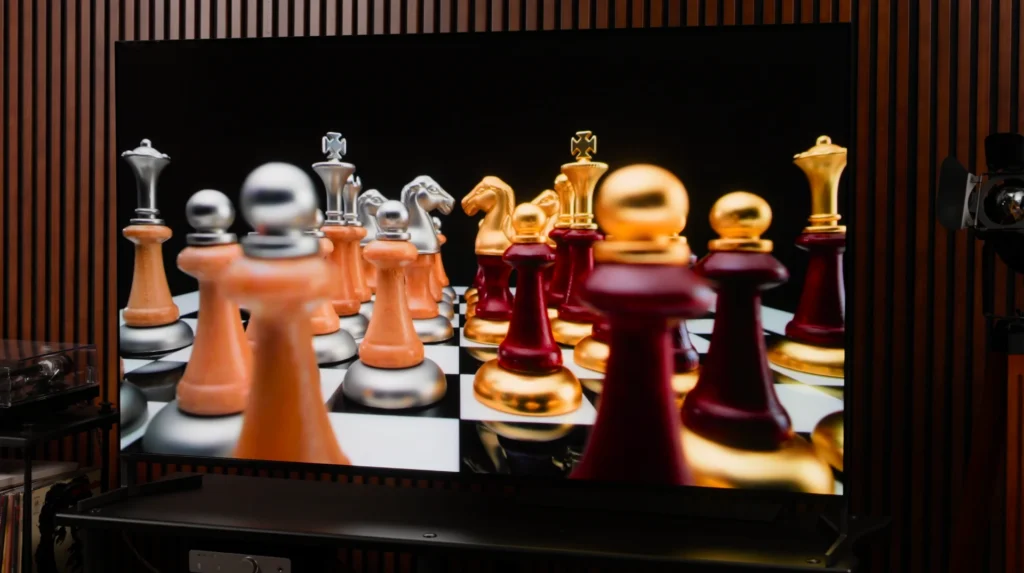
The step up from a “great OLED” to a more expensive OLED is usually small on paper. In this case, it isn’t a brightness upgrade.
| Sony BRAVIA 8 II (XR80M2) | Details |
|---|---|
| Screen size | 55 inches (also available in 65 inches) |
| Type | OLED |
| Backlight | N/A |
| Resolution | 4K Ultra HD (3840 x 2160) |
| Refresh rate | 120Hz |
| HDR formats | HDR10, HLG, Dolby Vision (no HDR10+) |
| Operating system | Google TV |
| Connectivity | 4 HDMI (2 x HDMI 2.1: 4K/120, VRR, ALLM, eARC) + 2 USB + Ethernet (LAN) + Wi-Fi 6 + Bluetooth 5.3 + Digital Audio Out (Optical / hybrid) |
| Gaming features | 4K/120, VRR, ALLM (via HDMI 2.1 ports) |
| ARC/eARC | eARC (on one HDMI 2.1 port) |
| Optical output | Yes (Digital Audio Out – optical/hybrid) |
Reasons to buy
- Balanced, immersive picture with excellent motion handling
- Perfect blacks, excellent shadow detail and very clean gradation in dark scenes
- One of the best built-in TV sound systems you’ll hear, by TV standards
Reasons to avoid
- Very costly in India — the 55-inch sits around ₹2.1 lakh and the 65-inch climbs to around ₹3.0 lakh
- Still only two HDMI 2.1 sockets, and one of those is usually the eARC port, which can make gaming setups awkward for some
Let’s be clear about what this TV is. It’s not the OLED you buy to chase maximum HDR brightness. If you want that punch — brighter highlights and more impact in vivid HDR scenes — the LG C-series is the cleaner decision.
That said, BRAVIA 8 II still has strengths that matter in normal viewing. Motion is the big one. Fast movement looks more controlled and less messy, which is exactly what you notice with sport and everyday content. The picture also feels more balanced and less showy, so you’re less likely to spend hours fighting settings to make it look natural.
Read More
Built-in sound is the surprise. Most TVs are merely fine and we usually tell you to budget for a soundbar. Here, the built-in sound is genuinely above average by TV standards, with clearer placement and a more convincing sense of scale than the usual thin down-firing setups. No mean feat. A soundbar still takes things further, but if you want to live without one for a while, this is one of the easier TVs to do that with.
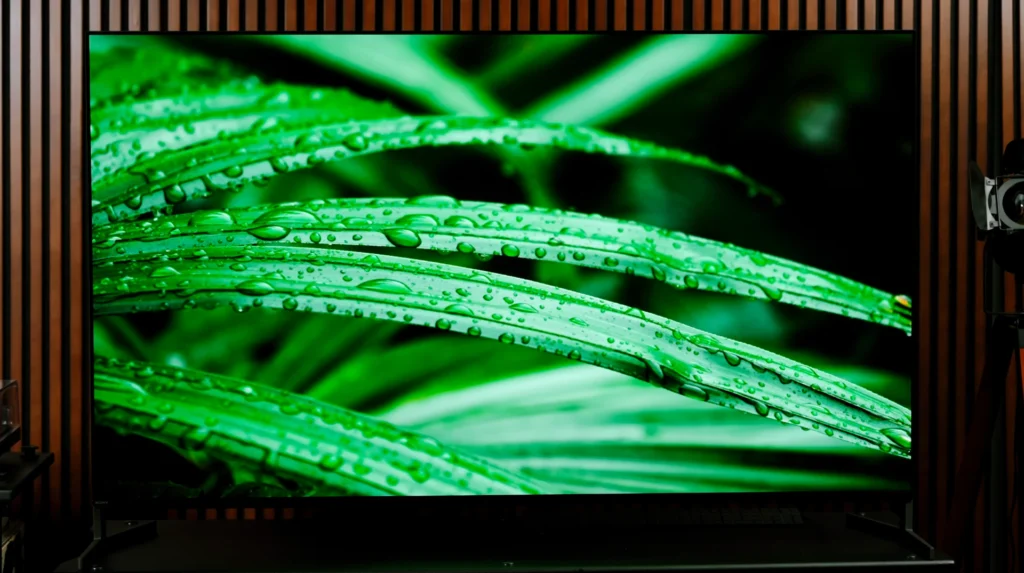
Gaming is where the practical compromise returns. You get the right features, but the limitation of two HDMI 2.1 ports doesn’t go away, and once eARC is in use, the setup can feel restrictive if you run multiple devices. For some buyers that’s a non-issue. For others it’s exactly the sort of annoyance that shows up after the honeymoon period.
All told, BRAVIA 8 II is a premium-feeling OLED with strong motion handling and better-than-average built-in sound, but it isn’t the brighter OLED, and it isn’t the best-value OLED either. If you’re shopping with value in mind, the LG C-series is still the one that earns its place.
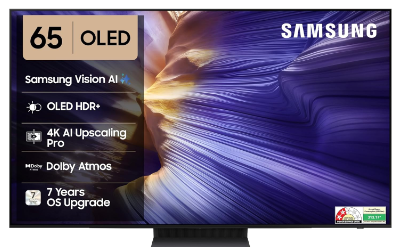
3. Samsung S90F
Best OLED TV for gaming value (and the sensible step below the flagship)
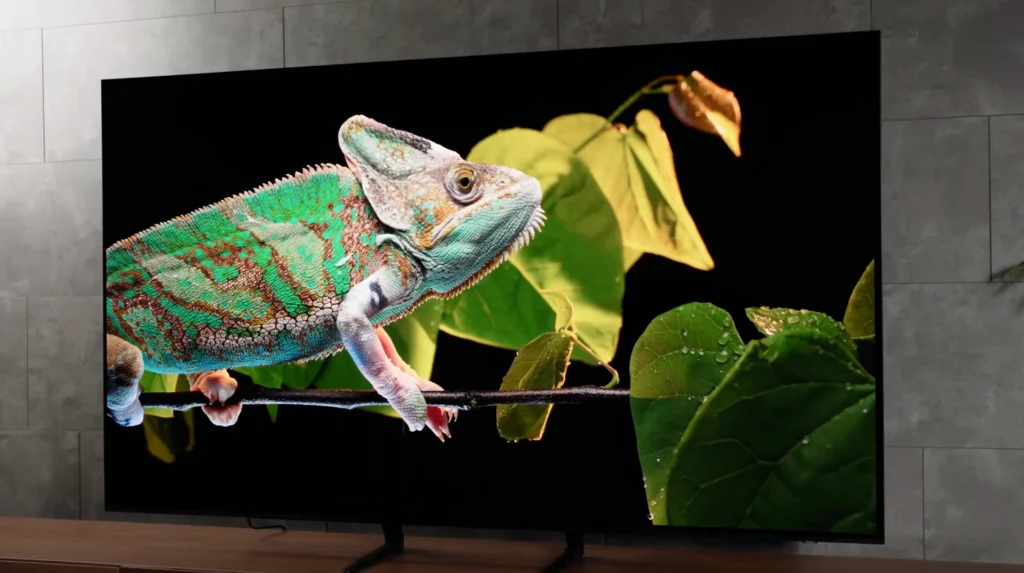
Samsung’s mid-range OLEDs have always been about one thing: getting you most of the flagship feel without forcing you into flagship pricing. In India, with the 55-inch sitting around ₹1.4 lakh and the 65-inch around ₹1.6 lakh (often lower in sales with bank offers), the S90F lands right in that “premium, but still value-focused” bracket.
| Samsung S90F (55-inch) | Details |
|---|---|
| Screen size | 55 inches (also available in 65 inches) |
| Type | OLED |
| Backlight | N/A |
| Resolution | 4K Ultra HD (3840 x 2160) |
| Refresh rate | Up to 144Hz (4K 144Hz via HDMI) |
| HDR formats | HDR10+, HLG (no Dolby Vision) |
| Operating system | Tizen Smart TV |
| Connectivity | 4 HDMI (4K 144Hz on HDMI 1–4; HDMI 2.1-class) + 2 USB-A + Ethernet (LAN) + Wi-Fi 5 + Bluetooth 5.3 + Optical (Digital Audio Out) |
| Gaming features | VRR, ALLM, FreeSync Premium Pro, HGiG |
| ARC/eARC | eARC |
| Optical output | Yes (Digital Audio Out – Optical) |
Reasons to buy
- Bright, punchy OLED presentation with strong colour volume that looks instantly premium in HDR
- Four HDMI ports with proper high-refresh gaming support makes multi-device setups far easier than on many rivals
- Excellent pick for buyers who want a “best OLED under ₹2 lakh” experience without paying flagship money
Reasons to avoid
- No Dolby Vision, which matters if you’re deep into Netflix/Disney+ and want that format support
- Like most slim OLEDs, built-in sound is good rather than great, so a soundbar still makes sense
- If your room is extremely bright, a strong Mini-LED can feel more effortlessly comfortable in full-screen brightness
The S90F’s appeal is simple: it delivers the “OLED upgrade” people actually care about — perfect blacks, clean contrast, and a punchy HDR look — while also being one of the easiest TVs to live with if you game. Four HDMI ports with proper high refresh support means you’re not forced into compromises the moment you add a soundbar and a second console.
Read More
That said, the format situation is the one thing you should be clear about. If Dolby Vision is important to you, this isn’t the TV that ticks that box. For a lot of people, that’s a non-issue because the TV still does HDR in a very impactful way. For others, especially if your streaming library is Dolby Vision-heavy and you want maximum compatibility, it’s something to factor in before you lock it.
If you want the most “flagship Samsung OLED” experience and you don’t mind paying extra, the S95F is the step-up. It goes harder on bright-room OLED performance thanks to its glare-handling approach, it adds extra premium touches such as the One Connect box, and it’s also the more complete gaming setup on paper with four high-refresh HDMI 2.1 ports.
Best Mini LED TVs
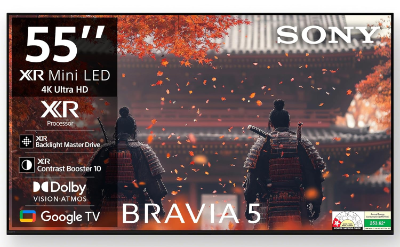
1. Sony BRAVIA 5
Best Mini-LED TV for Sony-style processing and cable/sports (mid-range pick)
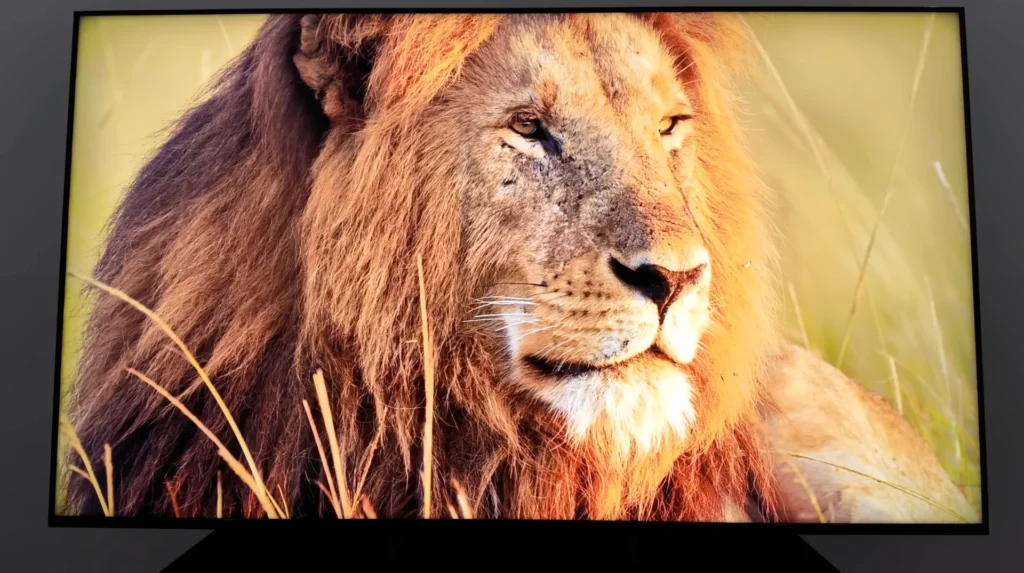
If you like the idea of Mini-LED — deep blacks, strong brightness, and better control in difficult HDR scenes — but you also care about upscaling and motion for everyday viewing, the BRAVIA 5 is the Sony that makes sense for most people.
| Sony BRAVIA 5 (XR55A) – 55-inch | Details |
|---|---|
| Screen size | 55 inches (also available in 65, 75, 85 and 98 inches) |
| Type | LCD |
| Backlight | Mini-LED (Local Dimming) |
| Resolution | 4K Ultra HD (3840 x 2160) |
| Refresh rate | 120Hz |
| HDR formats | HDR10, HLG, Dolby Vision (no HDR10+) |
| Operating system | Google TV |
| Connectivity | 4 HDMI (2 x HDMI 2.1: 4K/120, VRR, ALLM, eARC/ARC) + 2 USB + Ethernet (LAN) + Wi-Fi 6 + Bluetooth 5.3 + Digital Audio Out (Optical) |
| Gaming features | 4K/120, VRR (HDMI 3/4), ALLM, Auto HDR Tone Mapping, Auto Genre Picture Mode |
| ARC/eARC | eARC/ARC (on one HDMI 2.1 port) |
| Optical output | Yes (Digital Audio Out – Optical) |
Reasons to buy
- Excellent backlight control for the money, so HDR looks punchy without turning dark scenes into a grey mess
- Natural, nuanced colours that don’t look exaggerated in real films and TV
- Strong processing for upscaling and motion — exactly the kind of advantage you notice with cable content and sports
Reasons to avoid
- At these India prices, it sits uncomfortably close to OLED territory, where black levels and contrast are simply better
- Only two HDMI 2.1 sockets, which can still be awkward for some gaming + soundbar setups
- It’s a value Mini-LED, not a “mini flagship”, so don’t expect the last word in HDR refinement
The BRAVIA 5 is the sort of TV that looks more impressive in real viewing than it does on paper, because the strengths are the ones that matter day to day: backlight control, processing, and a picture that stays believable. The Mini-LED upgrade is the headline change versus the older mid-range Sony approach, and you can see that in the way it holds blacks, keeps highlights bright, and avoids the obvious blooming that makes cheaper LED TVs look messy in night scenes.
That said, value for money is the key question in India. At around ₹1.09 lakh for the 55-inch, you’re not far from “best OLED under ₹1 lakh” thinking during sales. If your priority is movies in a dim room, OLED still wins on the fundamentals — perfect blacks, cleaner shadow detail, and that effortless contrast.
Read More
The BRAVIA 5 makes more sense if your usage is more mixed: cable content, sports, daytime viewing, and the sort of upscaling and motion handling that keeps HD channels looking clean rather than soft.
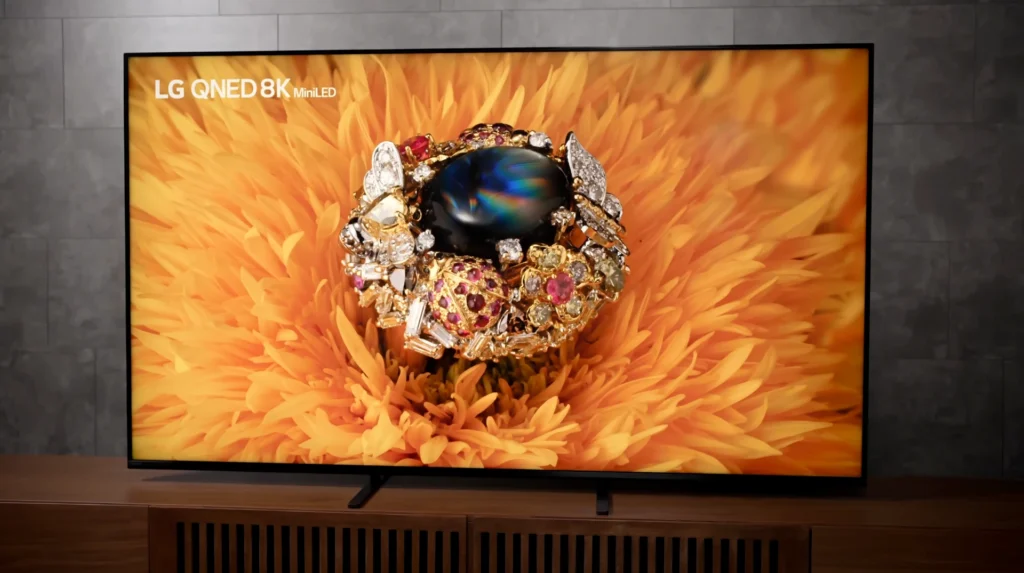
For gaming, it covers the important basics — 4K/120Hz, VRR and ALLM are present — but the two HDMI 2.1 limitation doesn’t disappear, and that’s worth acknowledging upfront if you’re planning multiple high-refresh devices plus eARC.
All told, the BRAVIA 5 is the Mini-LED pick for buyers who want a Sony-style “easy to live with” TV, strong real-world processing, and a picture that stays controlled and natural — especially for everyday viewing, but it’s also the model where you should check whether a similarly priced OLED is within reach before you lock it in.
If you want the same overall idea but with more refinement, stronger backlight control, higher HDR impact and a more premium Mini-LED presentation — the BRAVIA 7 is the step-up. It’s the better TV, but the value depends on how close it lands to OLED pricing in the size you want.
2. TCL C72K
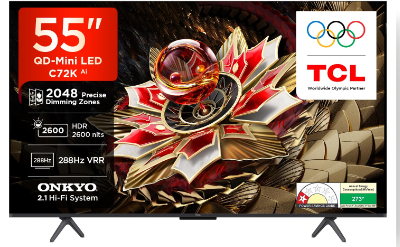
Best Mini-LED TV for value (the “under ₹1 lakh” big-screen upgrade)
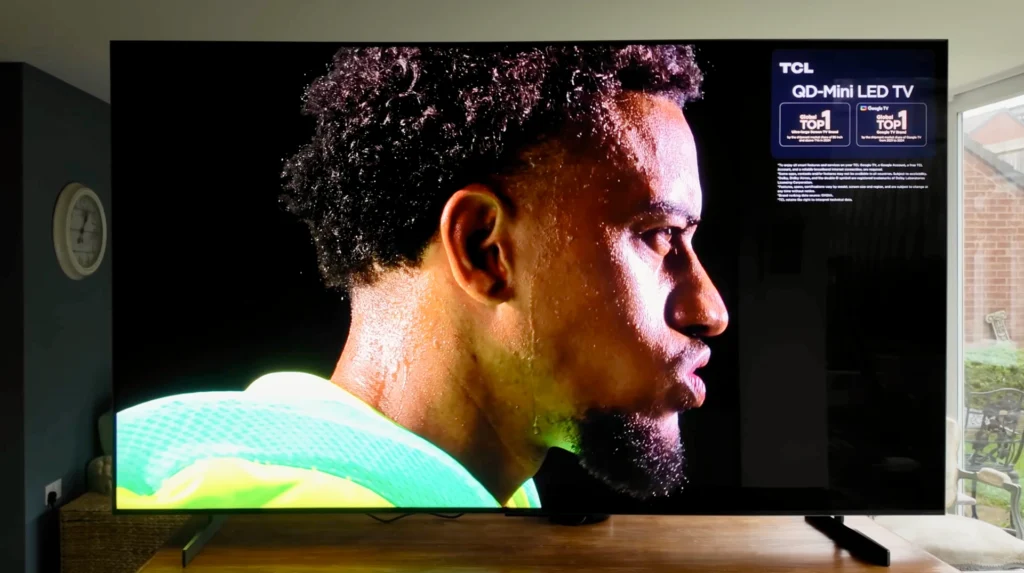
If you want that Mini-LED jump in contrast and HDR punch — without being pushed into OLED pricing — this is the TCL that makes the category feel worth it.
| TCL C72K (55C72K) | Details |
|---|---|
| Screen size | 55 inches (also available in 65, 75, 85 and 98 inches) |
| Type | QD-Mini LED (QLED with Mini-LED) |
| Backlight | Mini-LED (Precise Dimming series) |
| Resolution | 4K Ultra HD (3840 x 2160) |
| Refresh rate | 144Hz native (VRR 48–288Hz / DLG 240Hz) |
| HDR formats | Dolby Vision IQ, HDR10+, HDR10, HLG |
| Operating system | Google TV |
| Connectivity | 4 HDMI (HDMI 2.1 support) + 1 USB + Ethernet (LAN) + Antenna input + Optical Audio Out |
| Gaming features | HDMI 2.1 gaming support + AMD FreeSync Premium Pro, Game Master |
| ARC/eARC | Not specified |
| Audio | ONKYO 2.1.2 Hi-Fi system, 60W, Dolby Atmos, DTS Virtual:X |
| Optical output | Yes |
Reasons to buy
- Explosive brightness and strong backlight control for the money, so HDR looks genuinely premium
- Proper gaming support (high refresh + VRR + ALLM), which is rare at this pricing when you go big on size
- A “big screen” pick that still looks controlled in dark scenes, rather than just bright
Reasons to avoid
- Only two HDMI 2.1 sockets, which can be awkward for some multi-device gaming + soundbar setups
- Built-in sound is good rather than great, so a soundbar still makes sense if movies matter to you
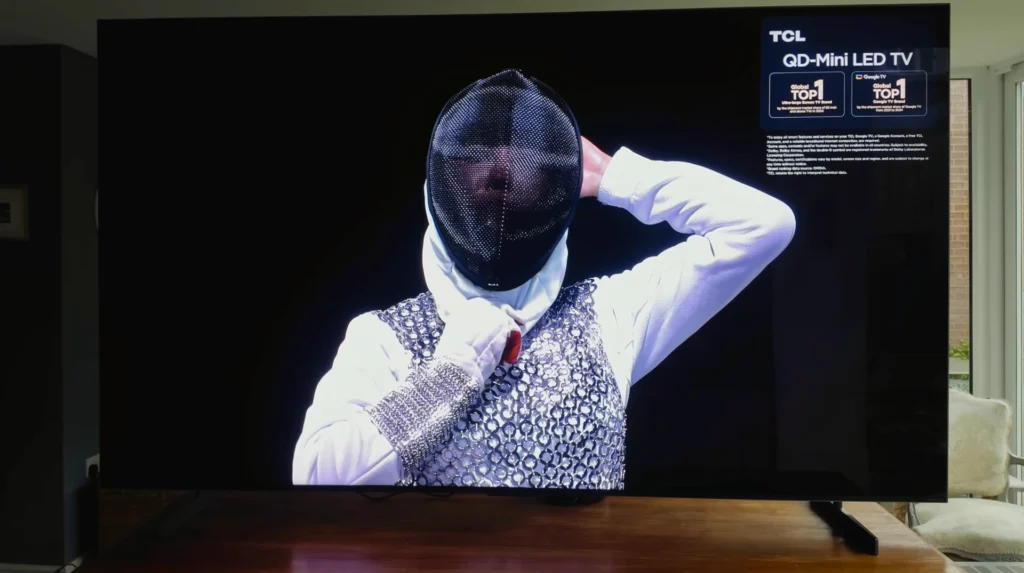
The C72K is the kind of TV that wins on the thing most buyers actually feel: it makes HDR look bold without losing control. Highlights have real intensity, colours look properly saturated, and dark scenes don’t immediately fall apart into grey haze with obvious blooming. That combination is why Mini-LED has become the sweet spot for so many buyers who want a premium-looking picture but don’t want OLED pricing.
Read More
That Said, the real reason this TCL matters in India is size-to-performance value. Around ₹70,000 for the 55-inch puts it firmly in that “best QLED under ₹1 lakh” territory — except you’re not relying only on colour volume here, you’re getting proper local dimming muscle as well. Move to 75 inches and it becomes even more compelling, because that’s the size where normal LED and basic QLED TVs start looking flat, and where Mini-LED’s extra control feels like a genuine upgrade rather than a spec-sheet feature.
Compare it with the Sony BRAVIA 5 and the trade is clear. Sony still has the edge in that effortless processing feel for cable content and motion, but the TCL often looks far stronger on performance-per-rupee once you start looking at 75 inches. If most of your viewing is OTT, movies and modern streaming, the TCL’s value argument becomes very hard to ignore.
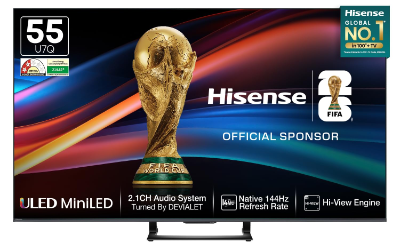
3. Hisense U7Q
Best budget Mini-LED bargain (the “under ₹50,000” shocker)
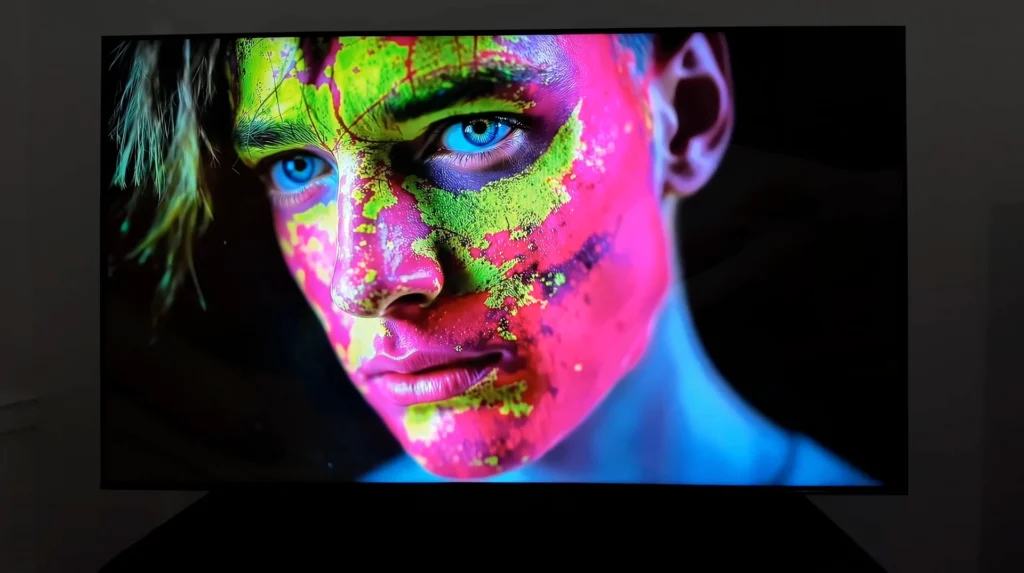
If your budget is tight but you still want a TV that looks like it has proper backlight control, the U7Q is the model that makes the “Mini-LED at this price” idea feel real.
| Hisense U7Q – 55-inch | Details |
|---|---|
| Screen size | 55 inches (also available in 65 inches) |
| Type | Mini-LED (Quantum Dot LCD) |
| Backlight | Mini-LED (Local Dimming) |
| Resolution | 4K Ultra HD (3840 x 2160) |
| Refresh rate | 144Hz (4K high refresh supported) |
| HDR formats | Dolby Vision IQ, HDR10+, HDR10, HLG |
| Operating system | VIDAA (brand mentions long update support) |
| Connectivity | 4 HDMI (HDMI 2.1-class with VRR/ALLM + eARC) + 2 USB (1 USB 3.0 + 1 USB 2.0) + Ethernet (RJ45) + Wi-Fi (dual band) + Bluetooth 5.3 + Optical (S/PDIF) |
| Gaming features | VRR, ALLM, 4K high refresh (brand lists up to 144Hz/165Hz depending on HDMI port) |
| ARC/eARC | eARC (on one HDMI port) |
| Audio | 2.1 channel, 40W (includes subwoofer), Dolby Atmos |
| Optical output | Yes (S/PDIF) |
Reasons to buy
- Mini-LED local dimming at a price where most TVs are still basic LED/QLED
- Full HDR format coverage, so you’re not boxed out by streaming format choices
- A genuinely strong feature set for the money, including modern gaming basics
Reasons to avoid
- In Filmmaker Mode, dark scenes can look very deep, but some HDR highlights in mostly-dark material can feel less lively than you expect
- Standard mode can show more shadow detail, but the balance isn’t as clean, and you may need a small tweak (Dark Detail) depending on content
- Like most TVs in this bracket, sound is decent for TV, not cinema
At these prices, the U7Q’s biggest advantage is simple: it gives you backlight control that most “Dolby Vision” budget QLEDs don’t really have. Mini-LED local dimming is what stops dark scenes from turning into a grey sheet, and it’s what lets highlights pop without the whole picture washing out. That’s the upgrade you actually notice.
Read More
That said, you do need to pick the right picture mode. In Standard mode, you can see more shadow detail, but the overall balance can feel less disciplined. Switch to Filmmaker Mode and the TV looks more controlled and more cinema-like, with deeper blacks — but in certain HDR scenes where most of the picture is dark and only small bright elements are present, it can look a bit less dynamic than you might expect from the spec sheet. If you want to pull back some of that darkness without breaking the overall look, the Dark Detail control can help, even if it doesn’t completely transform the behaviour.
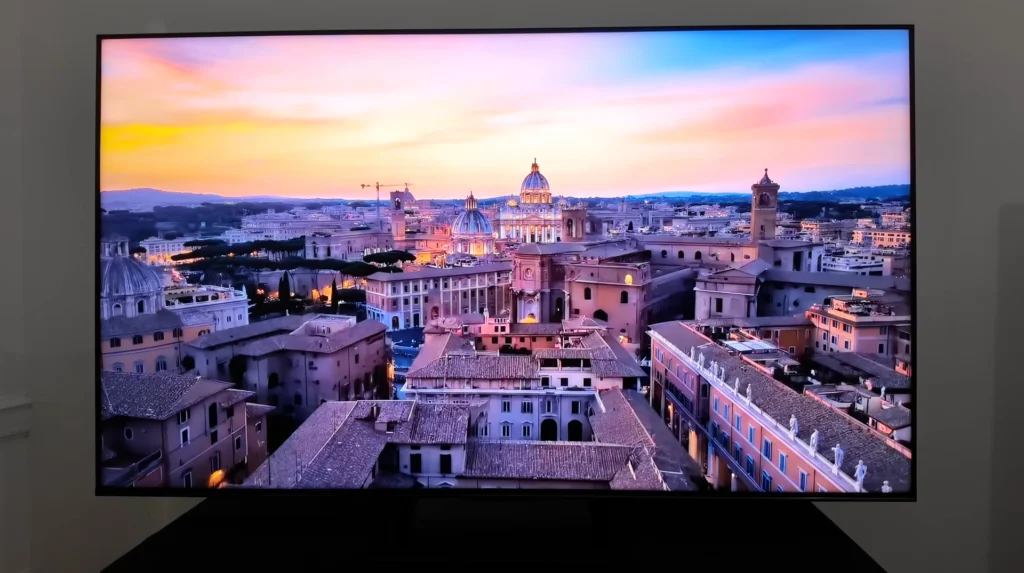
The point is, this TV isn’t trying to be perfect. It’s trying to give you the most obvious step-up at the lowest price. And at around ₹49,000 for 55 inches, it does exactly that. You’re getting a Mini-LED-style picture foundation in a segment that usually settles for “bright and colourful” but messy in dark scenes.
All told, if you’re searching in “under ₹50,000” territory and you want the most noticeable upgrade over normal LED/QLED, the Hisense U7Q earns its place on pure value.
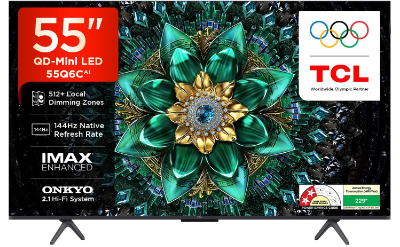
4. TCL Q6C
Best budget Mini-LED with the safest smart TV experience:
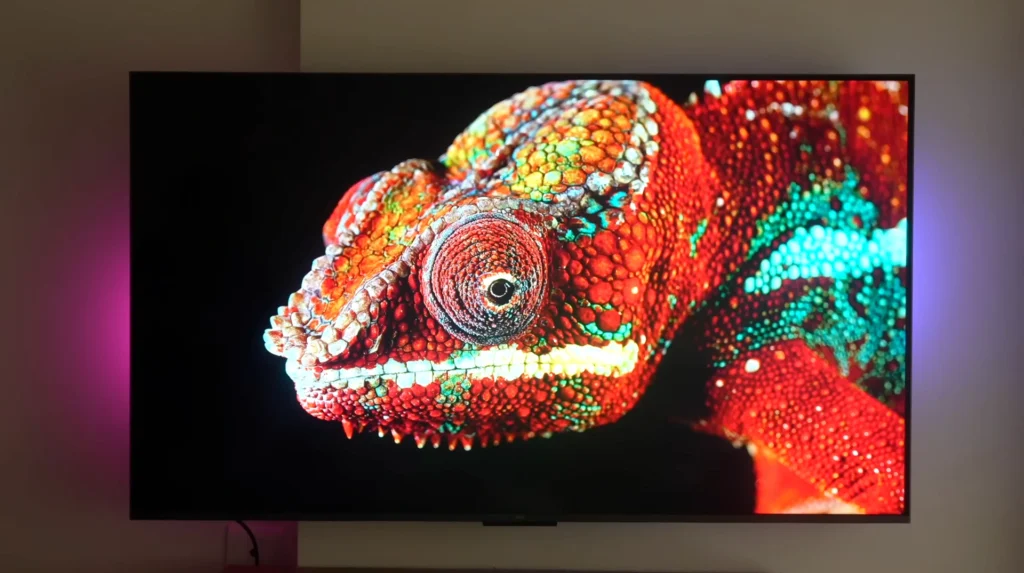
If you want a Mini-LED TV around the “under ₹50,000” bracket, but you also want a familiar, mainstream smart TV experience, the Q6C is the sensible pick.
| TCL Q6C (55Q6C) – 55-inch | Details |
|---|---|
| Screen size | 55 inches (also available in 65 and 75 inches) |
| Type | QD-Mini LED (QLED with Mini-LED) |
| Backlight | Mini-LED (Precise Dimming Series – 512+ zones) |
| Resolution | 4K Ultra HD (3840 x 2160) |
| Refresh rate | 144Hz native (VRR 48–288Hz / DLG 240Hz) |
| HDR formats | Dolby Vision IQ, HDR10+, HDR10, HLG |
| Operating system | Google TV |
| Connectivity | 3 HDMI (HDMI 2.1 support) + 1 USB + Ethernet (LAN) + Antenna input + Satellite input + Digital Audio Out (Optical) |
| Gaming features | VRR, ALLM, FreeSync Premium Pro, Game Master |
| ARC/eARC | Not specified |
| Audio | 40W output, Dolby Atmos, DTS Virtual:X |
| Optical output | Yes (Digital Audio Out) |
Reasons to buy
- Mini-LED contrast control at a price where most TVs still look grey in dark scenes
- Google TV feels straightforward day to day — apps, casting and navigation are all familiar
- Strong gaming support for the money, as long as you’re fine with two HDMI 2.1 ports
Reasons to avoid
- It’s a step-down Mini-LED, so it doesn’t have the same brightness and dimming muscle as the higher models
- Built-in sound is respectable rather than cinematic, so a soundbar still makes sense
You need to keep expectations realistic. This is not the Mini-LED that’s trying to behave like a flagship. It has fewer dimming zones and lower brightness than the step-up model above it, and that difference shows up most clearly in demanding HDR scenes.
Even so, at around ₹47,000, the fact that you’re getting a genuinely more controlled picture than a standard budget QLED is the whole point.
Read More
Where it becomes an easy recommendation is the smart experience. Google TV is familiar, the app ecosystem is strong, and the day-to-day feel is the kind you can live with without constantly fighting the interface. For a lot of buyers in this segment, that matters as much as raw picture performance.
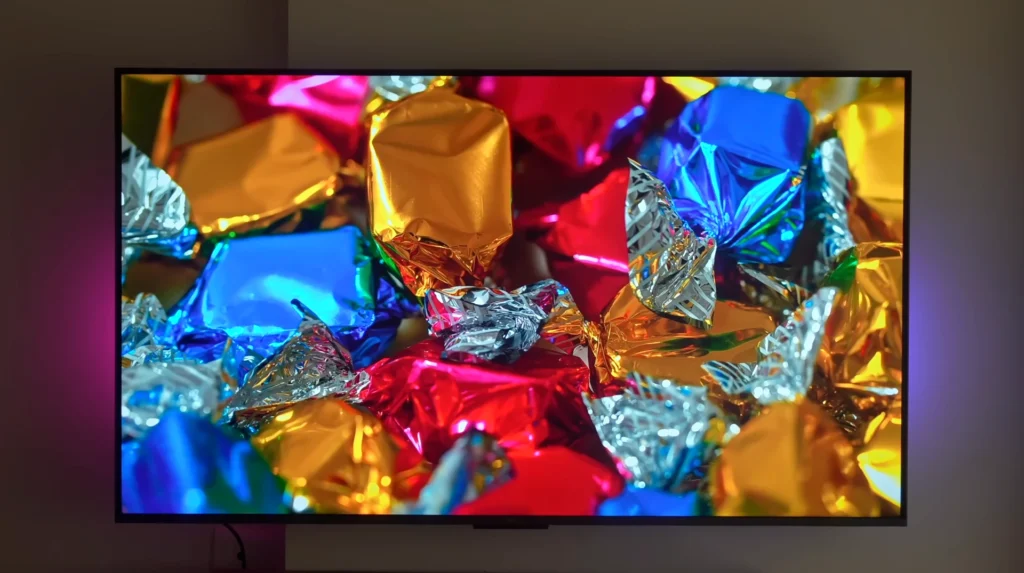
All told, if you want the “safe and popular” Mini-LED pick in the under-₹50,000 territory — with Google TV doing what you expect it to do, the TCL Q6C earns its place.
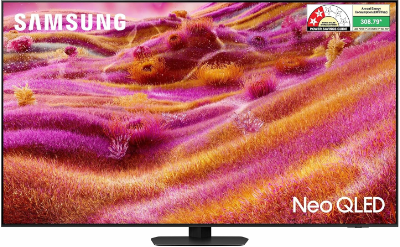
5. Samsung QN90F
Best Mini-LED TV for bright rooms and sport (and the cleanest “living room” pick)
If your room is bright, you watch a lot of daytime TV or sport, and you want a picture that still looks punchy without fighting reflections all day, the QN90F is the Mini-LED that earns its place.
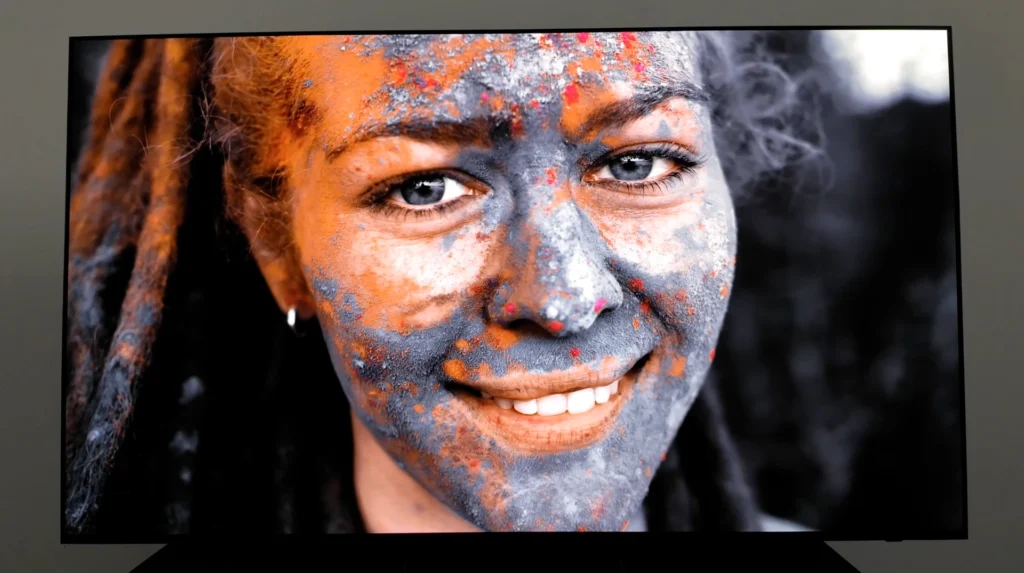
| Samsung QN90F (55/65-inch) | Details |
|---|---|
| Screen size | 55 inches (also available in 65 inches) |
| Type | Neo QLED (Quantum Dot LCD) |
| Backlight | Mini-LED (local dimming) |
| Resolution | 4K Ultra HD (3840 x 2160) |
| Refresh rate | 120Hz (up to 165Hz) |
| HDR formats | HDR10+, HDR10, HLG (no Dolby Vision) |
| Operating system | Tizen Smart TV |
| Connectivity | 4 HDMI (high refresh support) + HDMI eARC + 2 USB-A + 1 USB-C + Ethernet (LAN) + Wi-Fi + Bluetooth + Optical (Digital Audio Out) + RF In |
| Gaming features | VRR, ALLM, FreeSync Premium Pro, HGiG, Game Bar / Game Mode tools |
| ARC/eARC | eARC |
| Audio | 60W output, 4.2.2 channel, Dolby Atmos |
| Optical output | Yes (Digital Audio Out – Optical) |
Reasons to buy
- Outstanding brightness and backlight control, so HDR highlights look genuinely impactful
- Reflection handling is a major strength, which makes it unusually comfortable in bright rooms
- Four full HDMI 2.1 ports with very low input lag behaviour — one of the strongest gaming-friendly Mini-LED setups
Reasons to avoid
- No Dolby Vision, so you’re relying on the TV’s raw performance rather than maximum HDR format compatibility
- Needs a bit of tweaking to look its best, and it’s expensive by LCD standards
The QN90F’s party trick is simple: it behaves like a premium TV in the exact situation where most TVs struggle — a bright living room. It goes extremely bright in SDR for daytime viewing, it has the kind of anti-reflection behaviour that lets you actually focus on the picture, and its Mini-LED local dimming keeps blacks impressively deep when you’re watching darker content. That combination is why it’s such a strong sport and mixed-usage pick.
Read More
That said, value for money depends on what you’re comparing it against. At around ₹1.2 lakh for 55 inches and ₹1.5 lakh for 65 inches, this is not competing with the “budget Mini-LED bargain” models anymore — it’s competing with OLED. If your viewing is mostly movies at night, OLED still wins on the fundamentals: perfect blacks, cleaner shadow detail, and that effortless contrast.
The QN90F makes more sense when your room and your usage favour brightness and reflection control, because that’s where it can feel more comfortable than OLED in full-screen daylight viewing.
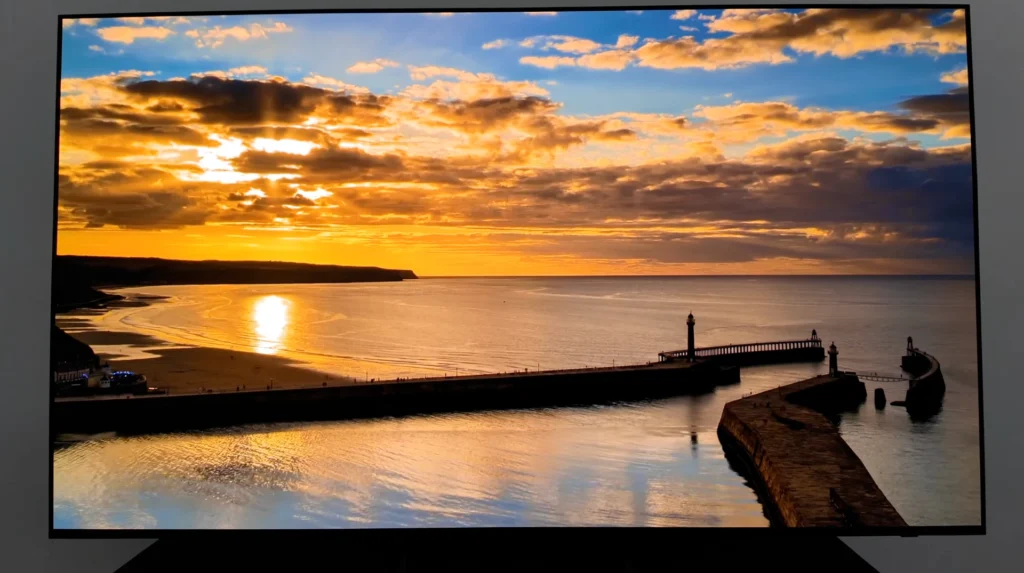
Gaming is another area where the QN90F plays like a premium set. Four full HDMI 2.1 ports and very low input lag make it far easier to run a console, another device, and still keep eARC free without awkward compromises. The only caution is that in game mode, the TV’s zone transitions can be slower, which can reduce black performance compared to its best movie settings.
If you want a Samsung-branded Mini-LED experience without paying QN90F money, the QNX1D is the sensible “around ₹70,000” Neo-QLED option in this list.
Best QLED and LED Tvs
1. Sony BRAVIA 3
Best “safe LED” pick if you want Sony processing (but not a picture upgrade)
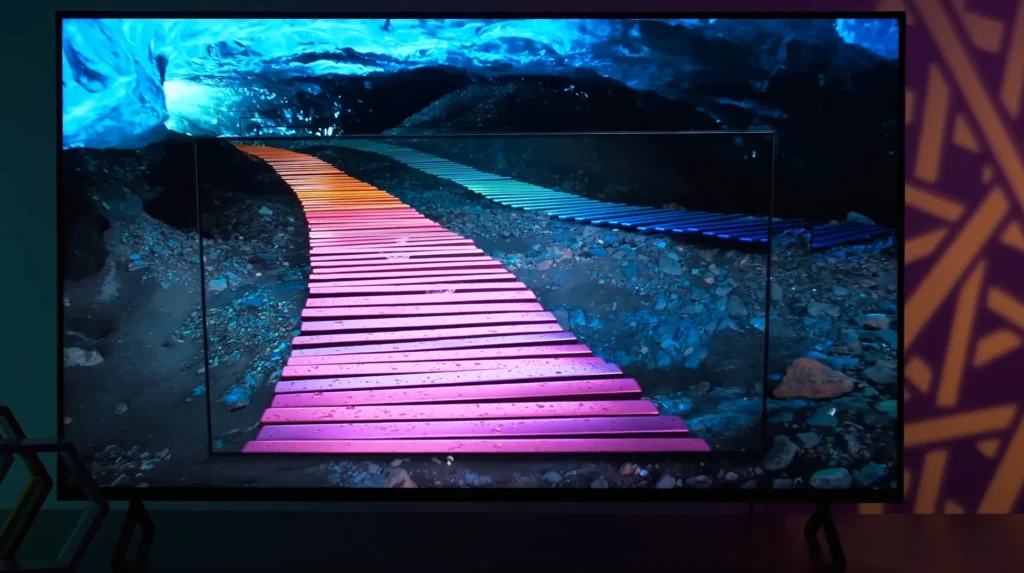
If you want a tidy, mainstream TV for cable channels, YouTube and everyday OTT — and you care more about upscaling and motion than cinematic blacks — the BRAVIA 3 is the Sony that fits the brief. It’s clean and controlled. It’s not dramatic.
| Sony BRAVIA 3 (K-S30 Series) – 55-inch | Details |
|---|---|
| Screen size | 43 inches (also available in 50, 55 and 65 inches) |
| Type | LED LCD |
| Backlight | Standard LED (no local dimming) |
| Resolution | 4K Ultra HD (3840 x 2160) |
| Refresh rate | 60Hz |
| HDR formats | HDR10, HLG, Dolby Vision |
| Operating system | Google TV |
| Connectivity | 4 HDMI (ALLM + eARC/ARC) + 2 USB + Ethernet (LAN) + Wi-Fi + Bluetooth + RF (Antenna/Cable) + Satellite input + Digital Audio Out (Optical) |
| Gaming features | ALLM (no VRR / no HDMI 2.1-class gaming bandwidth) |
| ARC/eARC | eARC/ARC |
| Audio | 20W, 2ch (Bass Reflex) |
| Optical output | Yes (Digital Audio Out) |
Reasons to buy
- Sony’s processing is the reason — upscaling and motion look cleaner than many entry TVs
- A straightforward Google TV experience that most households will find easy to live with
- A safe choice for everyday viewing when you want a balanced picture, not a showroom-style punch
Reasons to avoid
- No local dimming, so dark scenes won’t have the contrast control you get from Mini-LED
- At 55 and 65 inches, it sits in a price zone where Mini-LED delivers a far more obvious upgrade
- Not a “gaming TV” in the modern sense: 60Hz class behaviour and no 4K/120-style setup
The BRAVIA 3 is the classic entry Sony. It wins on how it handles normal content. HD channels and older material can look tidier than you expect, and motion tends to feel a bit more disciplined than on many value TVs. If your household watches a lot of regular TV, that matters more than most spec lists will admit.
Read More
That said, it’s not the model you buy for black levels and HDR punch. With no local dimming, night scenes don’t get that controlled contrast you see on the Mini-LED TVs above — blacks lift, and dark scenes can take on that grey look that budget LED TVs struggle to avoid. So while it can look pleasant and well-balanced, it won’t give you that “cinema” feeling in a dark room.
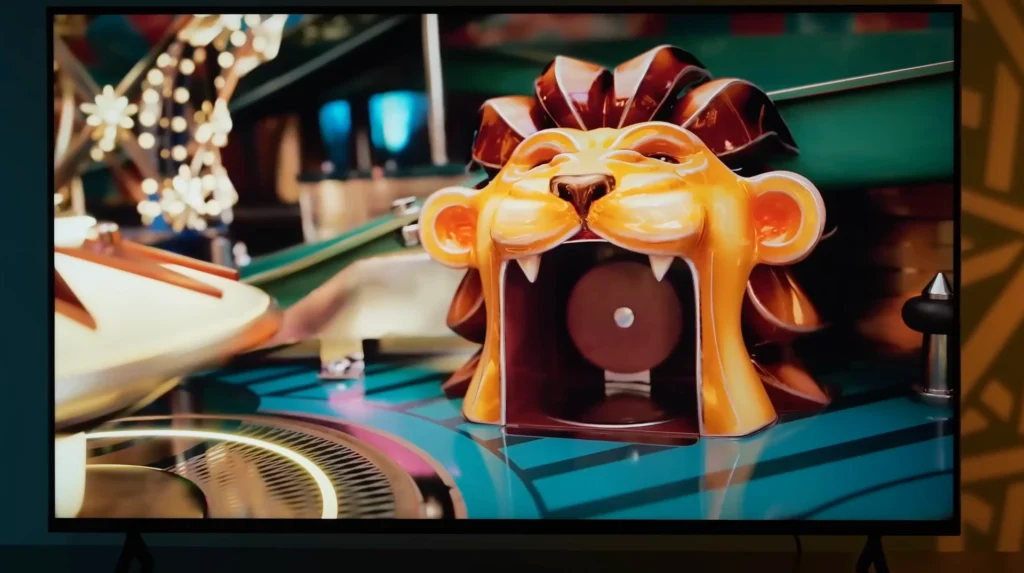
The value question becomes unavoidable at 55 and 65 inches. Around ₹68,000 and ₹87,000 is exactly the territory where Mini-LED starts making a much stronger case, because it gives you deeper blacks, more HDR impact and better control in difficult scenes. If you’re spending this sort of money mainly for movies and OTT, it’s hard to justify BRAVIA 3 over the Mini-LED picks we’ve already covered.
2. Samsung Vision AI QLED
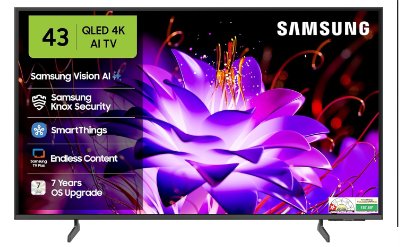
Best budget QLED for most buyers (and the main 43-inch anchor)
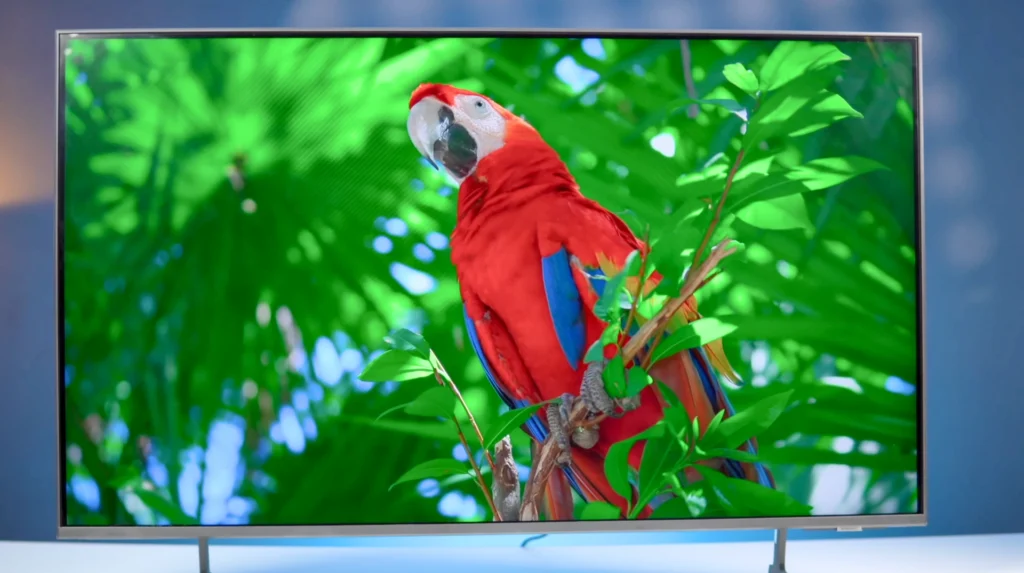
If your goal is simple — a reliable 4K smart TV with strong app support, good colours, and a brand people are comfortable buying — the QEF1A is the straightforward choice in the entry QLED bracket. It’s also one of the few popular lines where the 43-inch model actually makes sense for “around ₹30,000” buyers.
| Samsung QEF1A (QEF1 Series) – 43/55-inch | Details |
|---|---|
| Screen size | 43 inches (also available in 55 and 65 inches) |
| Type | QLED LCD |
| Backlight | Standard LED (not Mini-LED) |
| Resolution | 4K Ultra HD (3840 x 2160) |
| Refresh rate | 50Hz |
| HDR formats | HDR10+, HDR10, HLG |
| Operating system | Tizen Smart TV |
| Connectivity | 3 HDMI (with eARC) + 1 USB-A + Ethernet (LAN) + Wi-Fi 5 + Bluetooth 5.3 + RF In |
| Gaming features | ALLM, HGiG, Game Bar / Game Mode tools |
| ARC/eARC | eARC |
| Audio | 20W output |
Reasons to buy
- The safest “entry 4K QLED” pick with a polished smart TV experience
- Strong colour volume for the price, so it looks lively for everyday viewing
- The 43-inch model is a genuine budget sweet spot for small rooms and first-time buyers
Reasons to avoid
- This is still a basic QLED: blacks won’t look as deep as Mini-LED, and dark scenes can look grey in a dim room
- 60Hz panel class, so it’s not the right choice if your priority is 120Hz gaming or very fast sports clarity
The QEF1A is the sort of TV that wins on “normal usage”. News, cable content, YouTube and OTT all look clean and colourful, and the day-to-day experience is smooth and familiar. That’s exactly why it works so well as a safe recommendation in the budget bracket, especially at 43 inches where most buyers just want a dependable smart TV that doesn’t feel sluggish.
That said, you need to be clear about what this is and what it isn’t. It’s not a Mini-LED TV. So when you watch dark scenes — night sequences, space shots, dimly lit movies — you won’t get that controlled contrast you see on the better Mini-LED models above. Blacks will look more like dark grey, and HDR impact depends more on overall brightness than on proper backlight zone control.
3. LG QNED 8A
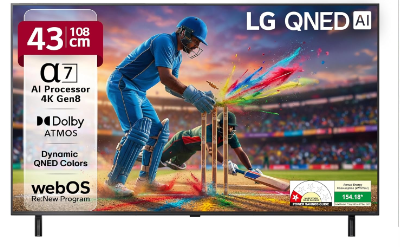
Best “premium 43-inch” option if you specifically want LG webOS (but skip it at 55/65)
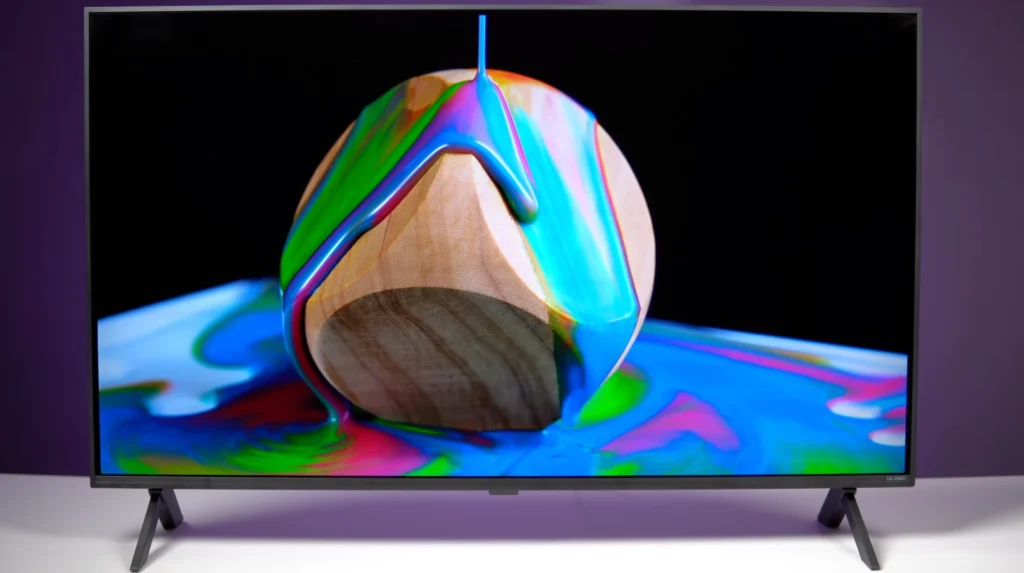
If you want a 43-inch TV that feels more “mainstream” than the entry QLEDs, and you specifically want LG’s webOS experience, the QNED 8A is the clean option. The value only works in one size, though.
| LG QNED 8A – 43-inch | Details |
|---|---|
| Screen size | 43 inches (also available in 55 and 65 inches) |
| Type | QNED (LCD) |
| Backlight | Standard LED (local dimming) |
| Resolution | 4K Ultra HD (3840 x 2160) |
| Refresh rate | 60Hz native |
| HDR formats | HDR10, HLG |
| Operating system | webOS 25 |
| Connectivity | 3 HDMI + 2 USB + Ethernet (LAN) + Wi-Fi + Bluetooth + RF (Antenna/Cable) + Optical (SPDIF) + Satellite input |
| Gaming features | ALLM, Game Optimizer / Game Dashboard |
| ARC/eARC | Not specified |
| Audio | 20W output, Dolby Atmos |
| Optical output | Yes (SPDIF) |
Reasons to buy
- Cleaner “family TV” behaviour than many cheap QLEDs for everyday viewing
- A sensible pick for small rooms where 43 inches is the size that actually fits
Reasons to avoid
- Not Mini-LED, so don’t expect deep blacks or controlled contrast in dark scenes
- 60Hz class TV, so it’s not the right choice for 120Hz gaming expectations
- At 55 and 65 inches, the pricing sits too close to far better value options
The QNED 8A makes the most sense in one situation: you want 43 inches, you want a mainstream brand, and you want the LG smart TV experience. In that use-case, it’s a tidy, straightforward TV that looks clean and colourful for news, YouTube and OTT, and it feels familiar to live with day to day.
Read More
That said, you need to be clear about what you’re paying for. This isn’t a Mini-LED QNED. So if your expectation is “better blacks” and “proper HDR punch”, that’s not what this model is built to deliver. Dark scenes will still look more like dark grey than true black, and the overall HDR impact depends more on basic brightness than on backlight control.
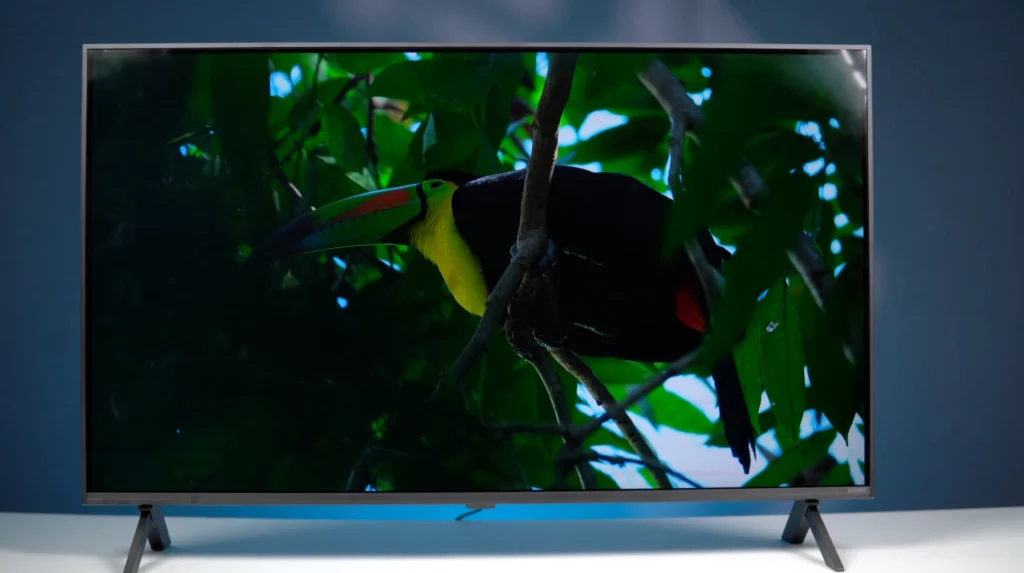
The bigger issue is value for money once you leave 43 inches. At around ₹64,000 for 55 inches and ₹90,000 for 65 inches, it’s very hard to recommend this model when Mini-LED options deliver a more obvious upgrade in real movies — and when OLED sale pricing can sometimes sit uncomfortably close by. In those sizes, you’re paying premium money for a standard-backlit TV, and the picture jump doesn’t justify it.
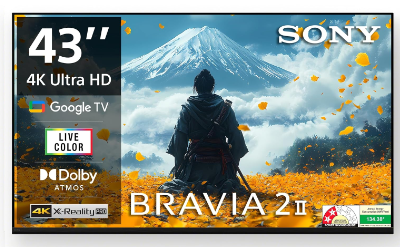
4. Sony BRAVIA 2M2
Best cheapest Sony Google TV option (but only really makes sense at 43 inches) (S22BM2)
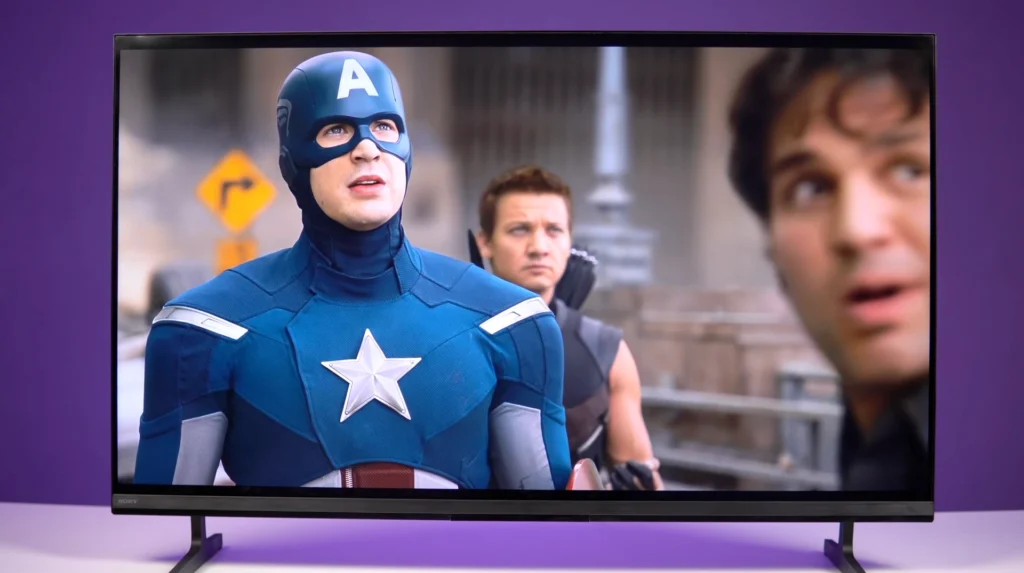
If you want the lowest-priced Sony 4K Google TV that still feels familiar and tidy for everyday viewing, the BRAVIA 2M2 is the entry point. The value is all about the size, though.
| Sony BRAVIA 2M2 – 43-inch | Details |
|---|---|
| Screen size | 43 inches (also available in 50, 55 and 65 inches) |
| Type | LED LCD |
| Backlight | Standard LED (no local dimming) |
| Resolution | 4K Ultra HD (3840 x 2160) |
| Refresh rate | 60Hz |
| HDR formats | HDR10, HLG |
| Operating system | Google TV |
| Connectivity | 4 HDMI (ALLM + eARC/ARC) + 2 USB + Ethernet (LAN) + Wi-Fi + Bluetooth + RF (Antenna/Cable) + Digital Audio Out |
| Gaming features | ALLM |
| ARC/eARC | eARC/ARC |
| Audio | 20W, 2ch (Open Baffle) |
| Optical output | Not specified |
Reasons to buy
- The cheapest route to a Sony-branded 4K Google TV
- Clean, familiar day-to-day experience for cable, YouTube and OTT
- At 43 inches, it can make sense if you specifically want Sony and don’t want to stretch
Reasons to avoid
- No local dimming, so dark scenes won’t have the contrast control you get from Mini-LED
- At 55 inches and above, better TVs exist for the same money, with a far more obvious picture upgrade
- It’s a basic 60Hz class TV, so don’t buy it expecting modern 120Hz gaming behaviour
The BRAVIA 2M2 is a simple TV with a simple appeal: it gets you into a Sony 4K Google TV at the lowest price. For everyday viewing — news, cable channels, YouTube and general OTT — it can look clean and controlled, and the interface experience is familiar for most households.
Read More
That said, picture fundamentals are still budget LED fundamentals. With no local dimming, blacks lift in dark-room scenes, and you don’t get that Mini-LED-style contrast control that makes movies look genuinely cinematic. So it’s fine for everyday viewing, but it’s not a “movie upgrade” TV.
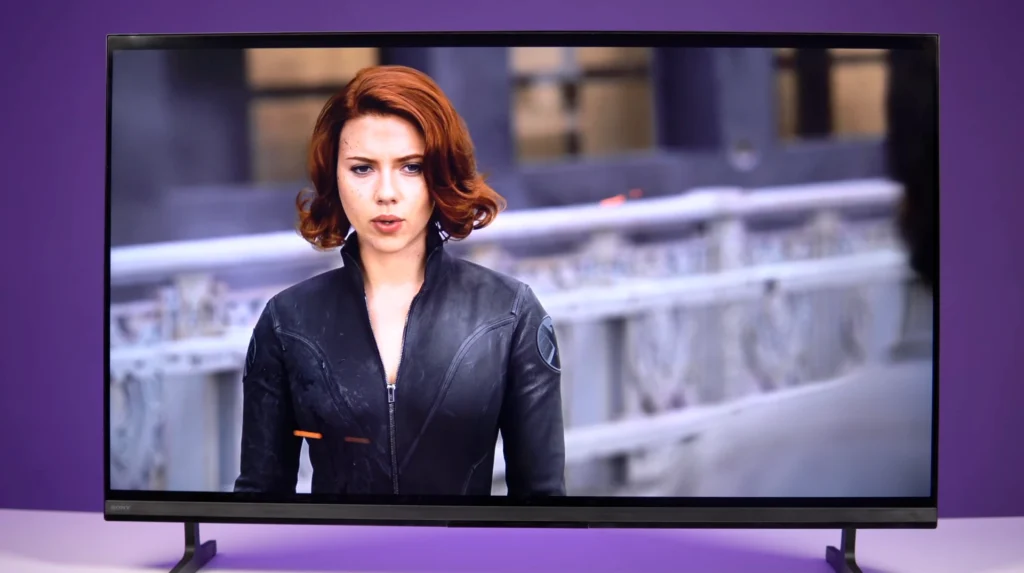
At around ₹55,000 for 55 inches and ₹75,000 for 65 inches, you’re sitting in the exact zone where Mini-LED models deliver a much bigger upgrade — deeper blacks, better HDR impact, and more controlled dark scenes. In those sizes, paying for the Sony badge makes far less sense.
All told, keep BRAVIA 2M2 on your list only as the “cheapest Sony Google TV” pick, mainly at 43 inches. If you’re buying 55 or 65 inches, it’s the one to skip, because better TVs exist at the same price.
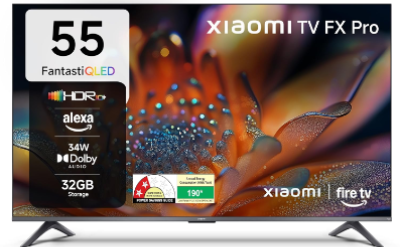
5. Xiaomi FX Pro QLED
Best ultra-budget big-screen pick (but keep expectations realistic)
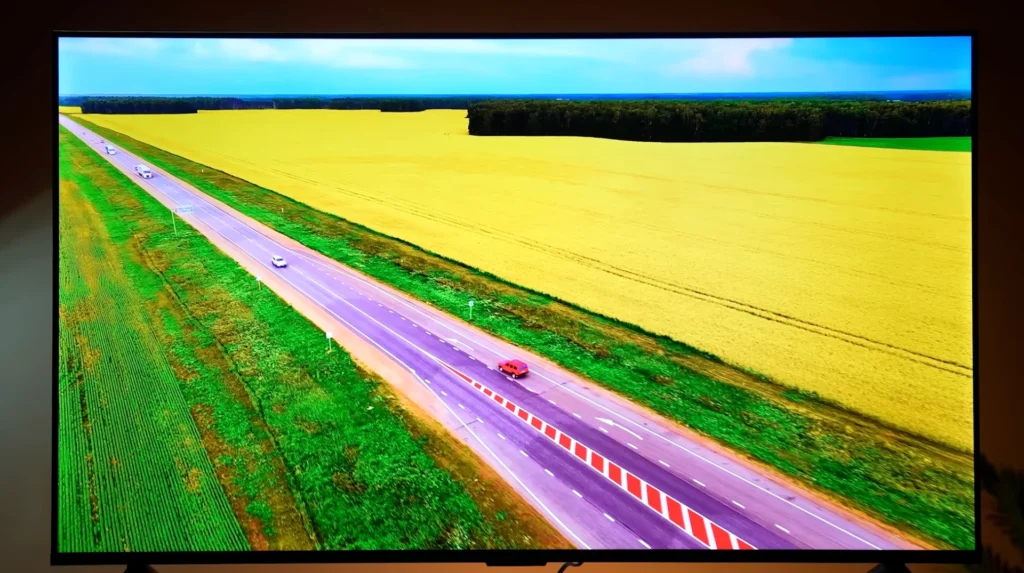
If your priority is size first and you want a 4K QLED at the lowest possible money, the FX Pro is the model that makes the numbers look almost unreal. It’s the “55-inch for entry pricing” pick. It’s not the “best picture” pick.
| Xiaomi FX Pro QLED – 55-inch | Details |
|---|---|
| Screen size | 55 inches (also available in 43 inches) |
| Type | QLED LCD |
| Backlight | Standard LED (not Mini-LED) |
| Resolution | 4K Ultra HD (3840 x 2160) |
| Refresh rate | 60Hz |
| HDR formats | HDR10+, HDR10, HLG |
| Operating system | Fire TV built-in |
| Connectivity | 3 HDMI + 2 USB + Wi-Fi + Bluetooth |
| Gaming features | Not specified |
| ARC/eARC | Not specified |
| Audio | 34W output, Dolby Audio, DTS:X, DTS Virtual:X |
| Optical output | Not specified |
Reasons to buy
- The price is the whole point — a 55-inch 4K QLED in entry territory
- Bright, colourful picture for daytime viewing, YouTube and general OTT
- A simple way to go big without stretching your budget
Reasons to avoid
- Blacks lift in dark scenes, so movies won’t look cinematic in a dim room
- HDR impact and highlight control are limited compared to the Mini-LED and OLED models above
- It’s a basic 60Hz class TV, so don’t buy it for fast gaming expectations
At around ₹32,000 for 55 inches, the FX Pro wins before you even switch it on. For everyday viewing in a normal living room, it can look lively and punchy, and for many households that’s exactly what matters.
Read More
Dark scenes don’t stay truly dark, blacks lift, shadow detail looks flatter, and the picture can take on that grey look that budget LED/QLED TVs often struggle to avoid. So if your main usage is movies at night, it’s not going to give you the “cinema” feeling the better Mini-LED and OLED models deliver.
All told, the Xiaomi FX Pro QLED earns its place as the “big screen for the least money” option. If you want the best picture in this budget, you should spend more. If you want a 55-inch 4K TV at entry pricing, this is the place to start.
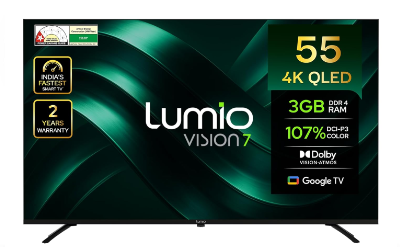
6. Lumio Vision 7
Best budget QLED with Google TV (and the cleanest alternative to Fire TV at this price)
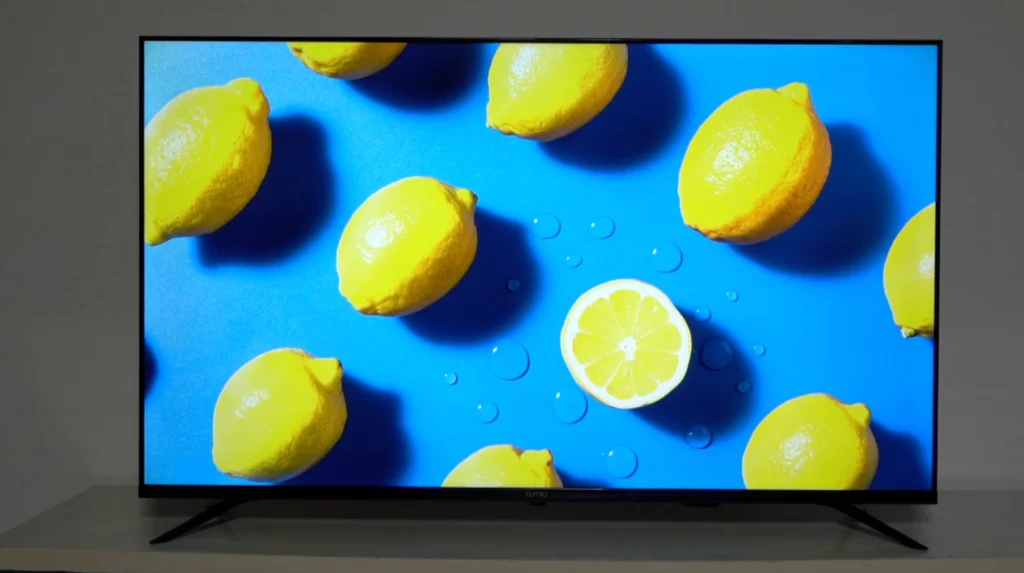
If you want a cheap 4K QLED but you don’t want the cheapest “just buy it for size” option, the Lumio Vision 7 is the budget pick that makes sense mainly because of the day-to-day experience. Google TV is the big reason.
| Lumio Vision 7 – 55-inch | Details |
|---|---|
| Screen size | 55 inches (also available in 43 inches) |
| Type | QLED LCD |
| Backlight | Standard LED (not Mini-LED) |
| Resolution | 4K Ultra HD (3840 x 2160) |
| Refresh rate | 60Hz |
| HDR formats | Dolby Vision, HDR10, HLG |
| Operating system | Google TV |
| Connectivity | 3 HDMI (HDMI 2.1, 1 with eARC) + 3 USB (1 USB 3.0 + 2 USB 2.0) + Ethernet (LAN) + Wi-Fi (dual band) + Bluetooth 5 + Optical (Digital Audio Out) + 3.5mm audio out + AV in |
| Gaming features | ALLM |
| ARC/eARC | eARC (on one HDMI 2.1 port) |
| Audio | 30W output (quad driver), Dolby Atmos |
| Optical output | Yes (Digital Audio Out – Optical) |
Reasons to buy
- Google TV at entry pricing — Fast, Simple, familiar, and easy to live with
- Bright, colourful QLED look for everyday viewing and OTT
- Strong value at 55 inches if you don’t want to stretch into the ₹40–₹50K bracket
Reasons to avoid
- It’s still a basic backlit QLED, so blacks lift in dark scenes
- 60Hz class behaviour, so it’s not built for 120Hz gaming expectations
- If your priority is movies at night, Mini-LED is the upgrade that actually changes the experience
The Vision 7 is best understood as the step above the absolute cheapest big-screen buys. Compared to the Xiaomi FX Pro, you’re paying a bit more and getting a more familiar Google smart TV experience which is Lag Free and smooth. That matters, because you’re going to live in the interface every single day.
Read More
This is a value QLED for normal viewing, news, YouTube, daytime OTT — not a TV that suddenly makes movies look cinematic in a dim room.
All told, Lumio Vision 7 earns its place as the “budget QLED with Google TV” pick, especially at 55 inches around ₹36,000. If you want the cheapest big screen, Xiaomi still wins. If you want the better day-to-day experience at a small step-up price, this is the one.
TV Buying Guide in India (2026)
Core display basics (what actually changes the picture)
OLED delivers the best picture quality and black levels, but it’s expensive. It doesn’t need local dimming because each pixel turns on and off independently. That’s how you get perfect blacks, infinite contrast, wide viewing angles and that effortless “cinema” look in dark scenes. The trade-off is brightness comfort in bright rooms. OLED can still look excellent in a normal living room, but if you have harsh daylight hitting the screen for long hours, a strong Mini-LED often feels more effortless.
LED is basically an LCD panel with an LED backlight. It’s budget friendly and it can look fine in bright content, but black levels are weaker. In many standard LED TVs, the backlight stays on even during dark scenes, so blacks lift and look grey. That’s why a TV can look lively in daytime content and still look flat the moment the scene goes dark.
Local dimming is what changes that. Instead of keeping the whole backlight on, the TV can dim parts of it during dark scenes — night skies, dim movie sequences — while keeping highlights bright. The more precise the dimming, the more the picture feels controlled. And the less you notice the TV “struggling” with dark content.
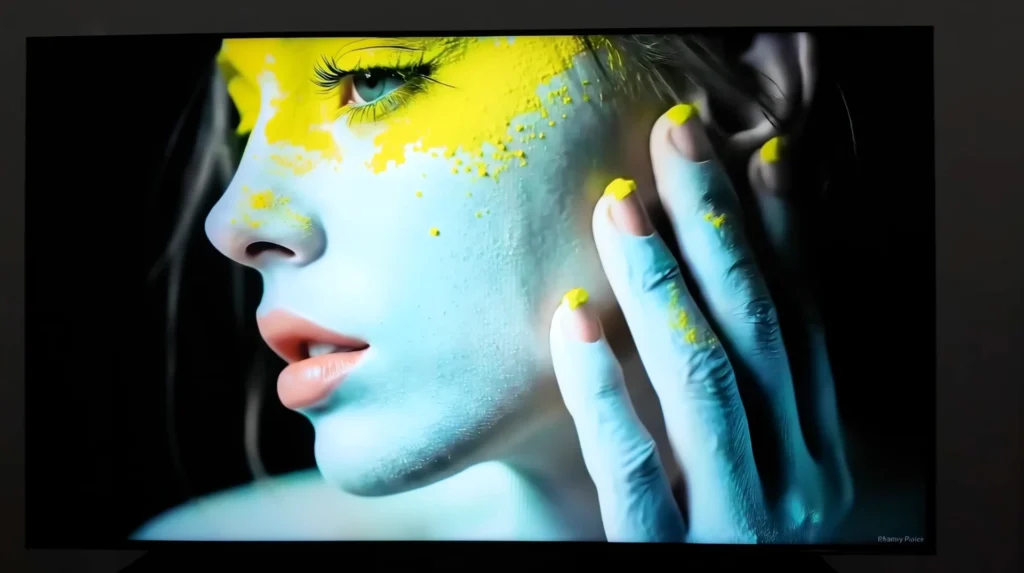
Mini-LED is the best version of local dimming in this category. It uses lots of tiny LEDs grouped into zones, which lets the TV control brightness more precisely. Done well, Mini-LED gives you deep blacks, strong HDR impact and far better contrast control than standard QLED/LED. In a bright Indian living room, this is often the category that gives the most obvious upgrade for the money.
QLED is still an LED TV (LCD + backlight), but with a quantum dot layer to improve brightness and colour volume. That’s why QLED can look punchy and colourful for everyday viewing. The limitation is contrast. If the TV doesn’t have strong local dimming, blacks still lift in dark scenes. So QLED without proper dimming doesn’t behave like Mini-LED, and it definitely doesn’t behave like OLED.
QNED is LG’s branding. Some QNED models are standard LED, and some are Mini-LED. So don’t buy a QNED name expecting Mini-LED performance unless the model is actually Mini-LED.
Refresh rate (when 60Hz is fine, and when it isn’t)
60Hz is enough for normal viewing. News, cable channels, YouTube, most OTT — all fine. Films are usually 24fps, and a good TV can make 24fps content look smooth without turning it into soap opera.
That said, 60Hz has limits. Fast pans, scrolling text, sports movement — this is where you start noticing motion blur and loss of clarity. Some TVs try to fix it with motion processing, but push it too far and you get that artificial look.
120Hz or 144Hz is the upgrade you actually feel if you watch fast sport (F1) or you game seriously. Motion looks cleaner, response feels sharper, and high-frame-rate gaming finally makes sense. If you own a PS5/Xbox and you care about smoothness, this is the spec that matters.
HDR formats (what the logos mean, and what actually matters)
HDR formats are instructions. They don’t create HDR by themselves.
HDR10 is the base format. Dolby Vision and HDR10+ can give the TV scene-by-scene guidance, which can help tone mapping look more controlled. HLG matters for broadcast-style HDR.
That said, the logo is not the deciding factor. Hardware is.
A budget TV can support Dolby Vision and still look flat because it can’t get bright enough, or it can’t control its backlight properly. A strong Mini-LED with good dimming can make HDR look far more “real” than a cheap TV with every HDR badge on the box.
So when you judge HDR, look at three things first:
- brightness
- contrast control (local dimming, or OLED pixel control)
- processing and tone mapping
Get those right, and HDR looks like HDR. Miss them, and the format list won’t save it.
TV processor and upscaling (why some TVs look “clean” on cable)
Most regular content isn’t true 4K. A lot of it is 1080p, and plenty of cable content is worse. So your TV is constantly upscaling.
This is where a good processor shows up in real life: cleaner edges, less noise, better texture, and motion that looks more stable. It’s also why some TVs make HD channels look tidy while others look soft or messy. If your home watches a mix of cable and OTT, processing isn’t a small detail. It’s a daily-use advantage.
Operating system (Hardware decides smoothness)
Google TV has strong app support and casting. But whether it feels smooth depends heavily on the TV hardware. In budget TVs, fewer apps and less clutter genuinely helps the experience.
webOS is clean and generally reliable day to day.
Tizen is fast and polished, and it tends to feel very refined in normal use.
Fire TV can be fine, but it often pushes Prime Video heavily. If you want a cleaner general experience, Google TV usually feels more neutral.
Ports (what you should check before buying)
HDMI matters most.
- HDMI 2.0 = 4K/60Hz (fine for normal viewing)
- HDMI 2.1 = 4K/120Hz (important for PS5/Xbox and serious gaming)
If you don’t game, HDMI 2.0 is fine. If you do, HDMI 2.1 is the difference between “it works” and “it works properly”.
LAN is still the most reliable way to stream without random buffering.
eARC matters if you want proper audio output to a soundbar or home theatre. One HDMI port usually becomes the eARC port, so also think about how many devices you’ll connect.
Audio (what matters, what doesn’t, and what to check)
Most TVs sound thin because the cabinet is thin. That’s not a brand problem. That’s physics.
So don’t buy on wattage. 20W vs 30W vs 40W mostly tells you how loud it can get. It doesn’t tell you whether dialogue is clear, whether the sound feels like it’s coming from the screen, or whether action scenes have any weight.
Here’s what actually matters:
Speaker placement
- Down-firing speakers are common in budget TVs. They can sound fine, but dialogue often feels like it’s coming from below the screen.
- Front-firing speakers (or a proper front grille / soundbar-style layout) usually project voices better and feel more direct. If you see a TV that clearly prioritises front output, that’s a genuine advantage.
Channel layout
- 2.0 is the basic tier. Fine for news and casual viewing.
- 2.1 is the useful step-up, because you get a dedicated low-end driver. This is where sound starts feeling less “flat”.
- Anything beyond that is usually premium territory and can sound better by TV standards, but it still won’t replace a real sound system.
Dialogue clarity (the thing most people care about)
Look for simple features that help voices stay clear at low volume. A good TV keeps dialogue intelligible without turning the sound sharp or shouty. That matters more than any Atmos badge.
eARC if you plan to upgrade sound later
If you’ll add a soundbar or home theatre, eARC is the port that makes life easy. It’s the difference between “it works” and “it works properly”.
All told, built-in sound can be decent by TV standards, but if movies matter to you, a soundbar is still the upgrade that changes the experience the most.
Size guide (simple, practical, and based on distance)
The right TV size depends on how far you sit. That’s the starting point.
Use these distances as a practical guide:
- 43-inch → about 1.3m / 4.3ft
- 50-inch → about 1.5m / 5ft
- 55-inch → about 1.7m / 5.5ft
- 65-inch → about 2.0m / 6.5ft
- 75-inch → about 2.3m / 7.5ft
- 85-inch → about 2.6m / 8.5ft
Pick size based on seating distance first. Then buy the best contrast control and processing you can afford in that size. That’s the decision order that avoids regret.
